
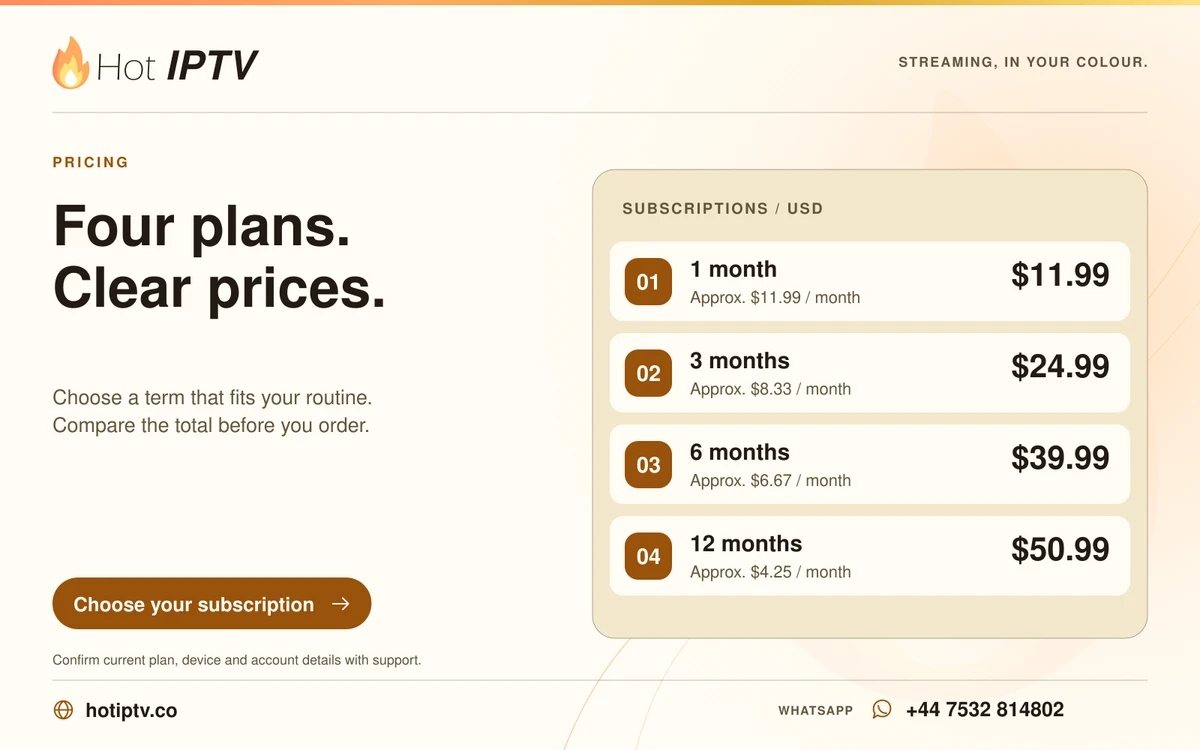
Start from the known hotiptv.co website and check the selected plan, total and currency. The website order form prepares a WhatsApp enquiry; it is not itself a completed payment. Confirm the final payment instructions through the established support conversation.
What matters here
An order link with a duration in its address is only a selection convenience. Read the visible selection before proceeding, especially if a link was copied from a message. Never assume an unfamiliar external payment destination is authentic because it displays the brand name.
Work through these checks
- Open the plan page directly from the website navigation.
- Compare the selected term and total with the pricing page.
- Review the enquiry text before sending it yourself.
- Retain the payment confirmation and account activation message.
Avoid this mistake
Do not interpret a prepared message, opened chat or submitted enquiry as proof that a payment has succeeded.
How to judge the result
A completed purchase should have a matching receipt and explicit service confirmation, not merely a visited checkout URL.
Keep reading
Published 29 October 2026 · Hot IPTV editorial team · How we write and update guides