
Watch on your device
Find a player that works with your television, streaming stick, phone or computer.
Explore guideCompare four subscription terms, learn how the reseller panel works, and get setup help for the devices you use.

At a glance
Explore pricing, assess compatible players and get answers with no invented ratings or unsupported channel totals.
Find a player that works with your television, streaming stick, phone or computer.
Explore guideCompare the four USD terms using the same plan information on every page.
Explore guideReview euro credit packages and practical client management guidance.
Explore guideUse step-by-step checks to narrow down network, account and player problems.
Explore guideA better first decision
Start with the device you actually use. Find a compatible player, confirm its login method, and check whether it carries a separate activation fee. Next, ask about the exact content you need in your region. A familiar logo or poster is never a substitute for a current lineup check.
Once the basics work, choose the length of subscription that fits your budget. The one-month term keeps your initial commitment small; longer terms reduce the effective monthly price. Ask support about concurrent screens and renewal rules.
Visual guide
These supplied brand images are illustrative research references, not a statement of affiliation, licensing or a confirmed Hot IPTV lineup.











Viewing experience
Each feature guide distinguishes player settings, account limits and what depends on available streams.
An EPG maps channel schedules to the live channel list.
Explore guideCatch-up can replay eligible broadcasts after they air.
Explore guideFavorites shorten the route to channels you watch regularly.
Explore guideA player PIN can restrict access to selected categories.
Explore guideHigher resolutions require both a compatible stream and a suitable screen.
Explore guideA stable connection matters more than headline speed during peak use.
Explore guideYou can set up compatible players on several device families.
Explore guideSome streams expose alternative language tracks and captions.
Explore guideKeeping subscription details private reduces unauthorized use.
Explore guidePause, seek and resume behavior varies by live stream and player.
Explore guideSearch can help find a programme when the source provides usable metadata.
Explore guideMovies and series are browsed separately from live channel groups.
Explore guideClear numbers
Find your interests
News, film, sport and international interests are easier to evaluate when you know which specific categories matter.
Schedule, locality and source reliability matter most for news viewing.
Explore guideCheck category organization and whether titles are actually available.
Explore guideProgramme guide metadata makes topic discovery easier.
Explore guideUse device and player parental controls together.
Explore guideVerify availability and rights for the event and your region.
Explore guideMatch times, league rights and local blackouts can vary.
Explore guideConfirm the specific event and language feed before race day.
Explore guideLook at region-specific event availability and scheduling.
Explore guideSpecific broadcasters, rights, events and titles depend on region and current access. Ask for the exact lineup you need.
Visual guide
Artwork from the supplied reference files illustrates browsing; it does not confirm any title is included.















Subscription pricing
These USD prices match the main pricing page in the supplied Hot IPTV site. Final availability and payment method are confirmed with support.
A short term to test your regular viewing routine.
$11.99 / term
Check supported streams, device limits and account details before paying.
Review this planA quarterly term for viewers who have already checked their device.
$24.99 / term
Check supported streams, device limits and account details before paying.
Review this planA longer term with fewer renewals during the year.
$39.99 / term
Check supported streams, device limits and account details before paying.
Review this planThe lowest effective monthly price among the listed subscription terms.
$50.99 / term
Check supported streams, device limits and account details before paying.
Review this planReseller packages
The original reseller prices are shown in EUR. Confirm credit conversion and package inclusions before purchase.
A smaller opening credit package.
€199 / package
Credit use, bonus terms and panel features need confirmation before payment.
Review this planA larger package for a growing client list.
€499 / package
Credit use, bonus terms and panel features need confirmation before payment.
Review this planA bulk credit package for established operations.
€999 / package
Credit use, bonus terms and panel features need confirmation before payment.
Review this planVisual guide
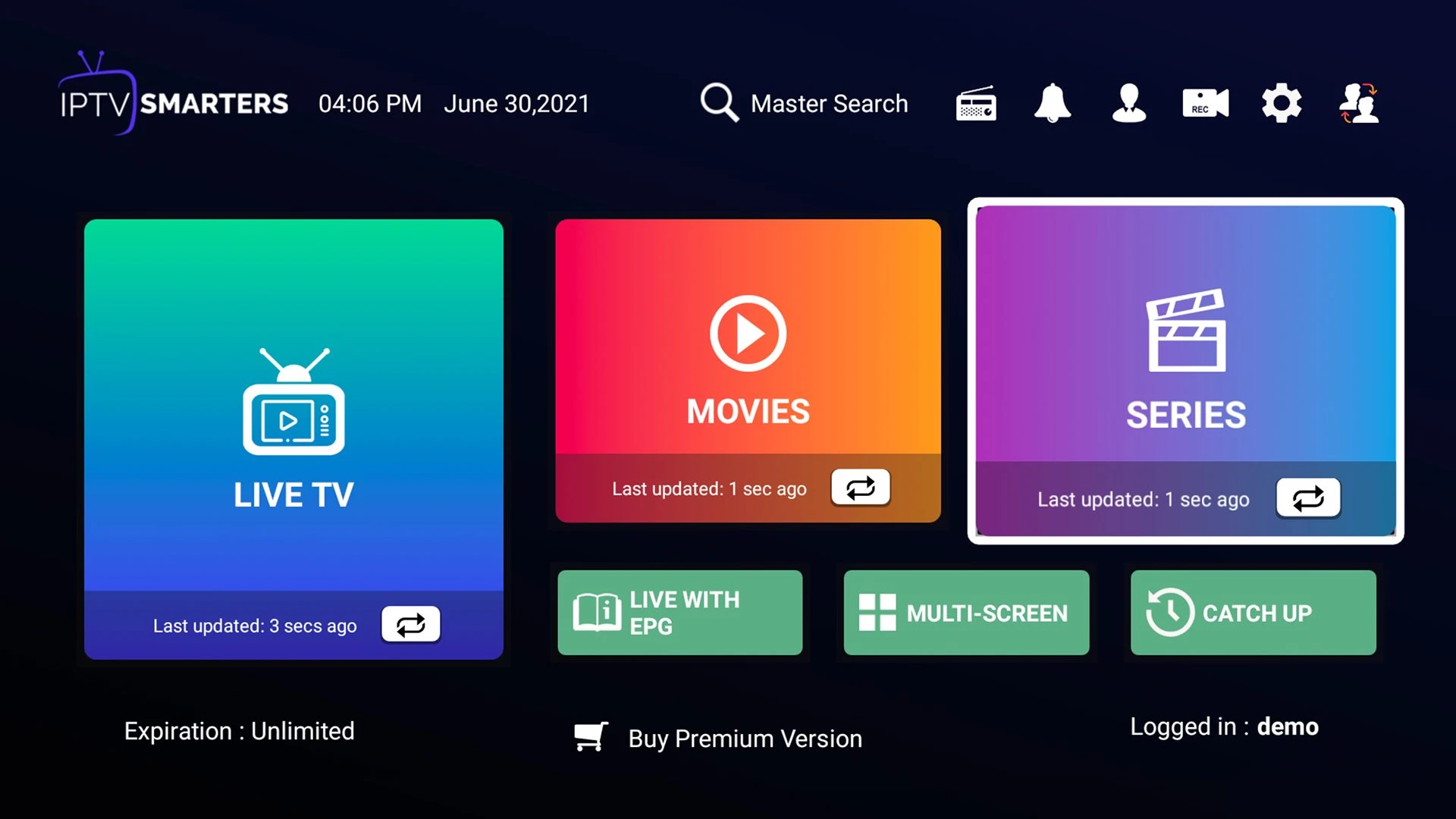
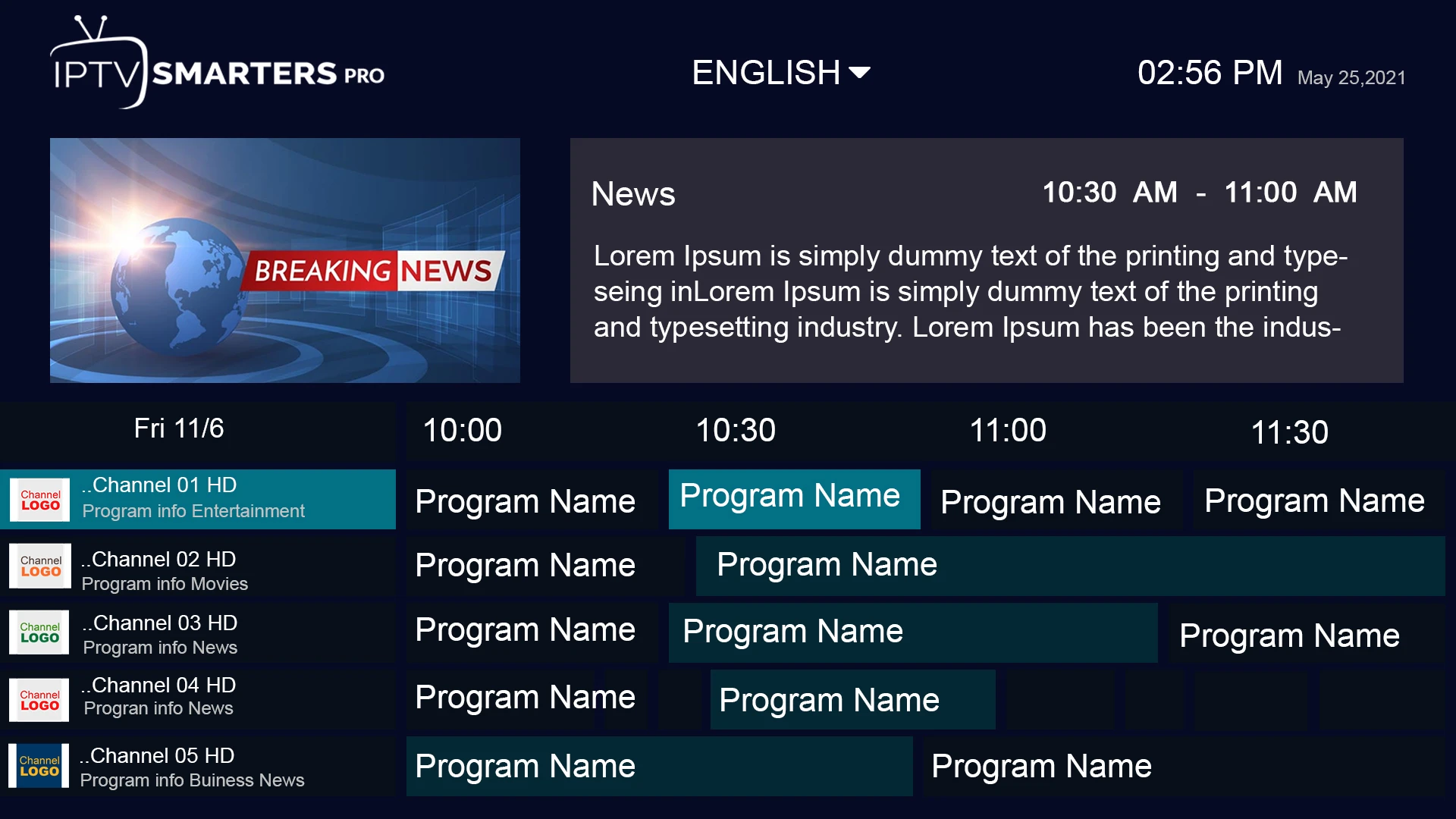
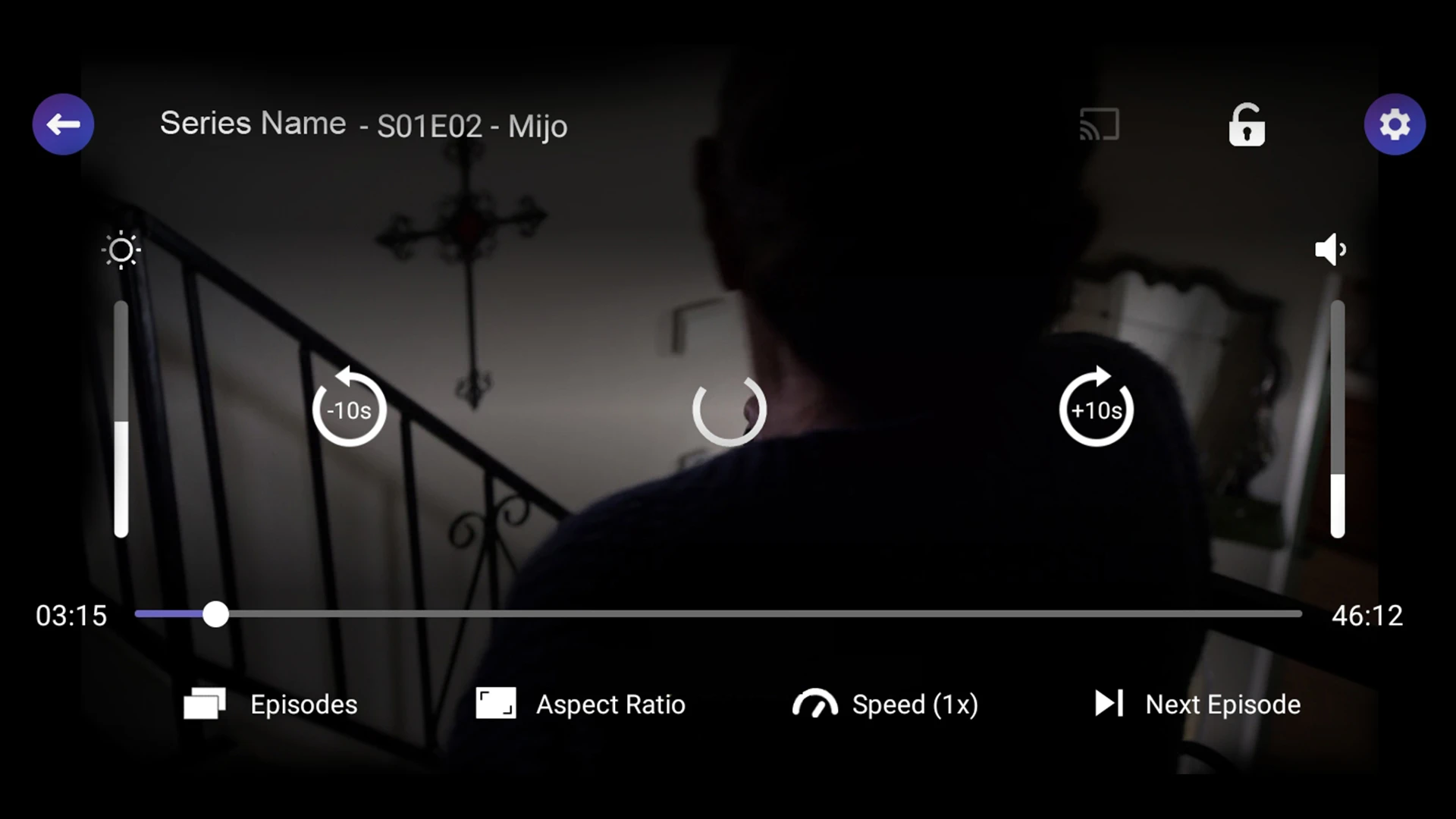
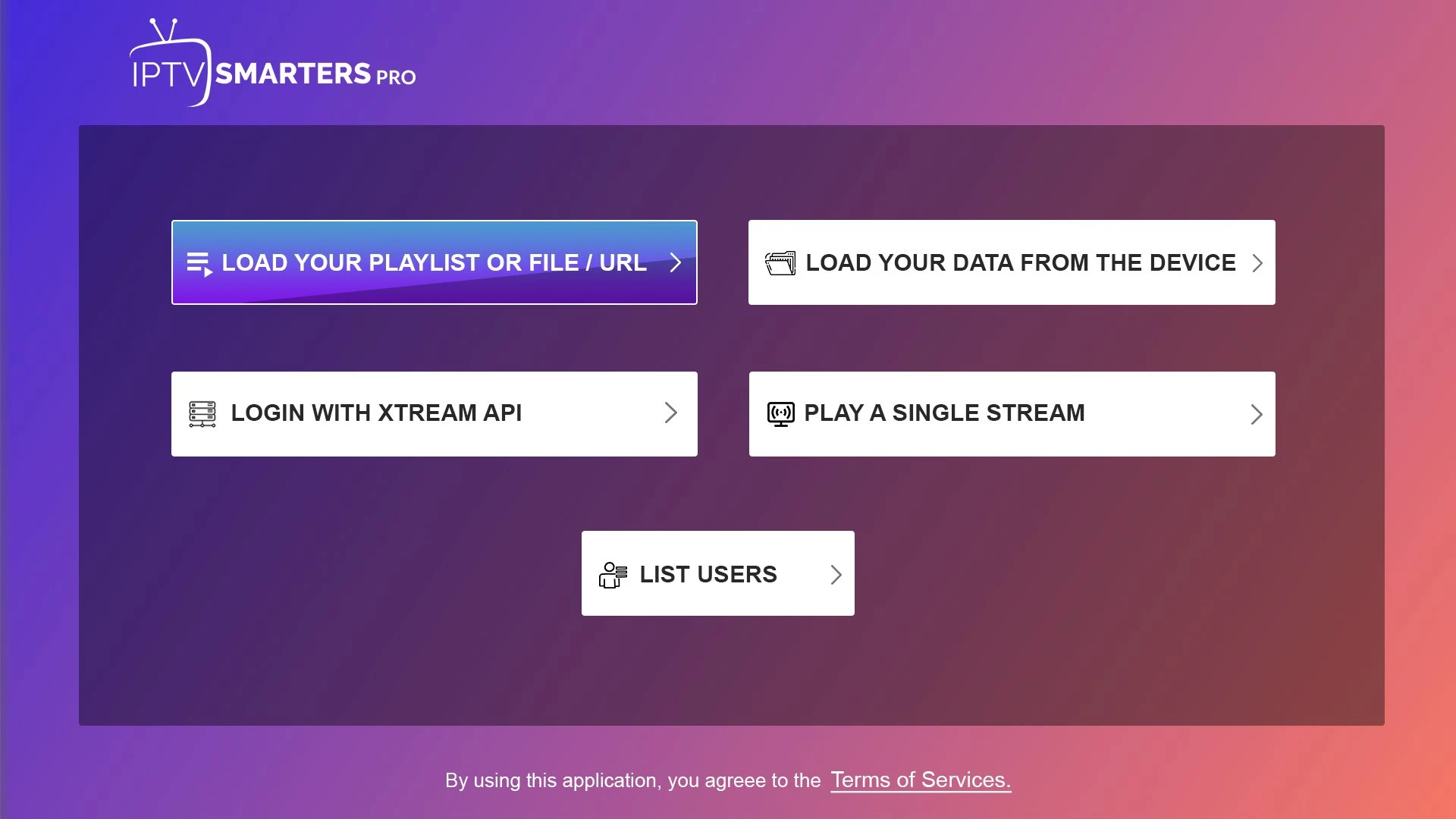
Reference screenshots help explain common player controls. App versions and actual Hot IPTV access screens may differ.
Operational guidance
Playback depends on an account, a compatible app, a stable connection and the chosen content. Our guides explain each part so you can describe an issue clearly and find the right next step.

Helpful answers
Answers depend on device, plan and current availability.
Start with your device and a short plan if you have not tested the player or connection. The listed terms are 1, 3, 6 and 12 months.
Many Smart TVs can run a compatible IPTV player, but app availability depends on model, year, platform and region. Check your TV's app store first.
A subscription and an IPTV player are different products. Choose a compatible player and confirm whether the app charges its own activation fee.
No resolution label guarantees every stream is available in 4K. Source quality, device decoding, screen capability and network stability all matter.
Ask support for the simultaneous stream limit of the exact plan before ordering. Installing a player on several devices does not change the account limit.
The original reseller page lists 100, 300 and 1,000 credit packages. Ask support how each term uses credits and whether any bonus terms still apply.
Contact support with your country and the channels or events you need. Channel artwork on this site is illustrative and is not a current availability guarantee.
Test another channel, measure speed on the viewing device, try a wired connection and record the time. Our troubleshooting guides give more detailed steps.
Ask support whether a compatibility trial is currently offered, its length, and which device and channel categories it covers.
Read the refund policy for first-time purchase eligibility and exclusions, then contact support with your order details within the stated period.
These pages show the plan and open a direct support enquiry. Confirm accepted payment methods and the final charge with support before making a payment.
No. Hot IPTV is presented here as a subscription website. Independent third-party player apps have their own publishers, activation fees and terms.
The guide library
Practical articles covering devices, plan choices, picture quality and reseller operations.
A practical look at reduce game-time wi-fi traffic for live event planning: what to check, how to test it and when to contact support.
Explore guideA practical look at choose a sports-friendly player for live event planning: what to check, how to test it and when to contact support.
Explore guideA practical look at check a region blackout for live event planning: what to check, how to test it and when to contact support.
Explore guideA practical look at compare audio commentary for live event planning: what to check, how to test it and when to contact support.
Explore guideA practical look at report a live stream fault for live event planning: what to check, how to test it and when to contact support.
Explore guideA practical look at plan a backup viewing option for live event planning: what to check, how to test it and when to contact support.
Explore guideTalk to a real person
Tell us your device, location and the plan you are considering. Ask about current availability before paying.