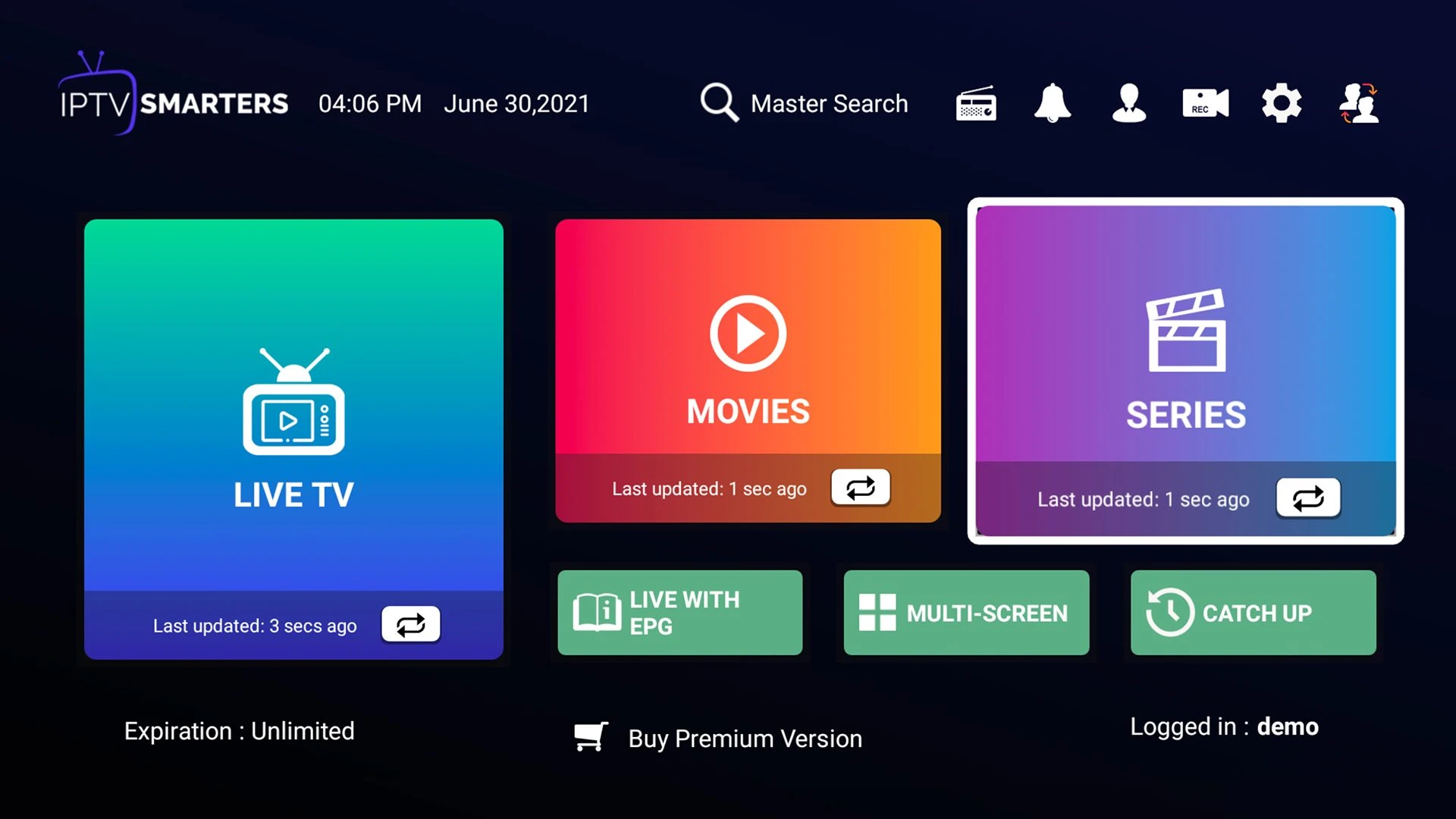
Home dashboard
A starting point for live television, films and series.

PLAYERS & INSTALLATION
The app runs the picture. Your subscription supplies the account access. Keep those two parts separate, then choose the installation guide that matches your device.

HOTPLAYER & HOT IPTV
Hot IPTV at hotiptv.co offers the subscription and reseller packages on this website. HotPlayer at hotplayer.app is an independent media player developed and published by STE DIGI VIBES. The publisher says its app includes no channels and is not connected to third-party subscription providers.
Use the player publisher for app purchases, app activation and software issues. Use Hot IPTV support for the subscription order and the account details issued for it. A player’s own trial is separate from the 24-hour Hot IPTV trial requested through WhatsApp.
Visit the HotPlayer publisherORIGINAL APP SCREENS
See how a player organises sign-in, programme times, live TV, films and series. These examples include IPTV Smarters; the layout depends on the app you install.
A starting point for live television, films and series.
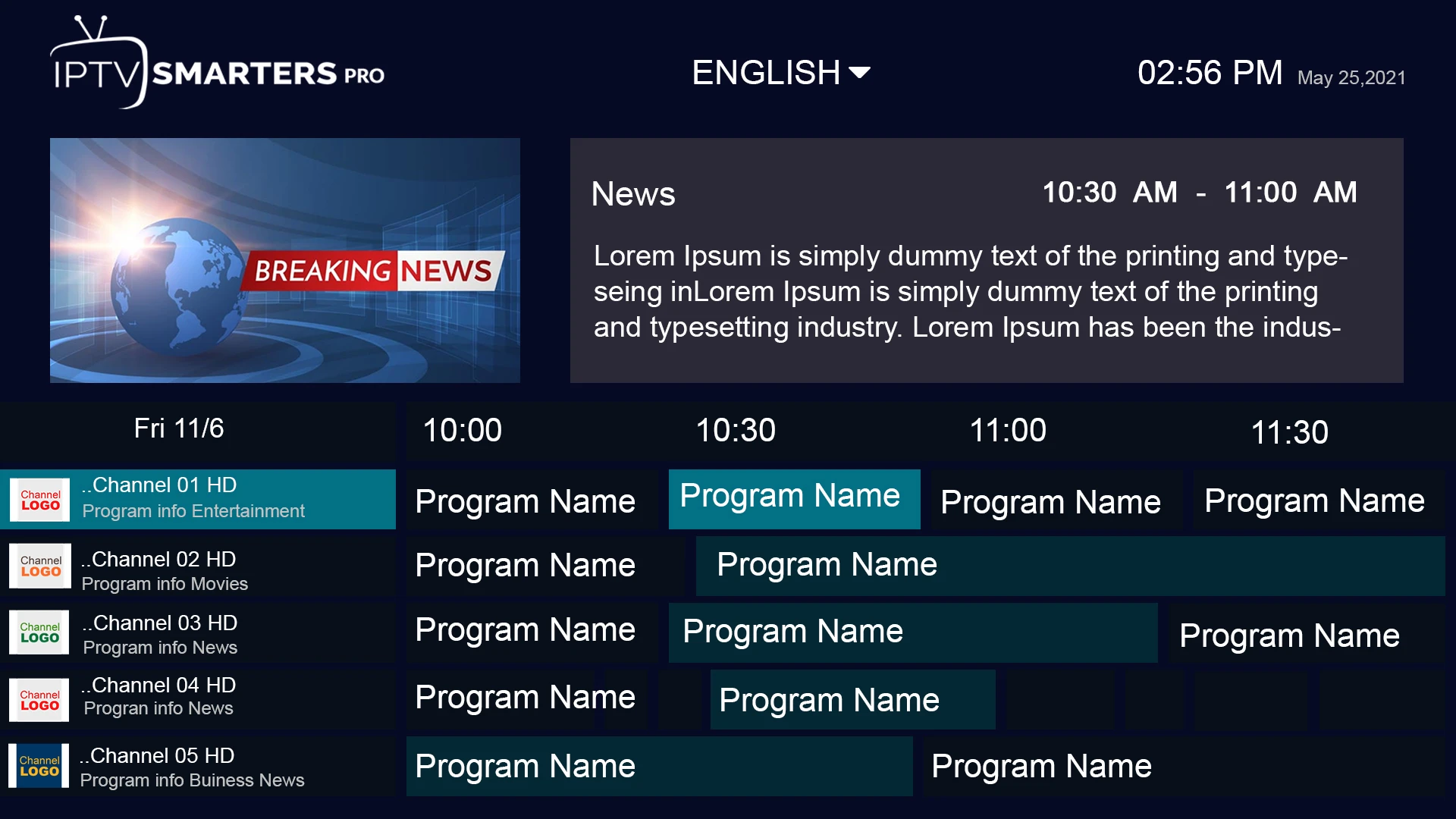
See how programme times and channel lists can sit together.
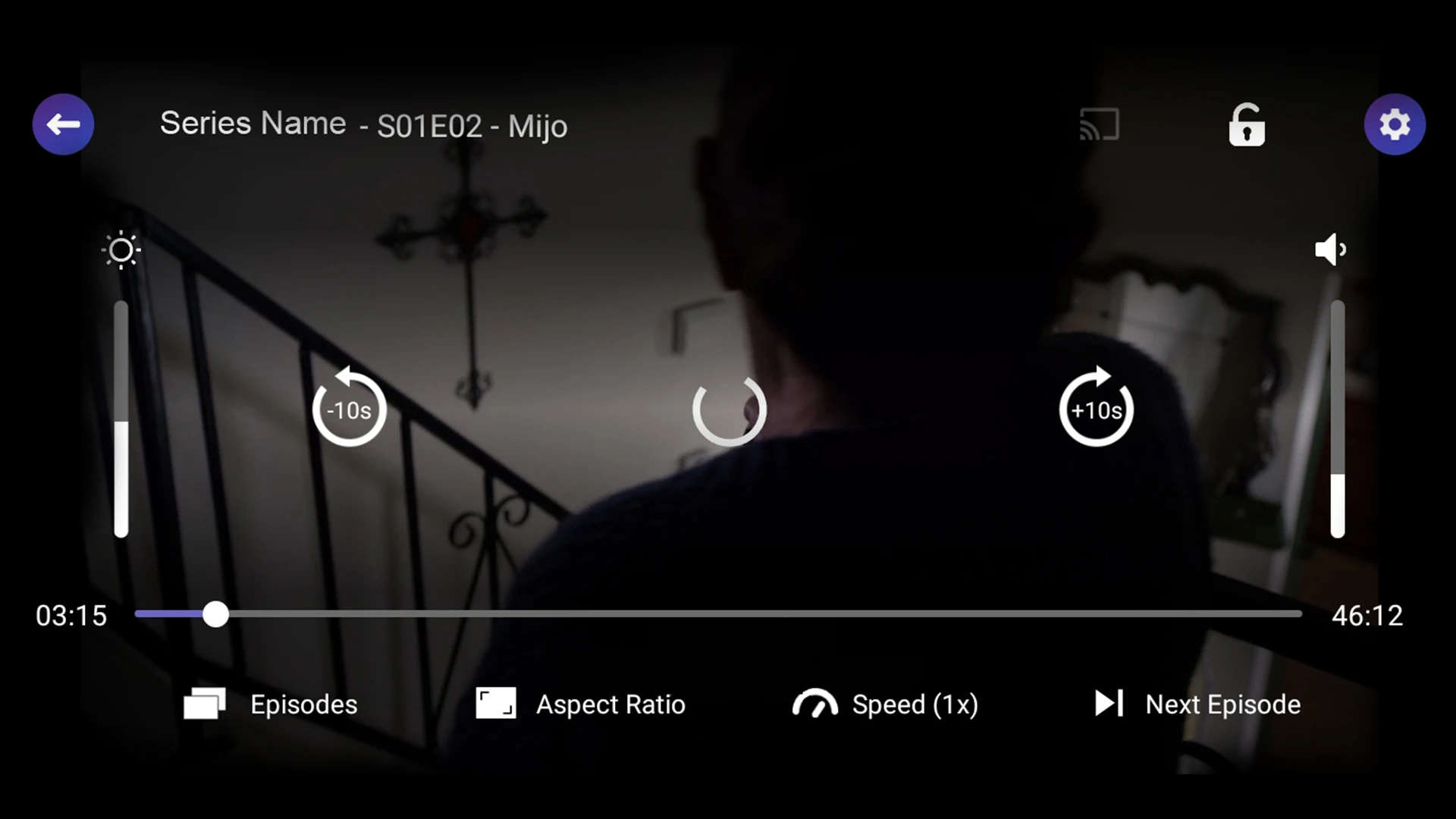
Transport controls and programme details on the viewing screen.
A visual route through the film catalogue.
Browse series and continue into their episodes.
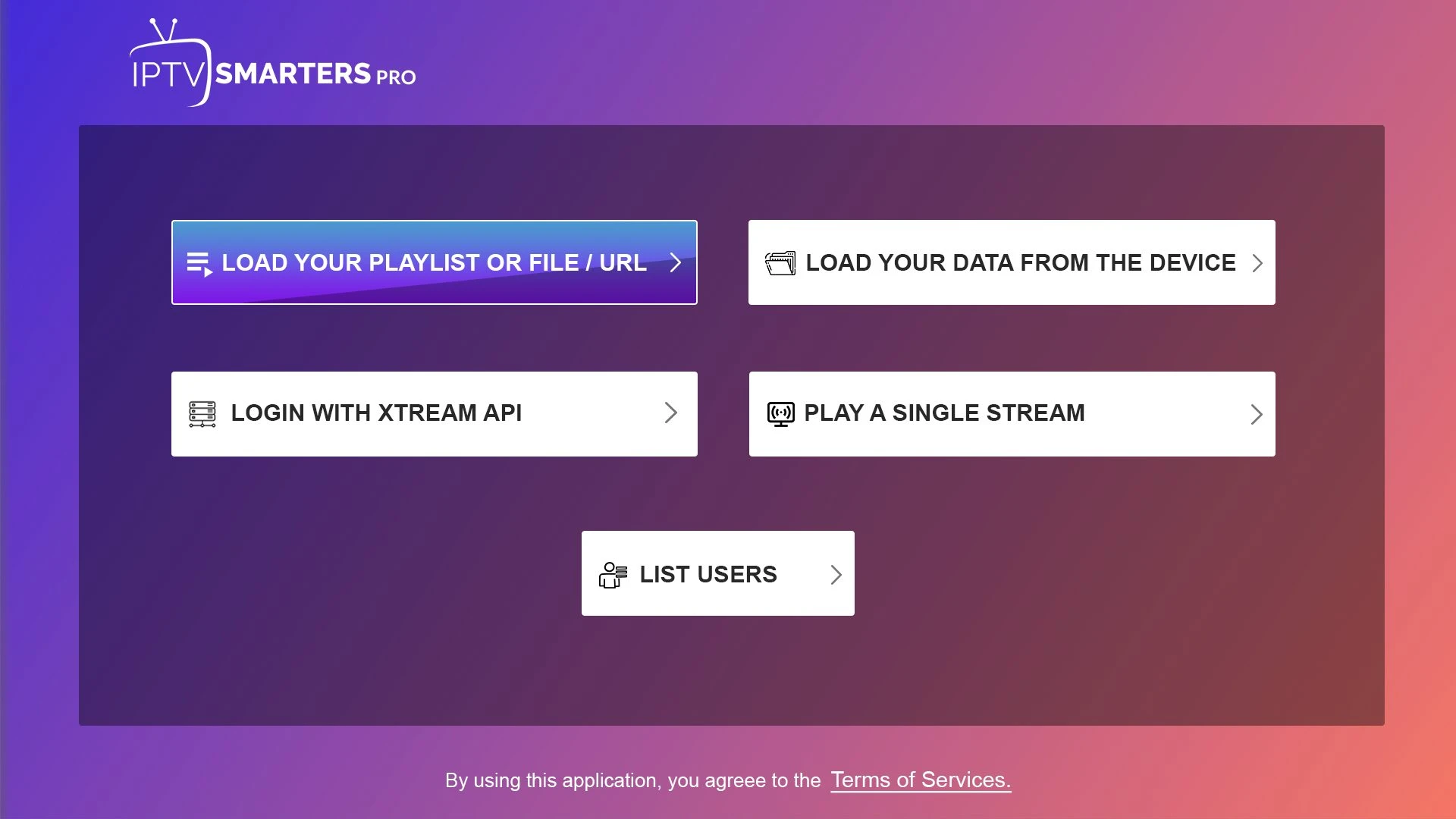
The account format depends on the player and service details.
PLAYER GUIDES

An independent playlist player published by STE DIGI VIBES. Its app licence and trial are separate from the Hot IPTV content subscription.
Read more →
VideoLAN’s media player can open network streams as well as local media. Its layout differs across desktop, mobile and television versions.
Read more →A media player intended for Android TV devices. Premium app features do not supply channels or a content subscription.
Read more →Smarters-named apps have several editions. Match the publisher and platform before following setup instructions.
Read more →An app name used for television-oriented player interfaces. The build and publisher matter when choosing a setup guide.
Read more →A player name associated with playlist navigation and channel organisation. The installed version determines the controls available.
Read more →A player name found in Smart TV setup conversations. Similar names and different editions make publisher verification important.
Read more →A playlist-player name used on selected television platforms. App activation is separate from the subscription that supplies a playlist.
Read more →A television-player name with platform-specific editions. Compatibility should be established on the actual television rather than from the name alone.
Read more →A player name associated with television navigation. App-account features and content-account access are different parts of the setup.
Read more →A player name frequently encountered in mobile playlist discussions. The current app edition determines import and playback controls.
Read more →DOWNLOAD SOURCES
This website does not host a player APK or publish an unverified Downloader code. Official stores and publisher routes are the starting point. An Android installer cannot be used as a universal download for Samsung Tizen, LG webOS, Roku, Apple TV or every new streaming-box operating system.
LET’S GET YOU STARTED
Install a suitable player, then WhatsApp us for your 24-hour trial.