
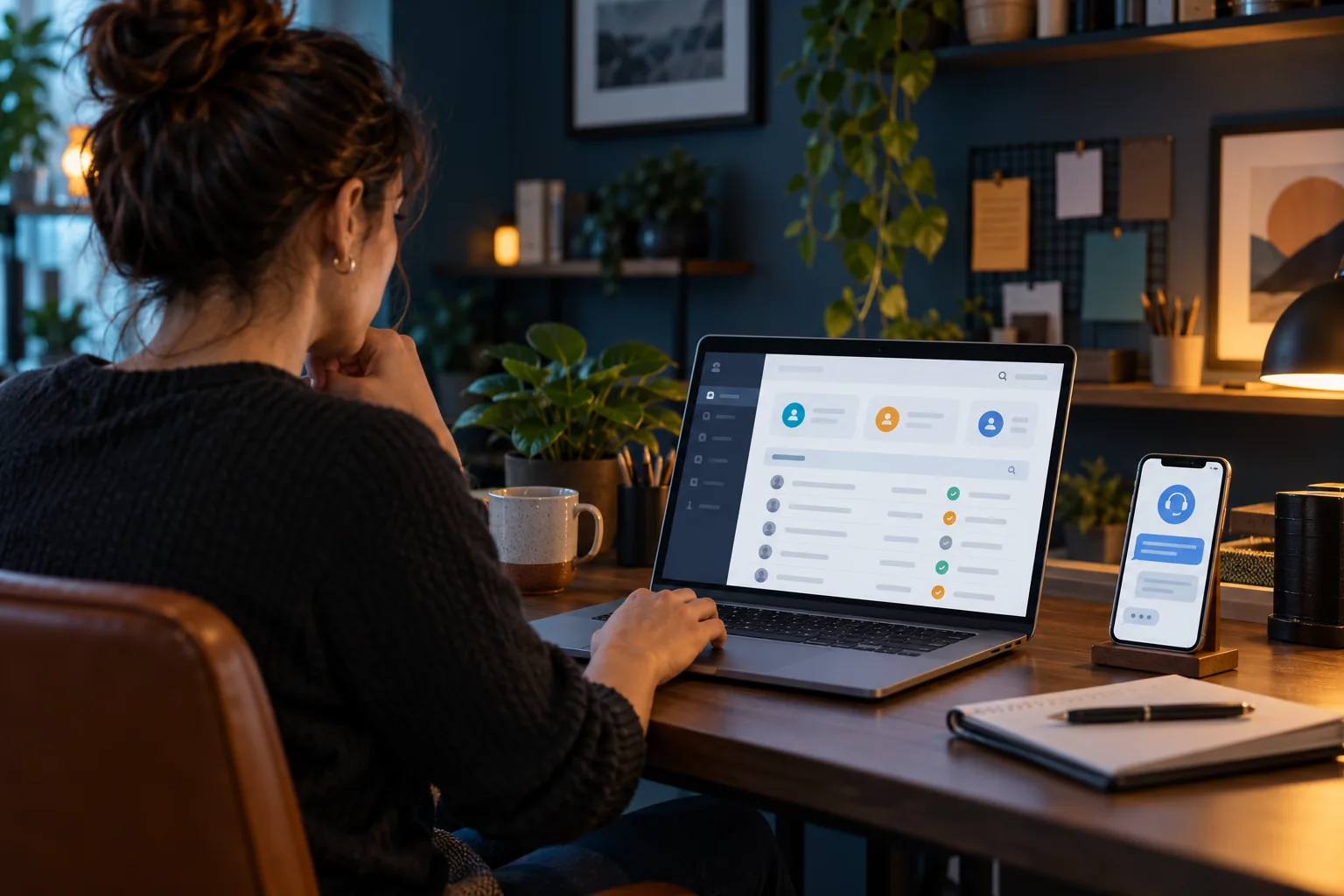
Prepare a short task list before a legitimate panel demonstration: locating account status, understanding credit records, finding supported roles and obtaining help. Ask the provider to distinguish demonstration data from live customer information. Record which tasks were shown, explained or not tested. A polished screenshot does not prove every operational feature exists. Do not enter real customer secrets into an unfamiliar demo or assume a visible button establishes permission to use it on live accounts.
Why it matters
Task-based evaluation turns a broad sales impression into concrete observations. It also exposes unresolved needs early, especially where the interface differs from the reseller’s expected workflow. Separating observed features from claims prevents an untested option becoming a customer-facing promise later.
Work through the steps
- Write essential operational tasks.
- Use an authorised demonstration route.
- Label shown versus untested features.
- Ask focused questions about unresolved needs.
What to avoid
Do not describe a demo as a live production test. Avoid using real customer accounts or secrets merely to explore controls. Record actual observations rather than inferring an entire capability set from a screenshot.
The useful takeaway
Evaluate real tasks and preserve their status. Demonstrated, explained and untested are different evidence levels, and clear labels support a better operational decision.
Keep reading
Published 29 October 2026 · Hot IPTV editorial team · How we write and update guides