
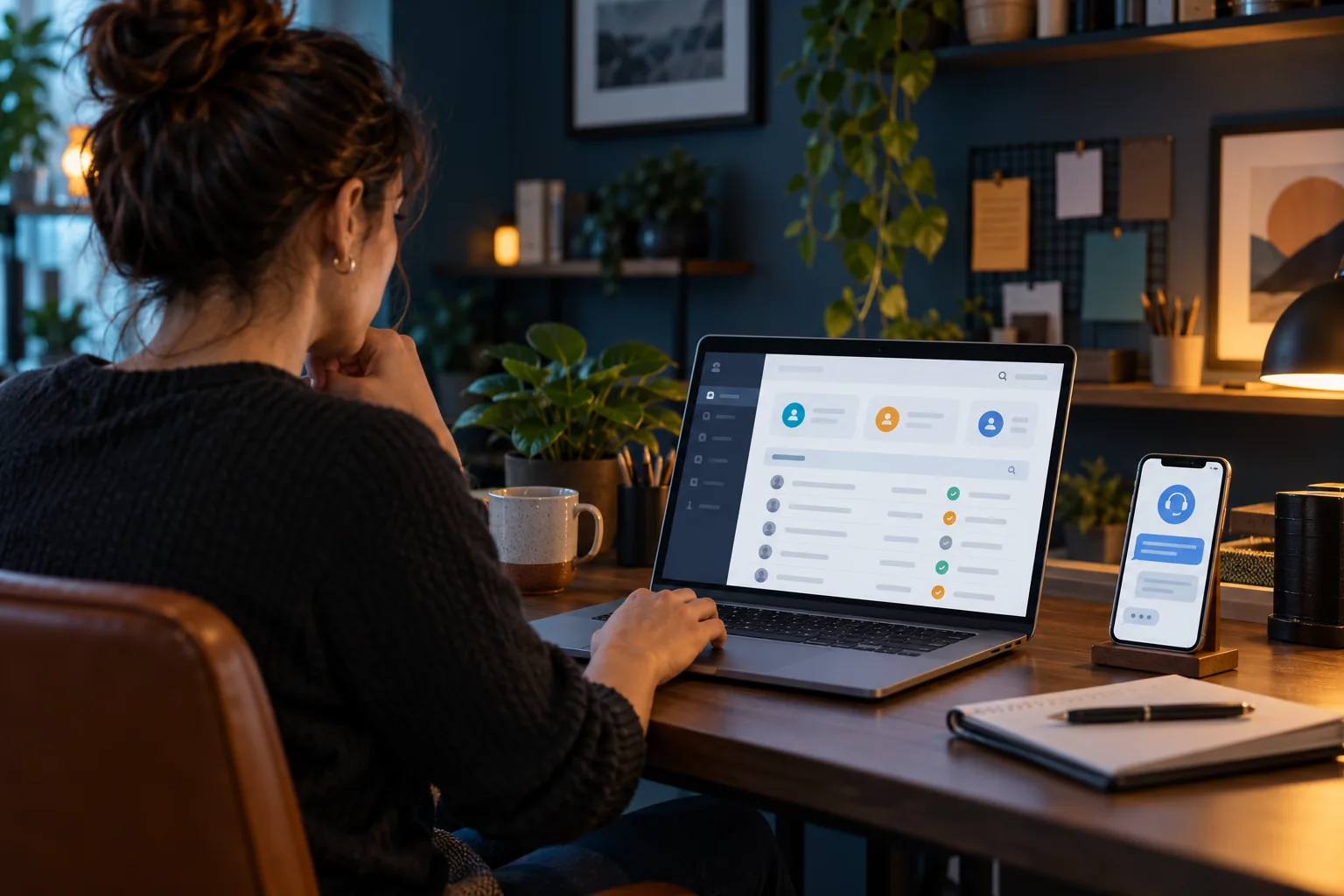
Define which staff can answer questions, inspect cases, change accounts or manage panel access. Give each role only the supported access needed for its task and avoid sharing one unrestricted login by default. Document how a case reaches an authorised administrator when necessary. A support worker can often collect symptoms without changing account terms. The actual panel’s role features must be confirmed; do not advertise granular permissions that the product does not provide.
Why it matters
Clear responsibility reduces accidental changes and makes audit history easier to understand. It also protects access when a temporary helper or staff member only needs a narrow role. A process can compensate for some product limitations, but those limitations should remain explicit rather than hidden behind an invented security feature.
Work through the steps
- List duties and authorised actions.
- Check the panel’s actual role controls.
- Assign supported least-needed access.
- Document escalation and removal of temporary access.
What to avoid
Do not give every helper full administration for convenience. Avoid claiming individual auditability when everyone shares one account. If the panel lacks a needed role, state that limitation and use a controlled authorised workflow.
The useful takeaway
Match access to real duties and product capability. Clear roles and escalation protect both customers and administration without promising controls the actual panel cannot enforce.
Sources & further reading
pages.nist.gov · 800-63-4/sp800-63b.html
References describe the device or technology. They do not establish Hot IPTV content availability. This guide is based on documentation; it is not a hands-on service test.
Keep reading
Published 29 October 2026 · Hot IPTV editorial team · How we write and update guides