
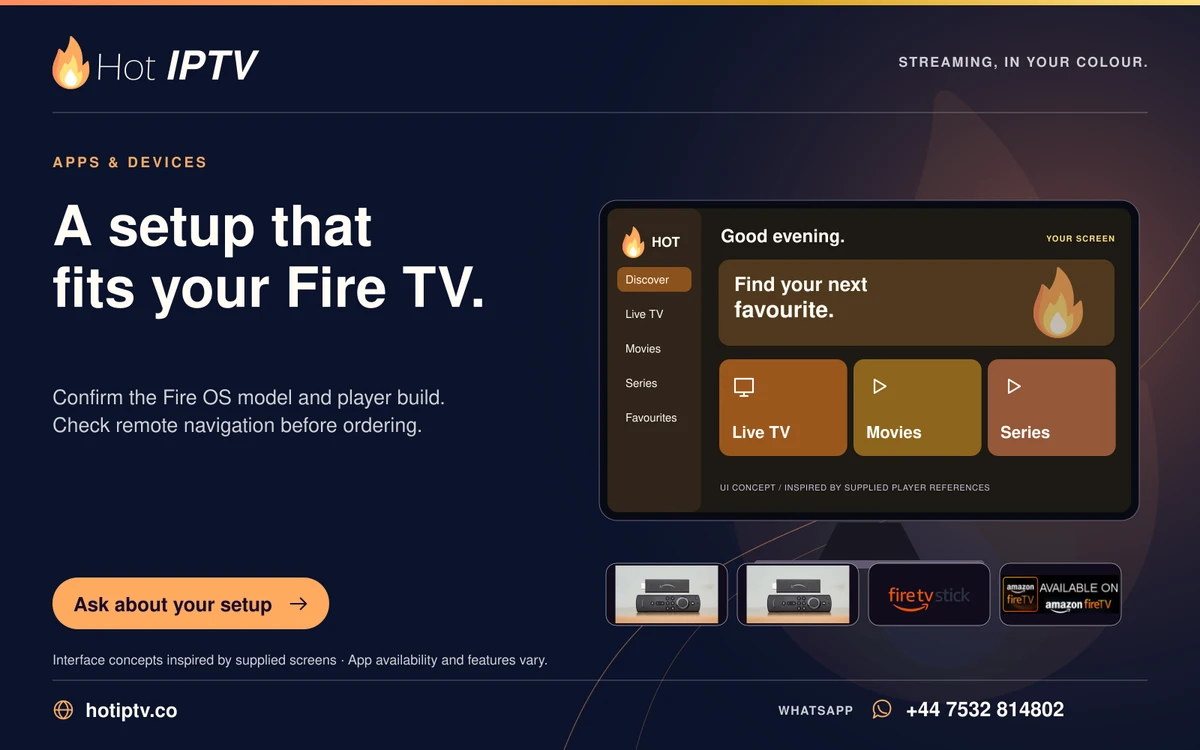
Android TV and Fire TV have different stores, menus and controls. Choose by exact hardware and player edition rather than the family name alone. A player offered on one store may not be available for another model or generation, and an installer is not automatically compatible because a guide mentions a TV box.
Why it matters
The practical differences are app availability, remote navigation, updates and television connections. These affect everyday use more directly than a generic claim that one platform is always faster or easier.
Work through the steps
- Identify model, operating system and store on each device.
- Check the intended player publisher listing for that platform.
- Compare remote navigation, connections and updates for your setup.
What to avoid
The useful takeaway
This is not a benchmark or a promise that every Android APK works on every Fire TV. Use the actual device guide. Keep app-licence cost separate from the content subscription.
Keep reading
Published 29 October 2026 · Hot IPTV editorial team · How we write and update guides