
On-demand browsing opens a chosen item rather than joining a live channel schedule. Films and series may use separate sections, and a series entry can lead to seasons and episodes before playback starts. Use the player’s sorting, search and progress controls to make the library easier to navigate without confusing a folder with a playable item.
Why it matters
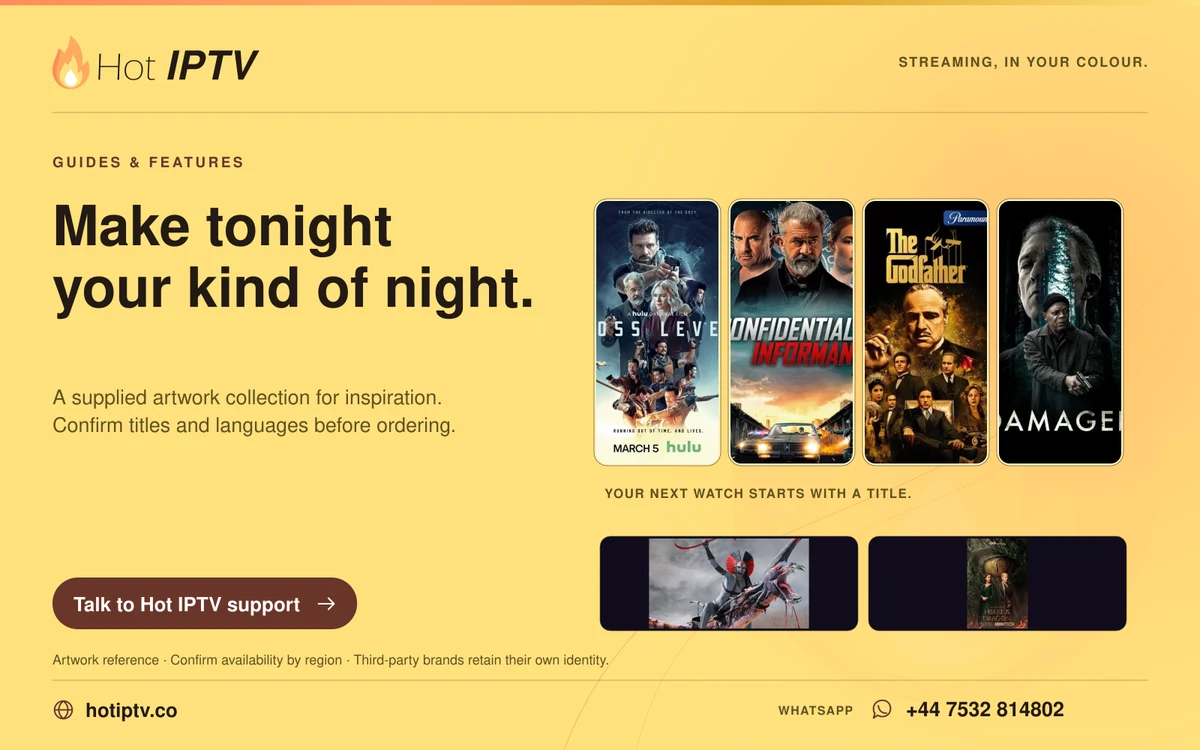
A series poster is often the entrance to several levels of navigation. A film may have more than one source entry or language presentation. Understanding the hierarchy helps distinguish an empty folder, a missing episode and a playback failure.
Work through the steps
- Choose the film or series section rather than the live-channel guide.
- For series, open the season and episode list before selecting playback.
- Check how the installed player saves progress and manage the watchlist it actually supports.
What to avoid
The useful takeaway
Posters illustrate browsing and do not establish a fixed catalogue. Audio, subtitles and playback availability can differ between items. If a folder appears empty, report its name and location in the player rather than deleting the entire account profile.
Keep reading
Published 29 October 2026 · Hot IPTV editorial team · How we write and update guides