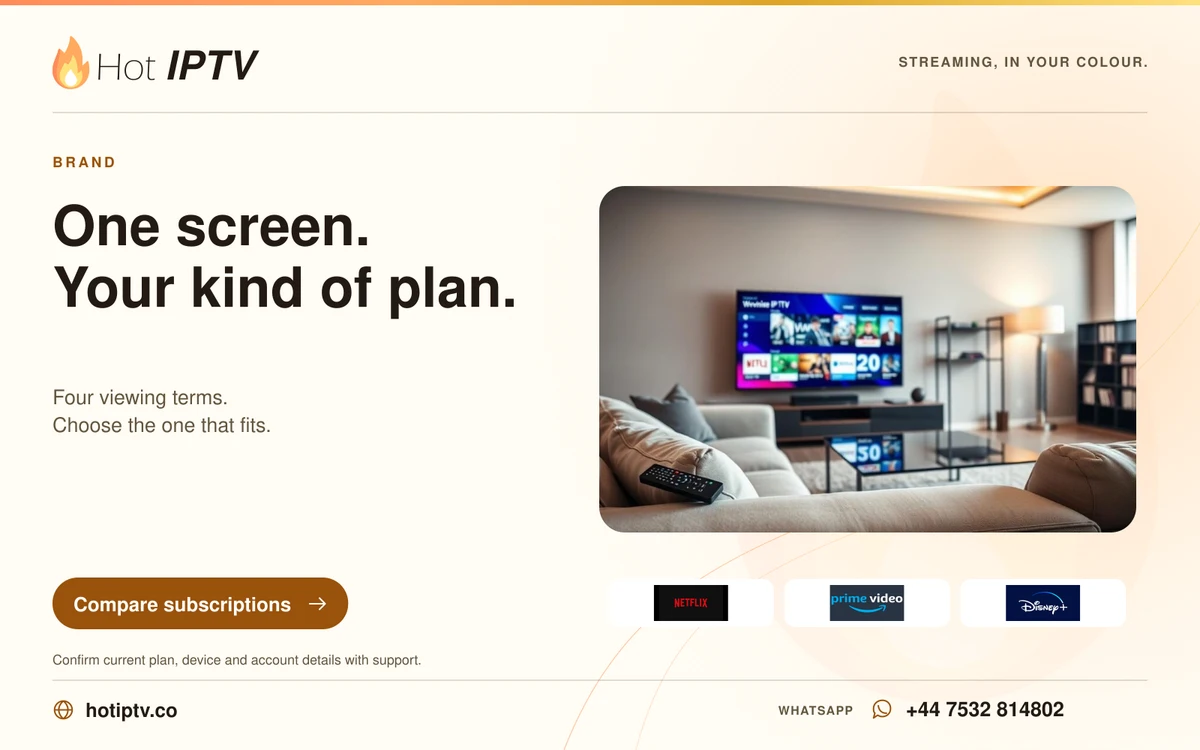
Watching at home
Compare four clear subscription totals, then choose the length that suits your viewing routine.
Read more →
HOT IPTV · YOUR EVENING STARTS HERE
Live television, films and series on a setup that suits you. Explore Hot IPTV subscriptions, try your player for 24 hours, or plan your next reseller pack.



Entertainment references · independent brands

A GOOD PLACE TO BEGIN
Compare four clear subscription totals, then choose the length that suits your viewing routine.
Read more →
Find your device, install the right player and learn how playlist and server logins work.
Read more →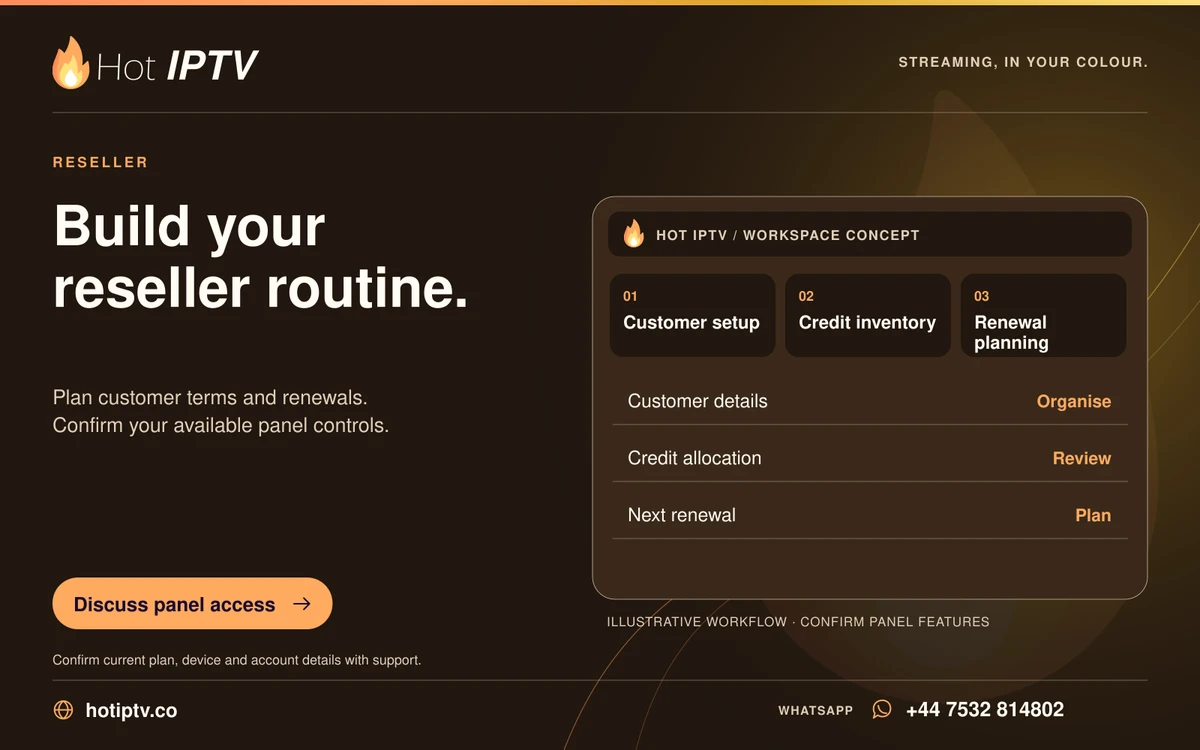
Review the published euro packs and the credit, permission and renewal questions to settle first.
Read more →SPORT & EVENTS
Football, race weekends, fight nights and North American leagues. Find the guide for the sport you follow.

Club football is a weekly ritual: the early kickoff, the Saturday programme and the evening match all fit different viewing routines. The fixture date, home team and broadcaster edition are the useful details when arranging a live feed.

European club nights bring several matches at the same time. Following one team is different from watching a goals programme that moves between games. Choose the match presentation you want and use the competition’s schedule for the date.

Spanish club football can run from an afternoon fixture to a late evening game. Spanish and international commentary feeds offer different presentations, while a weekend highlights show is separate from the live match.

A Grand Prix weekend is more than the race. Practice, qualifying and sprint sessions have their own start times, and the local race venue can be many hours away from your time zone. Keep each session in your viewing plan.

Fight nights are organised into cards and bouts. Preliminary action and the main card may have different viewing arrangements, and an advertised start time is not a guarantee of the exact moment a later bout begins.

Basketball viewers may want a home broadcast, away commentary or a national presentation. Back-to-back games and late starts can cross into the next day outside North America, making the date on your local guide important.

NFL viewing can mean one team’s full game, a national broadcast or a programme that follows several games. Those are different feeds. Include the matchup and the presentation you want when you discuss a viewing option.

A baseball series can include several games between the same teams over consecutive days. Game number, starting time and home or away presentation help distinguish the intended broadcast, especially during a doubleheader.

Hockey schedules mix regional and national broadcasts, and the same matchup may have more than one commentary team. Use both team names and the game date to identify the right listing.

A race weekend can include different series, qualifying sessions and the main event. Naming the series and circuit is more precise than asking for a race-day channel, particularly when several sessions share a weekend.

MLS fixtures can put many clubs in action within a short evening window. A full match, a whip-around programme and highlights are different viewing choices. Follow the club schedule and keep your own time zone in mind.

European club hockey brings together teams from several domestic leagues. The competition name matters because a club can play a domestic fixture and a European fixture in the same week.
STREAMING & BROADCASTERS
Learn how broadcaster channels, streaming memberships and player software differ. Brand examples do not imply affiliation or inclusion in a subscription.
Original series, films and documentaries are central to Netflix’s on-demand identity. A Netflix membership is issued by Netflix; a playlist in another player is a separate service and does not log you into a Netflix account.
Prime Video brings together streaming, rentals and channel subscriptions in its own interface. Those purchase types have different terms. A title visible in an entertainment example does not establish which purchase or membership includes it.
Disney+ is associated with family entertainment, major film franchises and original series. Its own account, parental profiles and regional catalogue belong to that platform rather than to an independent playlist player.
Apple’s original programmes are watched through the Apple TV ecosystem. The Apple TV app, Apple TV hardware and a content subscription are different things; understanding which one you have makes setup and billing questions easier.

HBO is known for drama, documentaries and original series. A broadcaster channel, an on-demand service and an individual title can have different distribution arrangements, so a familiar name alone does not describe access.

Hulu is a streaming platform with its own memberships, catalogue and account controls. Its on-demand and live television options should not be treated as the same product, or confused with access through a third-party player.

AMC’s television brand is associated with drama and genre storytelling. A linear AMC channel follows a schedule, while on-demand collections and separate streaming memberships have their own availability and terms.

ARTE brings a cultural focus to film, documentaries, music and ideas. French and German presentations are central to its identity, and language tracks or subtitled versions can make a significant difference to the viewing experience.

CANAL+ operates across several markets with different channel and subscription products. The territory and exact service name matter when discussing cinema, original series or sports coverage.

beIN Sports has regional channel editions and different commentary options. The competition, territory and language are useful details for identifying a broadcast; a logo alone cannot describe a match’s viewing rights.

CBC Sports is part of the Canadian broadcaster CBC. A live event stream, a scheduled television broadcast and an editorial highlights clip are different viewing products, each with its own presentation and availability.

W9 is a French television channel with a scheduled programme lineup. Its live channel and a broadcaster’s replay offering are separate ways to watch, and replay access can depend on the platform and territory.

Sky Sports brings together several sports channels and programme presentations. A dedicated sport channel, a rolling news service and a live match broadcast are different entries in a television guide. Use the exact channel and event when planning a viewing session.

BBC Sport covers sports journalism, programme pages and live-event information. A news clip, a scheduled broadcast and an online event stream are different ways to follow sport. The broadcaster’s own programme page is the right starting point for its current schedule.
BROWSE BY WHAT YOU LOVE
From a quiet film night to a new series, start with a genre you enjoy. These examples illustrate browsing; they are not a live availability list.
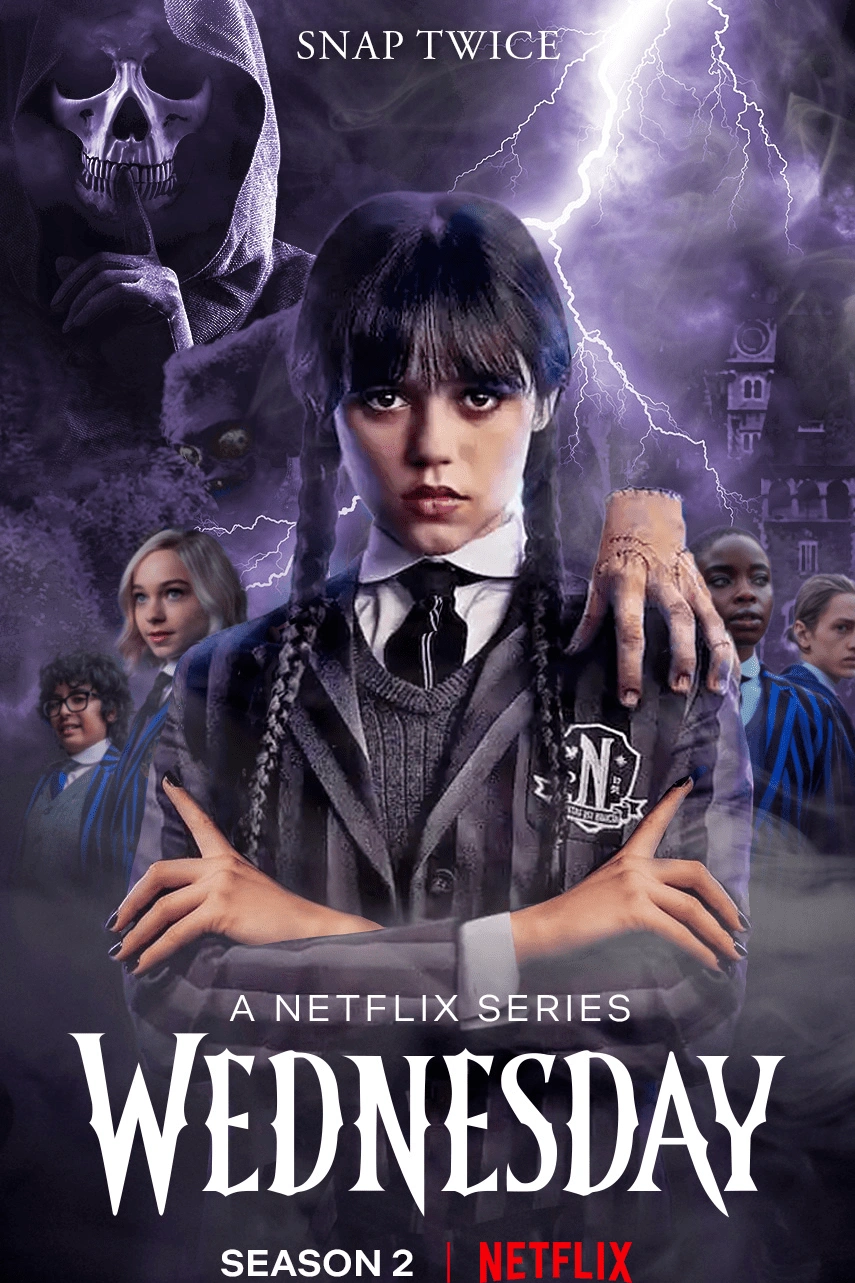
Supernatural mystery with a darkly comic edge.

Psychological suspense and obsession.

Historical adventure and rival ambitions.

An interconnected mystery across generations.

Dynastic conflict and fantasy drama.

A small-town mystery with a horror premise.

A racing story inspired by the journey from gaming to motorsport.

Animated superhero adventure across parallel worlds.

A detective mystery set against a supernatural atmosphere.

An animated adventure with the four turtle brothers.

A historical drama about the physicist and the atomic project.

Anime action, family bonds and a supernatural journey.

A Korean military drama about pursuit and responsibility.

A Korean ensemble heist drama.

A crime drama about choices and their consequences.
SMALL DETAILS. BETTER VIEWING.
Find installation and control guidance for televisions, streaming boxes, phones and computers.
Understand EPG timing, channel names and the difference between a blank listing and failed playback.
Learn where player track selection meets the audio and subtitles provided with a programme.
Build a shorter everyday channel list instead of scrolling through categories each evening.
Work through the network, device and stream checks that help isolate a playback problem.
Treat playlist URLs like passwords and keep sign-in details out of public screenshots.
AT HOME, ON YOUR TERMS

A good setup is the one you can comfortably use every day. That means a player your device supports, familiar remote controls, clear programme times and a connection that holds up during your usual viewing hours.
SUBSCRIPTIONS
A short first term or a longer viewing plan. Compare the total cost in US dollars.

$11.99 USD total

$24.99 USD total

$39.99 USD total
$50.99 USD total
Prices are US-dollar totals for the full term. Monthly equivalents are comparisons, not monthly instalments. Ask support about connections, activation, renewal and any payment costs before paying. Illustrated boxes represent a digital service; no physical box is shipped.
THE PRACTICAL DETAILS
ORIGINAL APP SCREENS
See how a player organises sign-in, programme times, live TV, films and series. These examples include IPTV Smarters; the layout depends on the app you install.
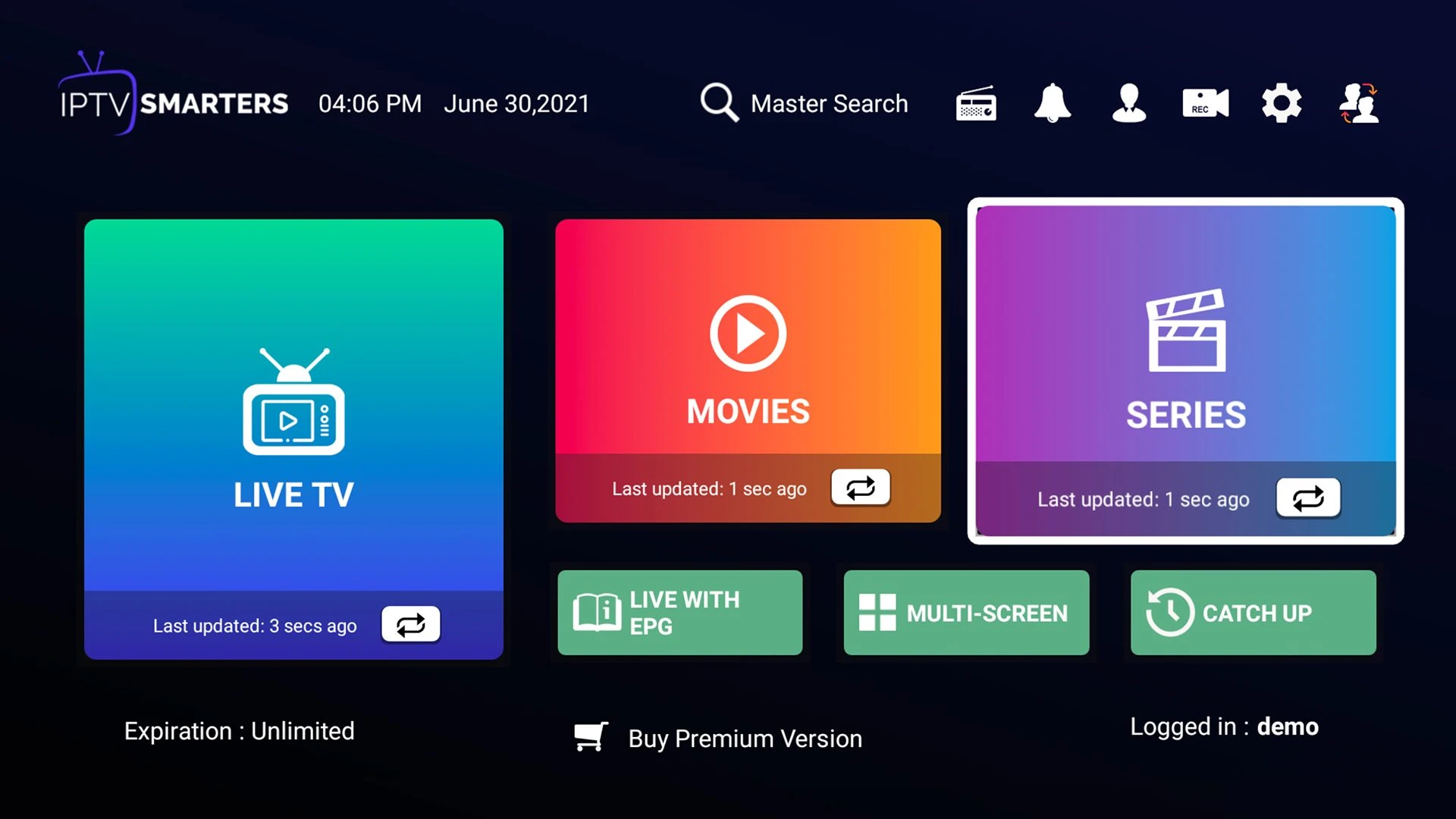
A starting point for live television, films and series.
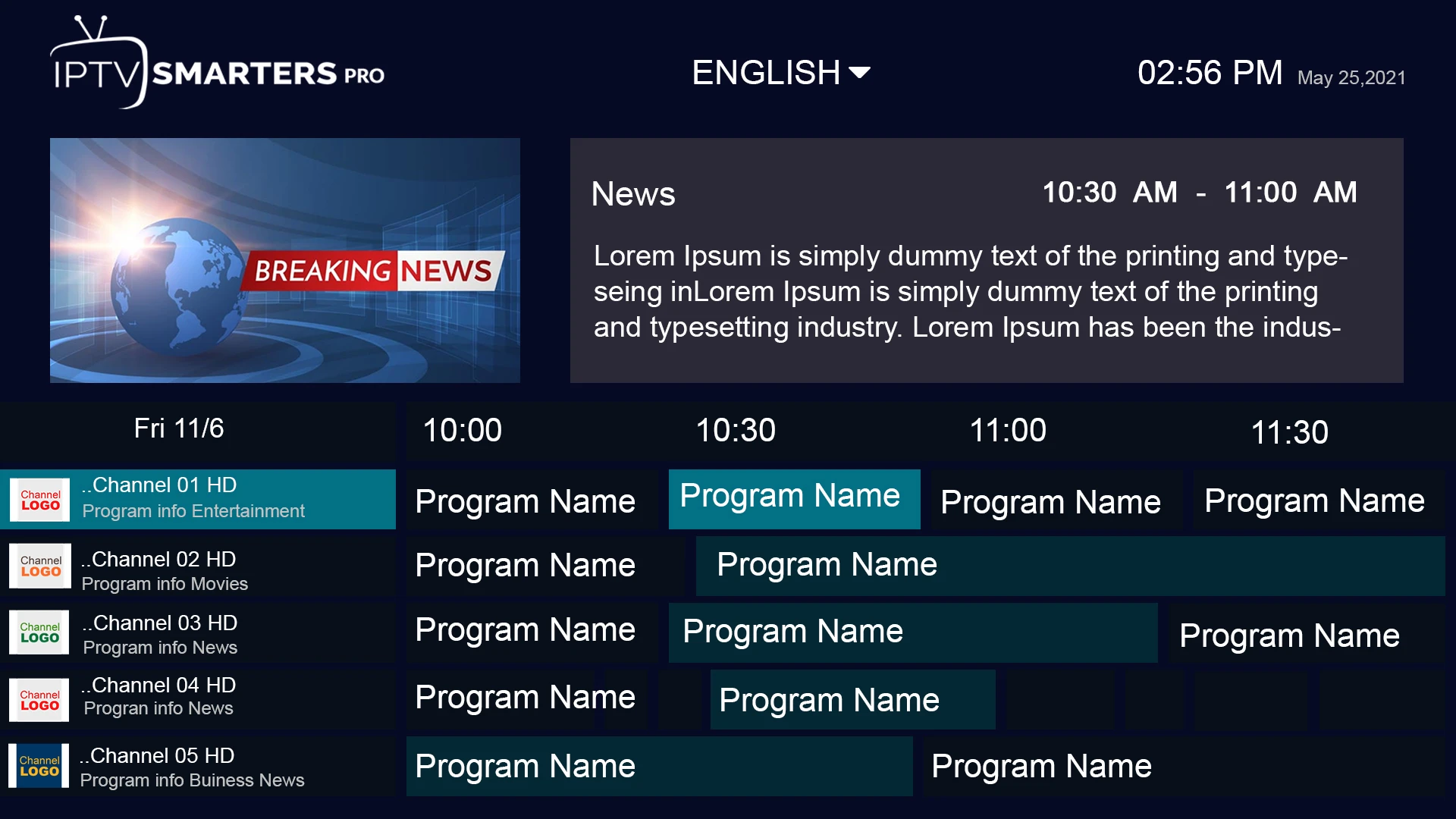
See how programme times and channel lists can sit together.
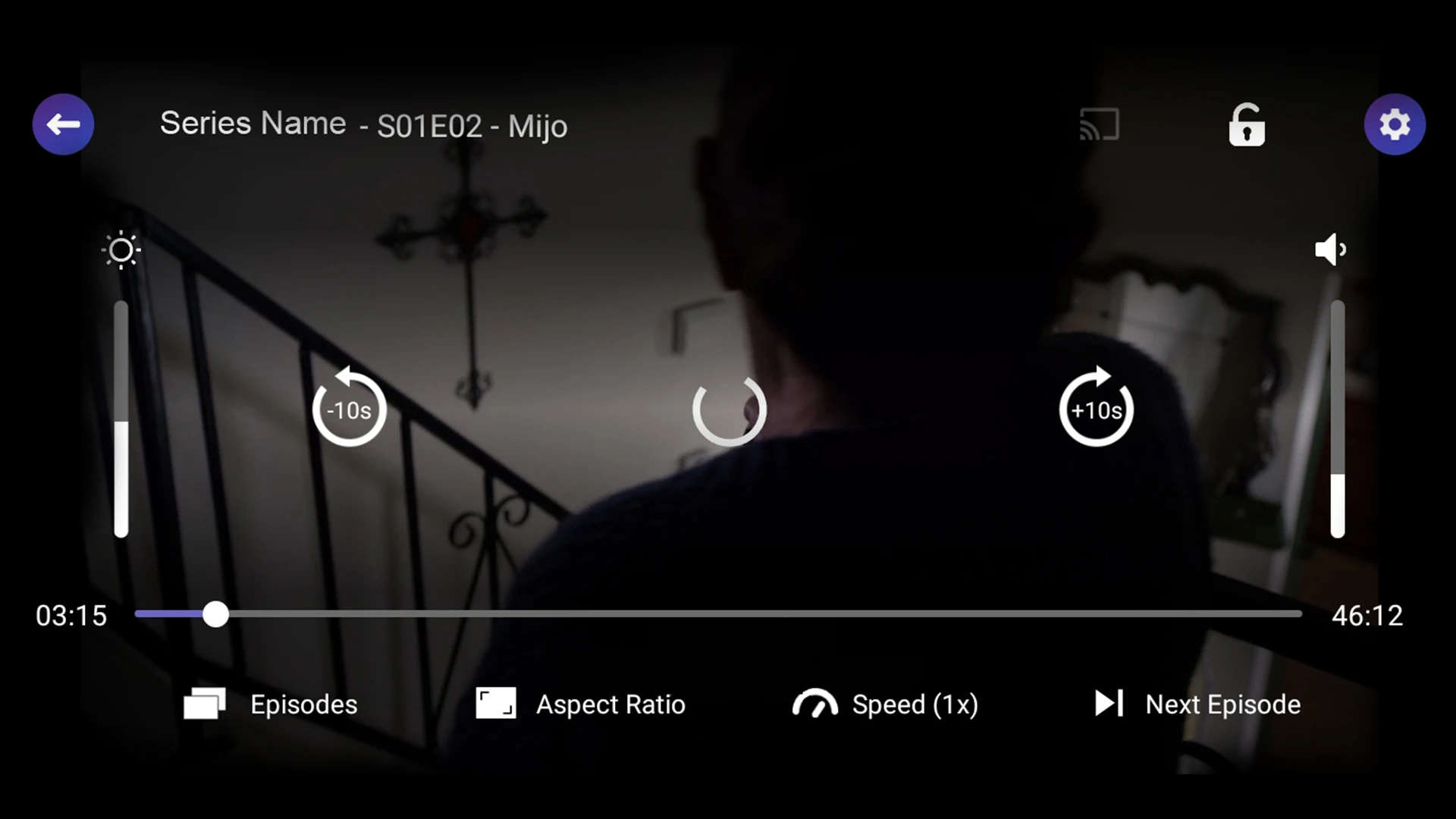
Transport controls and programme details on the viewing screen.
A visual route through the film catalogue.
Browse series and continue into their episodes.
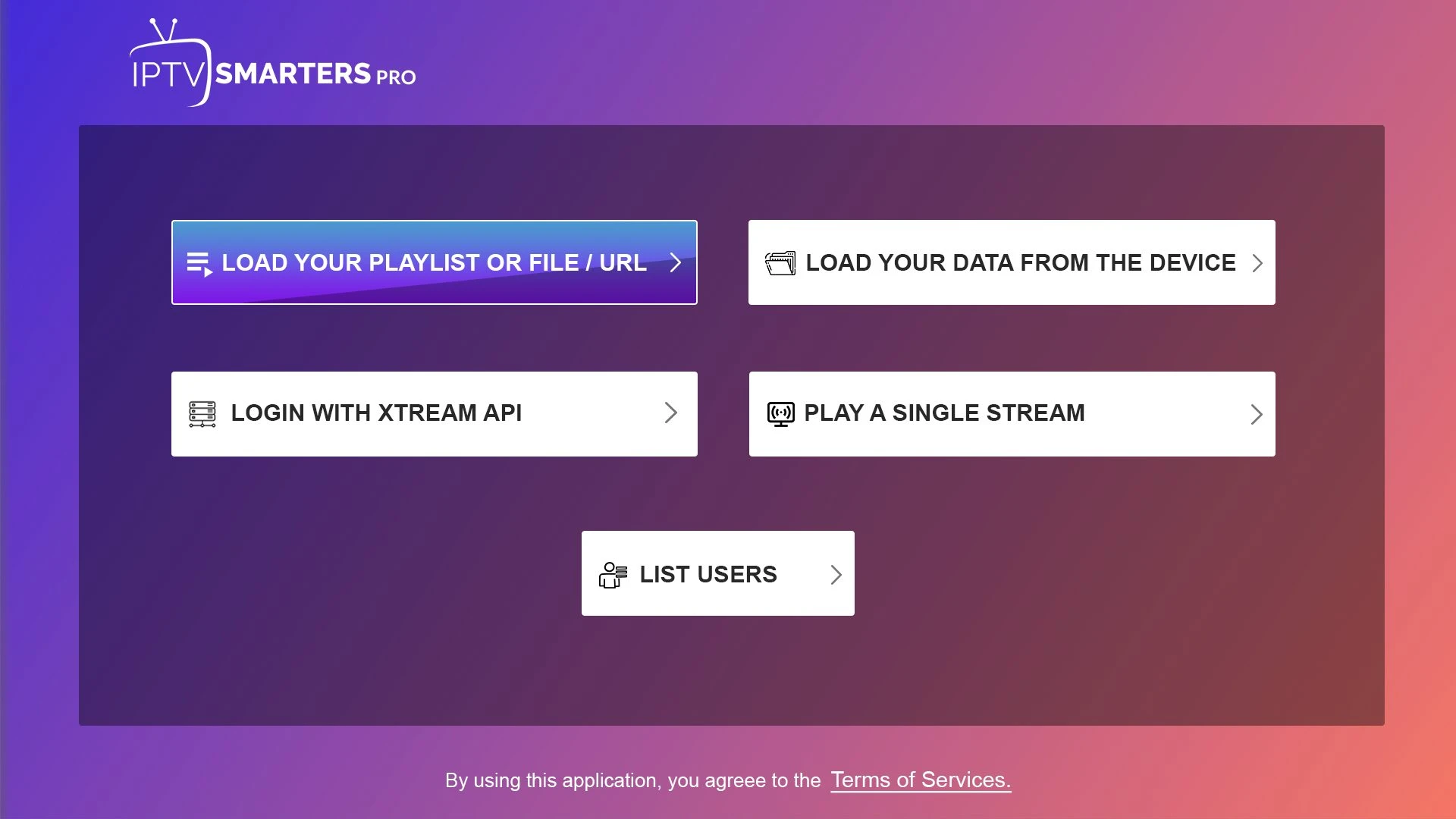
The account format depends on the player and service details.
FOR RESELLERS
Published credit packs in euros, with a direct route to discuss the terms you need.

€199.00 EUR total

€499.00 EUR total
€999.00 EUR total
Reseller prices are in euros. Published pack totals do not establish credit-to-month conversion, expiry, transfer permissions or connection limits. Agree those details in writing before purchase.
A BUSINESS CONVERSATION
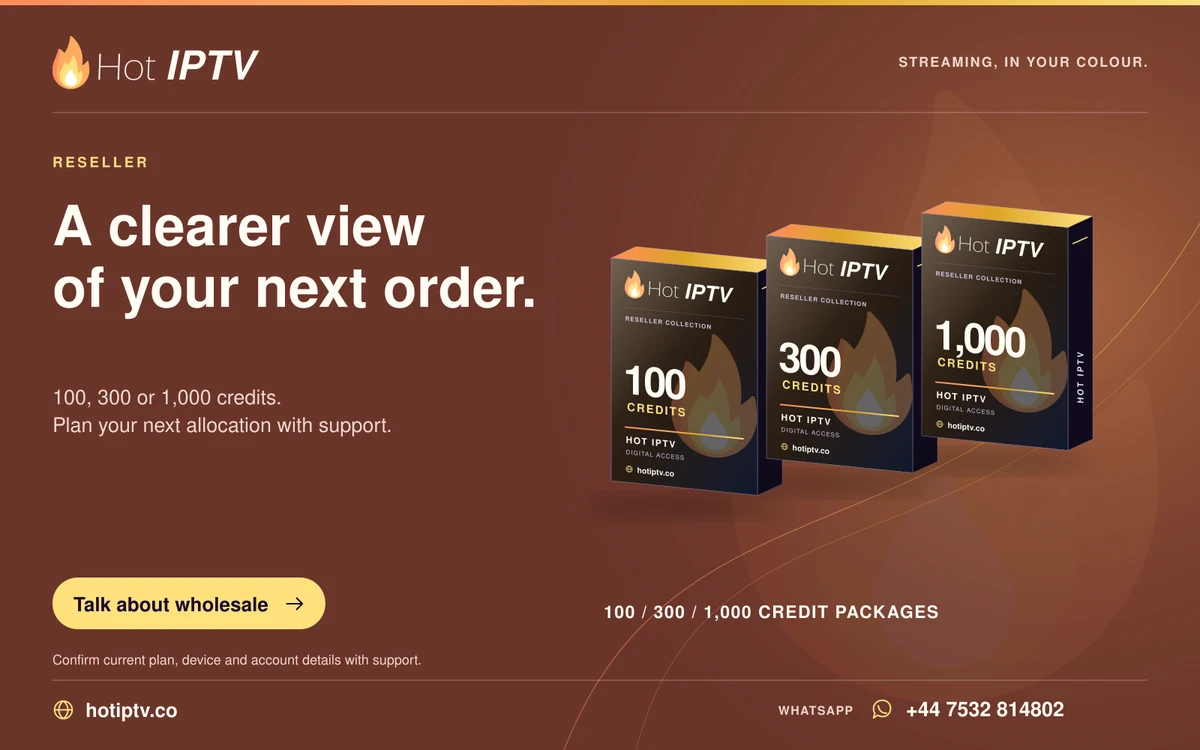
Discuss purchase volume, delivery, currency and the written terms for your next allocation.
Read more →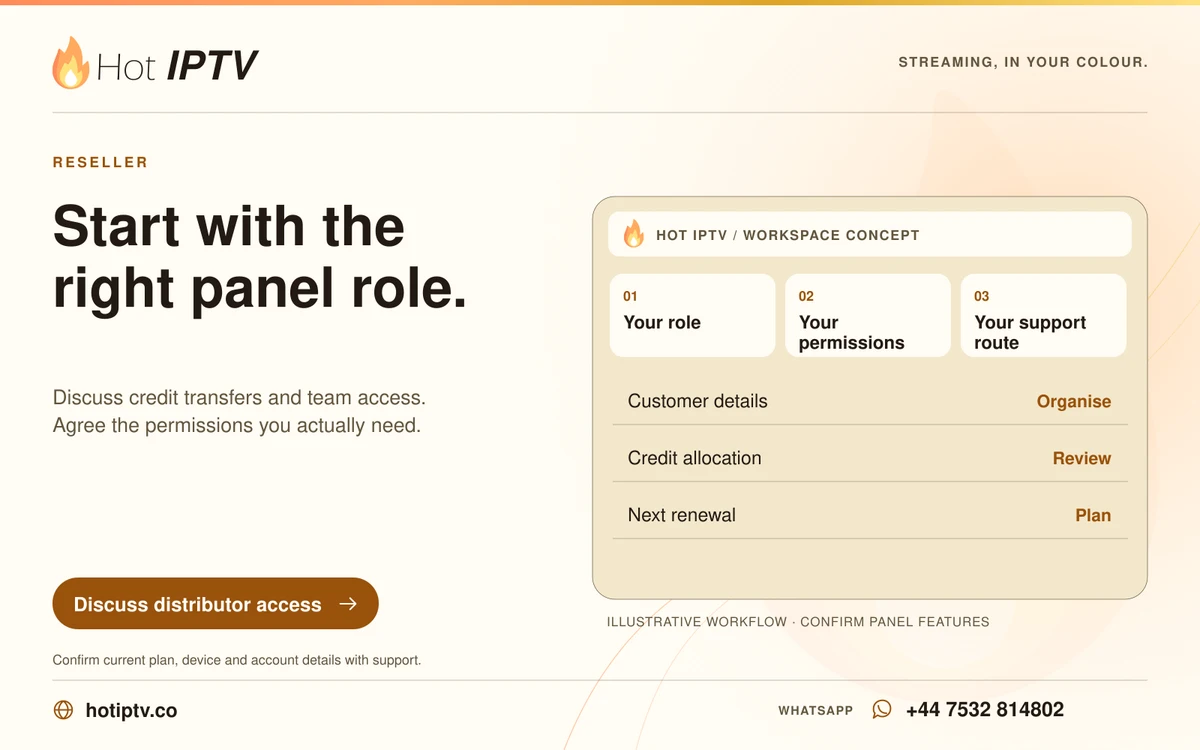
Discuss team roles, credit transfers, permissions and the support responsibilities you need.
Read more →
Build a practical routine for customer setup, private account records and renewal reminders.
Read more →GETTING STARTED
01
Use the app publisher or the store on your exact device. Player licences are separate from subscription access.
Explore players →02
Once the player is installed, WhatsApp your device and app name to request the one-day Hot IPTV trial.
Request 24 hours →03
After trying the setup, review the total, connections, activation and renewal details with support.
Compare terms →YOUR LANGUAGE. YOUR VIEWING ROUTINE.
Start with local programme editions, language preferences and the time zones that shape your viewing.


THE HOT IPTV JOURNAL


BEFORE YOU START
Hot IPTV offers subscription plans and reseller credit packages at hotiptv.co. Start with a suitable player and a 24-hour trial so you can try your own device, internet connection and preferred viewing before choosing a term.
No. Hot IPTV is the subscription service presented on this website. HotPlayer is an independent media player developed and published by STE DIGI VIBES. HotPlayer says it has no connection to third-party subscription providers and includes no channels.
Install a player suitable for your device, then message Hot IPTV on WhatsApp at +44 7532 814802. Tell support your device model and player name and ask for the 24-hour trial. The trial begins through that support conversation.
The published totals are $11.99 for one month, $24.99 for three months, $39.99 for six months and $50.99 for twelve months. Subscription prices are in US dollars. Any payment fees or conversion costs should be agreed before payment.
No. $4.25 is the rounded monthly equivalent of the $50.99 twelve-month total. The listed term total is $50.99; the monthly comparison is not a separate instalment plan.
A player licence pays for the software, under that publisher’s terms. A Hot IPTV subscription is a separate purchase. Keep the two receipts separate and contact the business named on the receipt for billing questions.
Choose a player from its publisher or your device’s official store. Availability depends on the device, operating system, model year and store region. Our app and device guides explain the differences; support can discuss your exact setup.
We do not publish an unverified APK or Downloader code. Use the official publisher or device store for your chosen player. An Android APK cannot be installed on Samsung Tizen, LG webOS, Roku or Apple TV in the same way as on Android.
A player using Xtream login normally asks for a server URL, username and password. Enter the values supplied for your own account. Do not put the complete M3U URL into the server field or share the credentials publicly.
An M3U playlist is a list of media entries, often supplied as a private URL. A compatible player reads the list and opens the referenced streams. The playlist is different from the player itself, and the URL may contain account credentials.
Use the upload route linked by the official HotPlayer publisher and the identifiers shown by your own app. HotPlayer’s upload page supports playlist and server-login options. Hot IPTV support can help with the subscription details; app activation remains with the publisher.
Ask support to confirm the permitted simultaneous connections for your specific order. Installing the player on several devices does not automatically give several concurrent streams. Stop playback on the old device before moving a single connection.
Picture quality depends on the actual source, player decoding, device output, television and network. A 4K-capable television cannot turn an HD source into native 4K. Use the trial to assess the programmes you regularly watch.
A speed test measures one connection at one moment. Wi-Fi interference, traffic elsewhere in the home, device performance or the stream’s route can still interrupt playback. Compare a second programme, then a wired or closer-to-router connection before resetting the app.
Check the server address, username, password and account expiry first. Remove accidental spaces and keep letter case and punctuation unchanged. Note the exact error message and player name before contacting support; repeated reinstalls rarely fix a mistyped account field.
Guide data and video can load separately. Refresh the guide in the player, confirm the EPG source and check device time. A single blank programme entry may be a missing channel mapping rather than a failed subscription.
These are separate features. Catch-up depends on the source and account, while recording also depends on the player, storage and stream permissions. Ask about the exact channel and player instead of assuming either feature covers the entire lineup.
Send the channel or event name, your country, preferred commentary language and local viewing time. Support can discuss the current option for that request. Logos and entertainment examples on this website are not promises that every title or feed is included.
The published reseller packages are 100 credits for €199, 300 credits for €499 and 1,000 credits for €999. These totals are in euros. Credit deductions, expiry, panel permissions and customer connection rules must be agreed separately.
Those quantities have quote-request pages because no confirmed prices were provided for them. The published packs remain 100, 300 and 1,000 credits. Ask support for a written quote before treating another quantity as an offer.
The number depends on the agreed deductions for each subscription term and connection type. The package size alone does not establish that conversion. Ask for the credit schedule before calculating a retail margin or promising an allocation to a customer.
A reseller usually asks about customer accounts and renewals. A wholesale enquiry focuses on a larger credit purchase and delivery terms. A distributor enquiry adds questions about roles, team access and transfers. Any extra permissions or commercial terms need explicit agreement.
Contact support before expiry with your order reference, requested term and current device/player. Confirm whether renewal extends the same login and from which date. Do not pay for a second account unintentionally when you meant to renew the first.
The Hot IPTV refund policy provides a 30-day request window for eligible first-time subscriptions, with exclusions including renewals and reseller credits. Read the full refund policy for eligibility and the information to send. A request is reviewed; it is not an automatic refund guarantee.
WhatsApp +44 7532 814802 or email [email protected]. Include your order reference, device model, player version and exact symptom. Never send card security codes, banking passwords or public screenshots containing playlist credentials.
The order page prepares a WhatsApp enquiry with the plan you select. You review and send the message in WhatsApp. It does not charge a card, create an account or claim a completed order; payment and activation details are confirmed by support.
LET’S GET YOU STARTED
Install a suitable player, then WhatsApp us for your 24-hour trial.