
Electronic programme guide
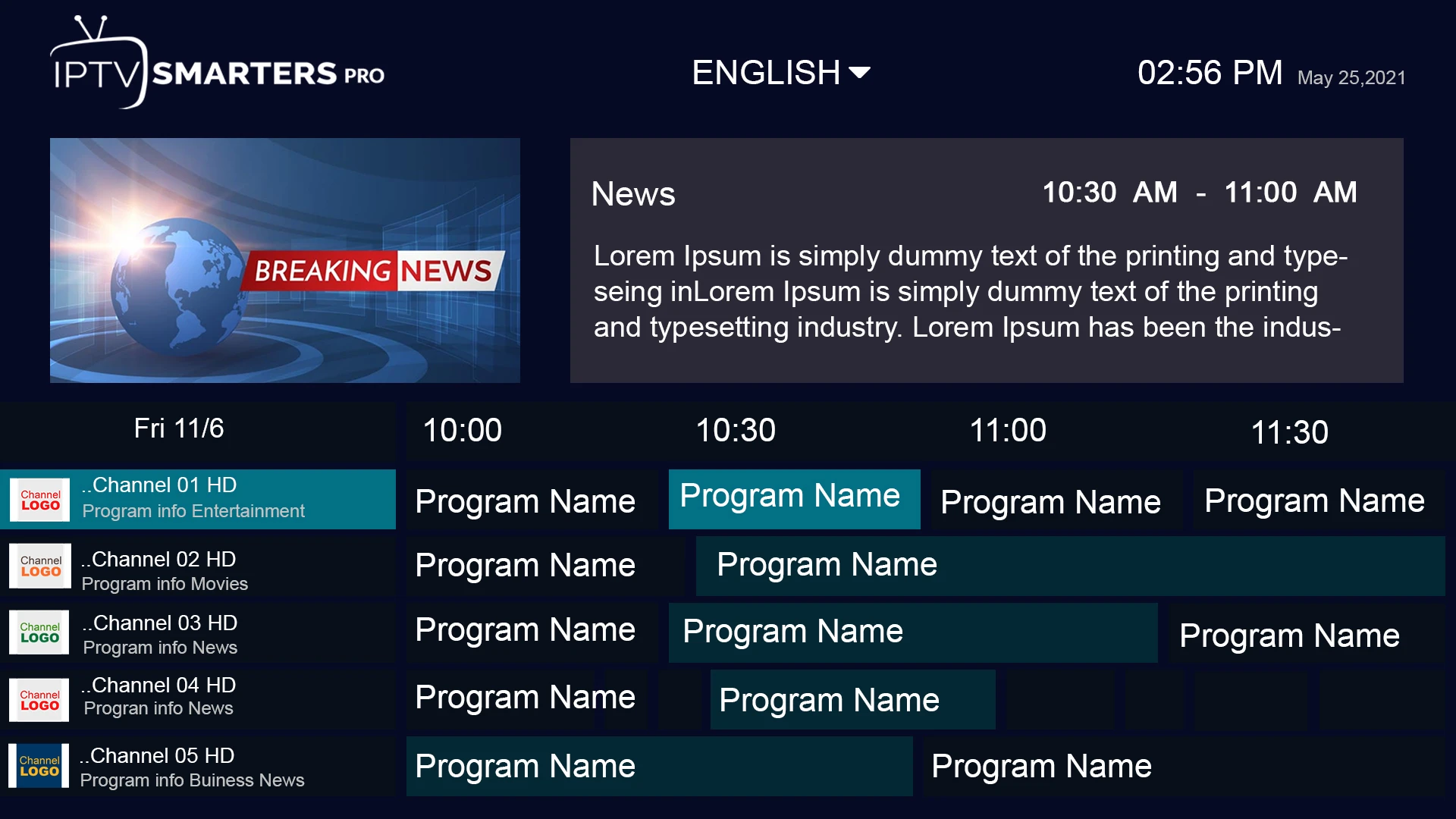
An EPG maps channel schedules to the live channel list.
Explore guideUnderstand picture quality, TV guides, favorites, supported devices, and playback considerations.

Understand the details
An EPG maps channel schedules to the live channel list.
Explore guideCatch-up can replay eligible broadcasts after they air.
Explore guideFavorites shorten the route to channels you watch regularly.
Explore guideA player PIN can restrict access to selected categories.
Explore guideHigher resolutions require both a compatible stream and a suitable screen.
Explore guideA stable connection matters more than headline speed during peak use.
Explore guideYou can set up compatible players on several device families.
Explore guideSome streams expose alternative language tracks and captions.
Explore guideKeeping subscription details private reduces unauthorized use.
Explore guidePause, seek and resume behavior varies by live stream and player.
Explore guideSearch can help find a programme when the source provides usable metadata.
Explore guideMovies and series are browsed separately from live channel groups.
Explore guideLive sport is sensitive to latency and brief network interruptions.
Explore guideA clear support route matters when a device or account needs attention.
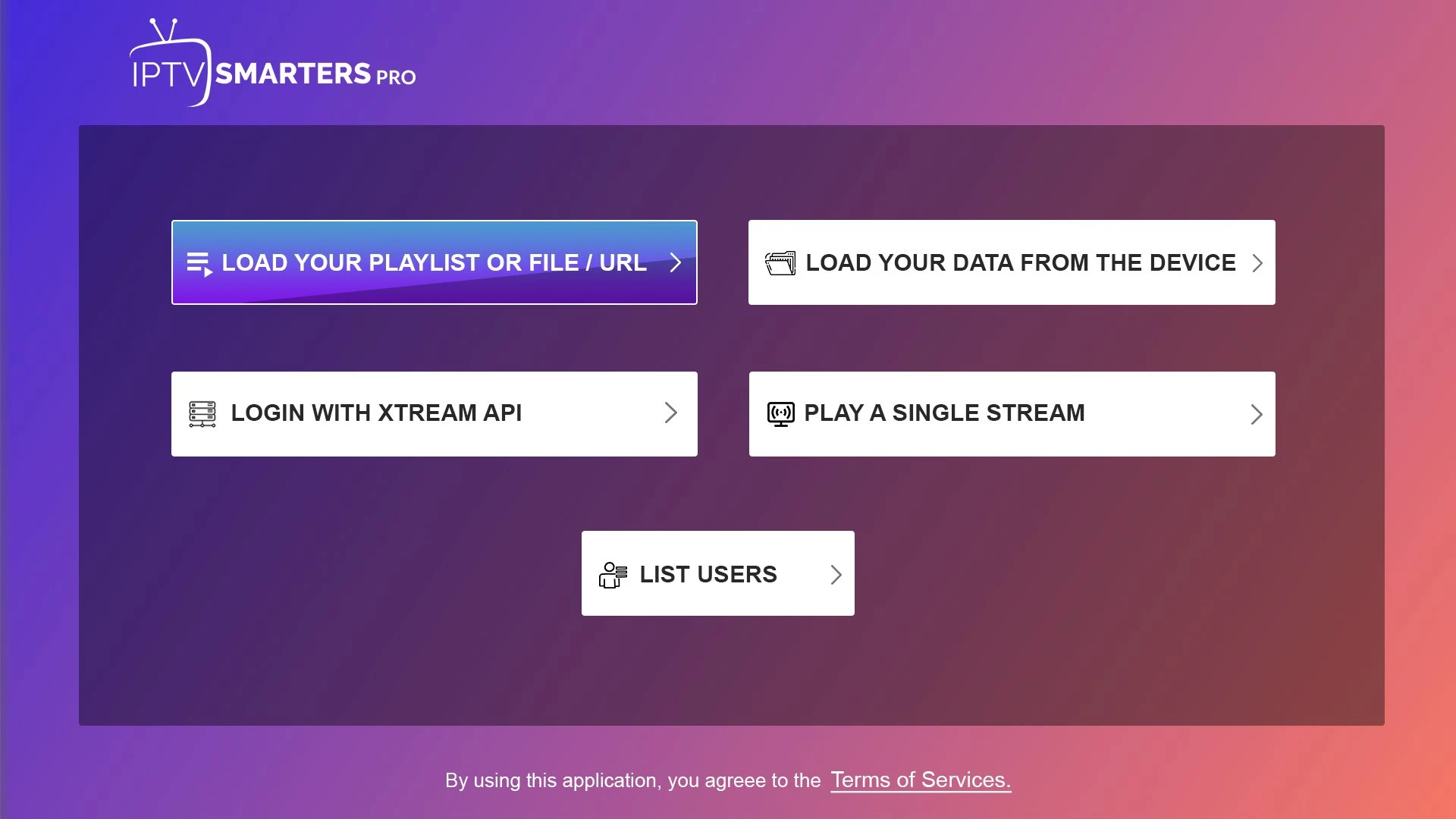
Explore guideDifferent players accept different credential formats.
Explore guideCountry and language filters can make large catalogues easier to use.
Explore guideVisual guide
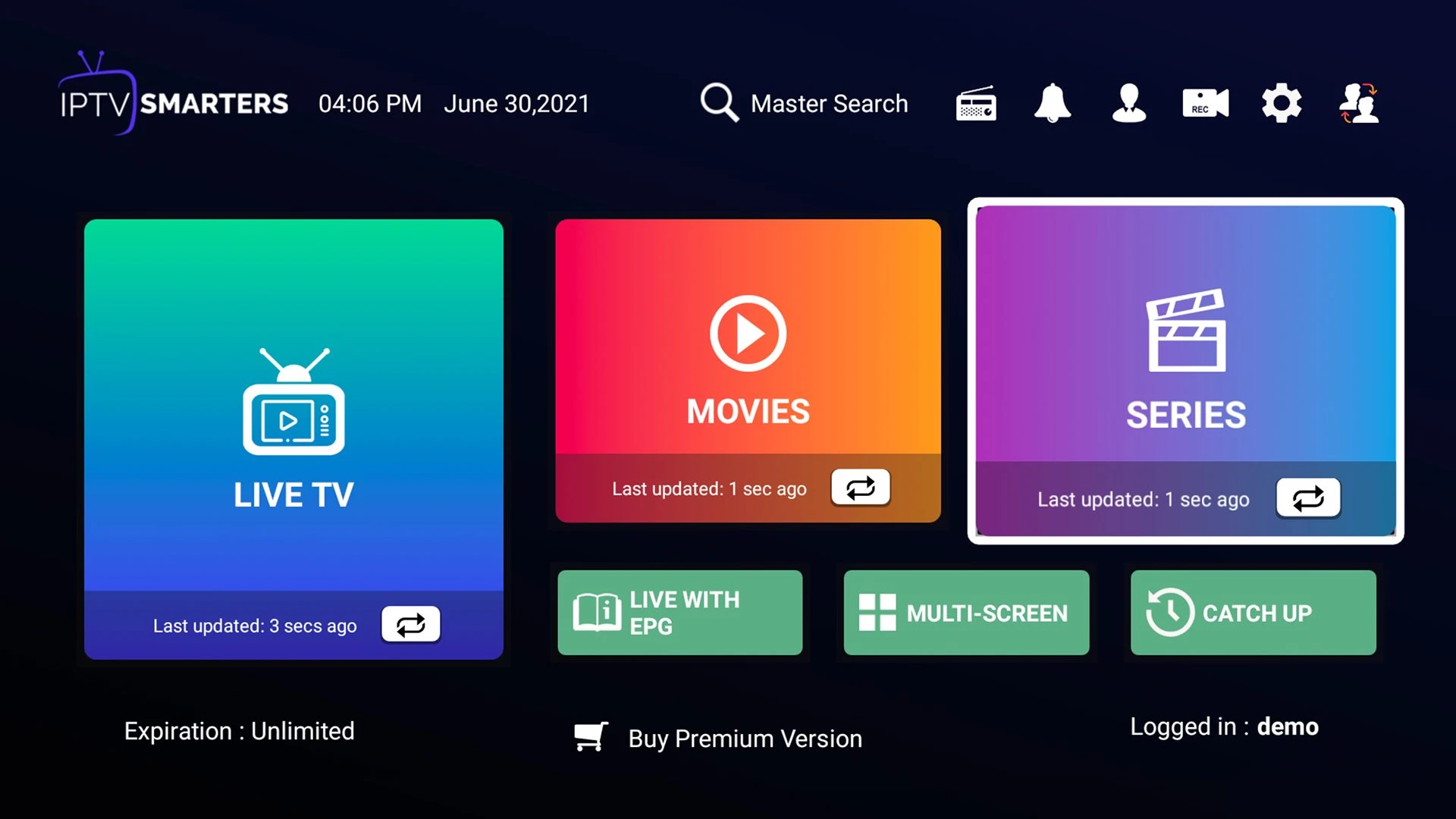
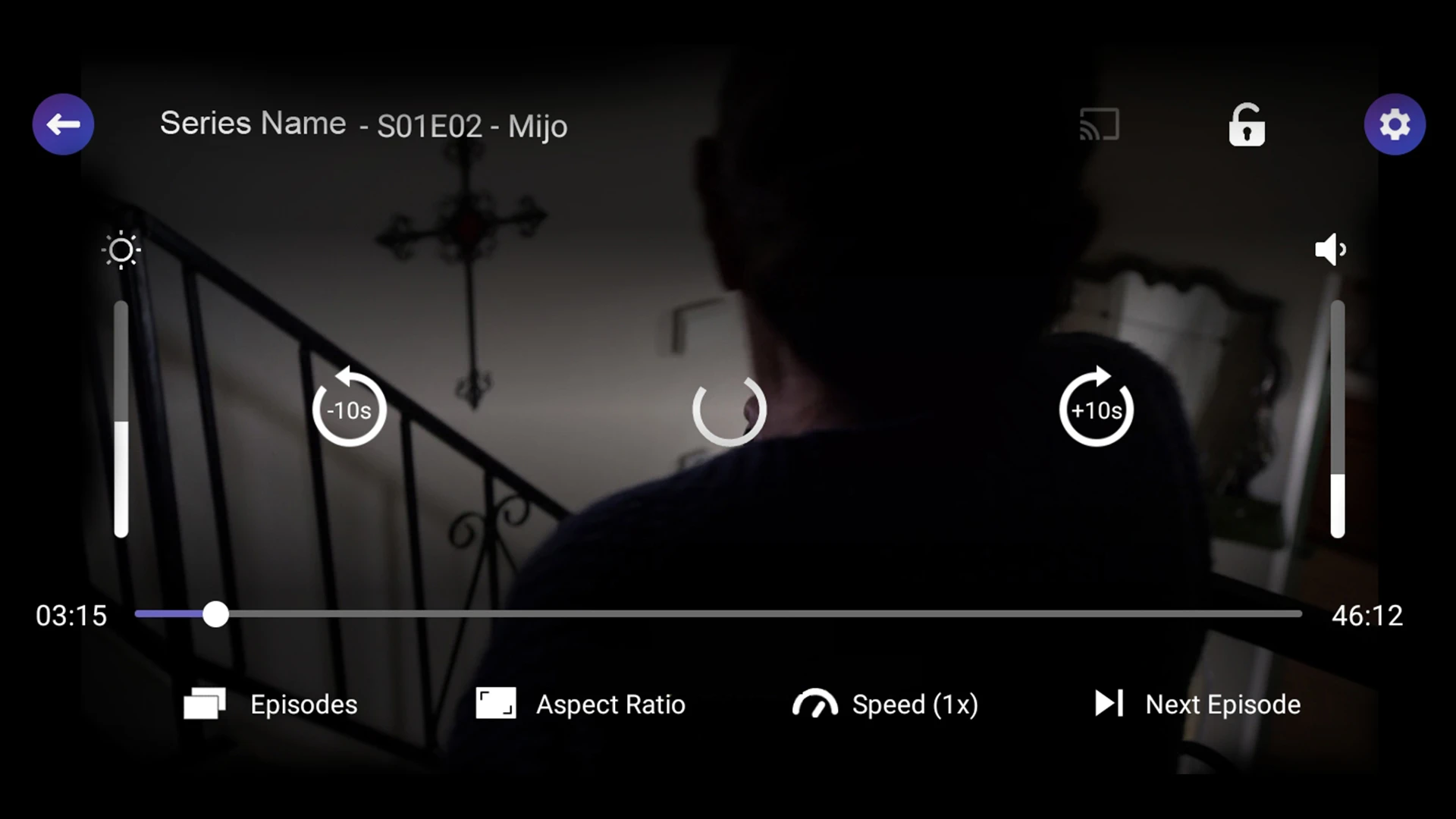
Reference screenshots help explain common player controls. App versions and actual Hot IPTV access screens may differ.


A better first decision
Start with the device you actually use. Find a compatible player, confirm its login method, and check whether it carries a separate activation fee. Next, ask about the exact content you need in your region. A familiar logo or poster is never a substitute for a current lineup check.
Once the basics work, choose the length of subscription that fits your budget. The one-month term keeps your initial commitment small; longer terms reduce the effective monthly price. Ask support about concurrent screens and renewal rules.
Talk to a real person
Tell us your device, location and the plan you are considering. Ask about current availability before paying.