
Amazon Fire TV Stick
Open a compatible player on the Fire TV home screen.
Explore guideA device-first IPTV setup guide covering supported player types, login methods and playback checks.

Different IPTV players ask for a playlist URL, a server address and credentials, or a device/portal registration. Those formats are not interchangeable. Ask which type your account uses before selecting an app.
Install from the device's official store or the verified publisher when possible. The app itself can have a separate fee. Test login and basic playback before changing advanced network settings.
If setup fails, note your exact device model, operating system, player name and error. Do not post credentials or a private playlist URL in public comments.
Visual guide
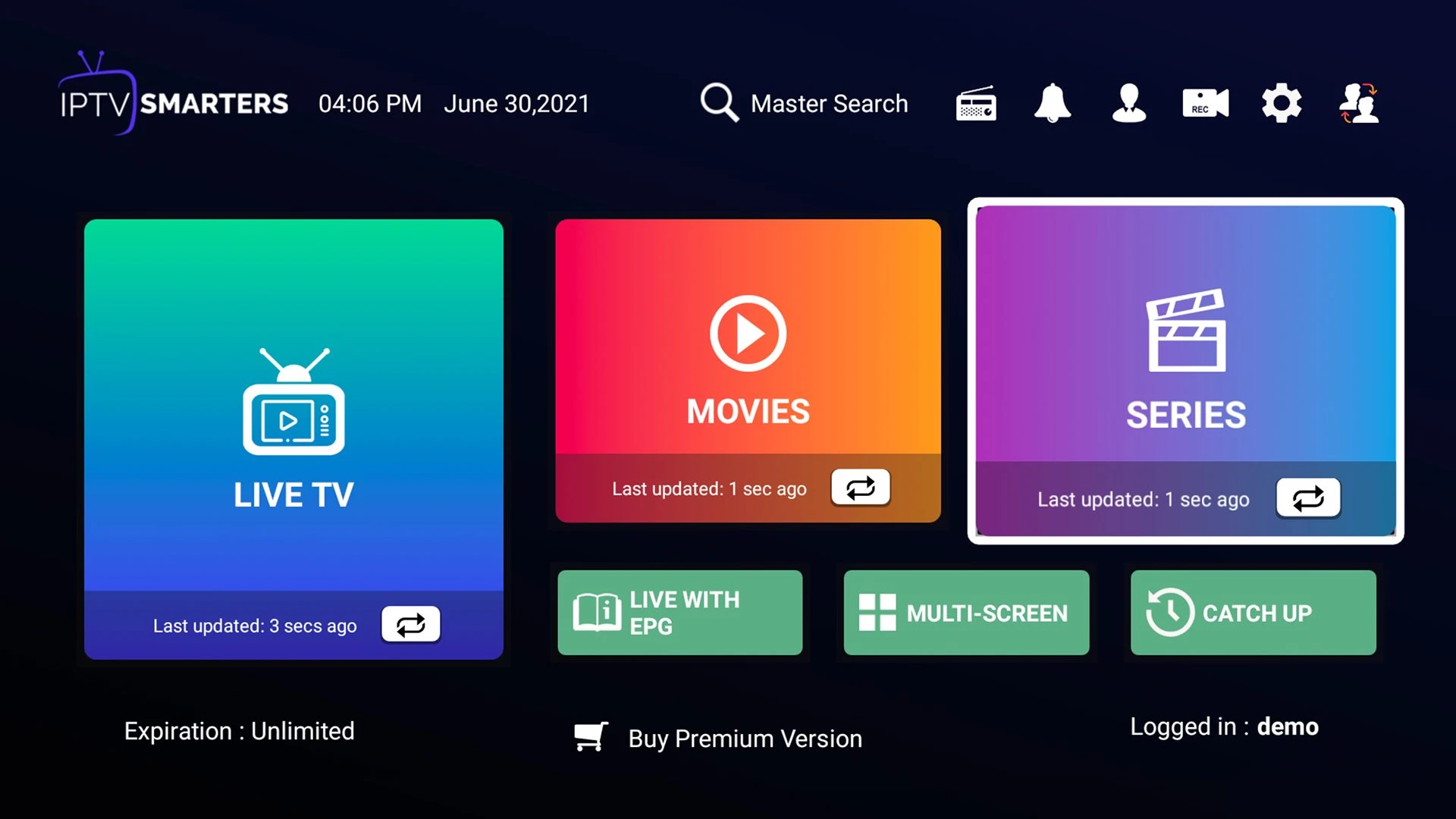
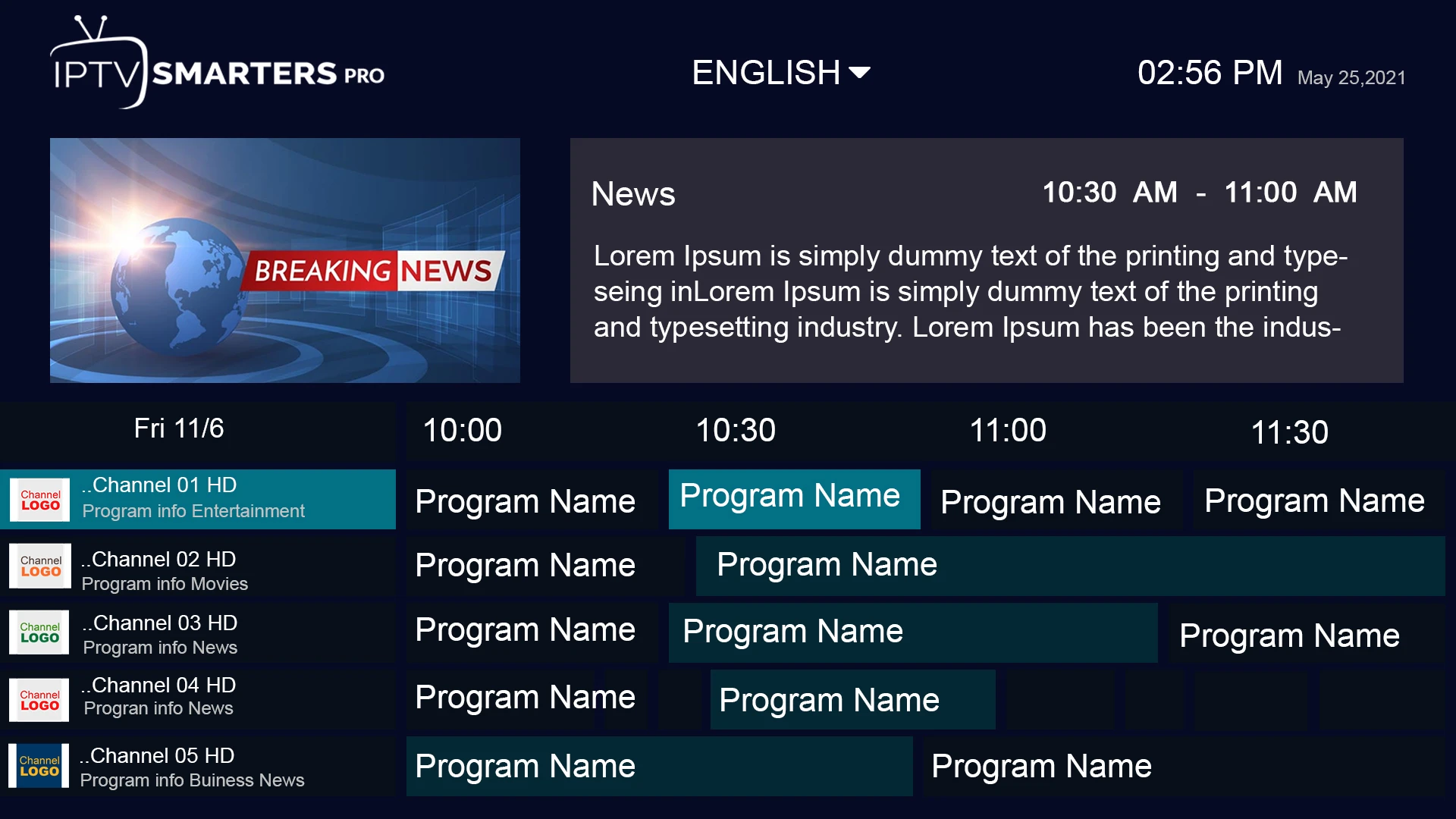
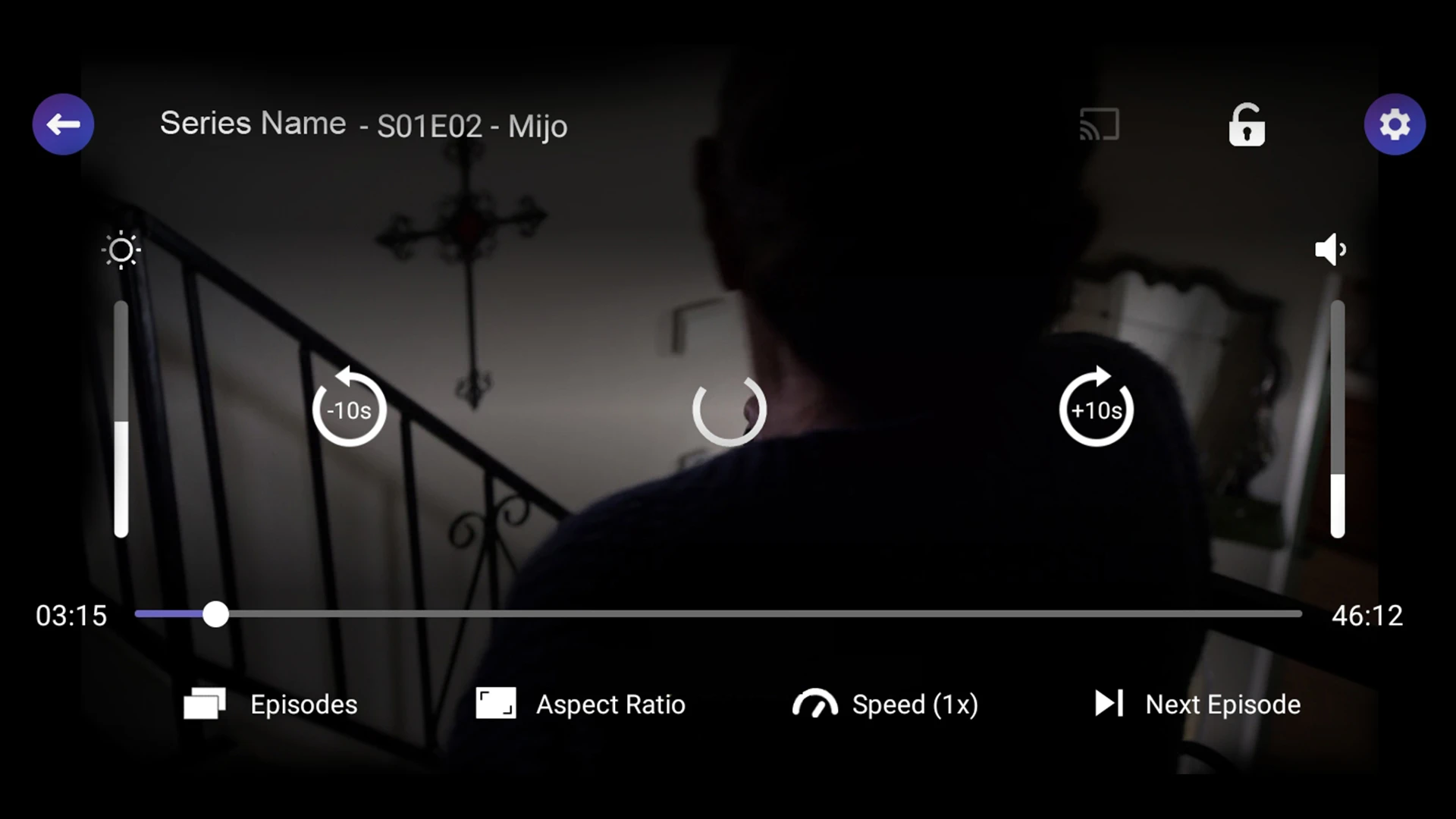
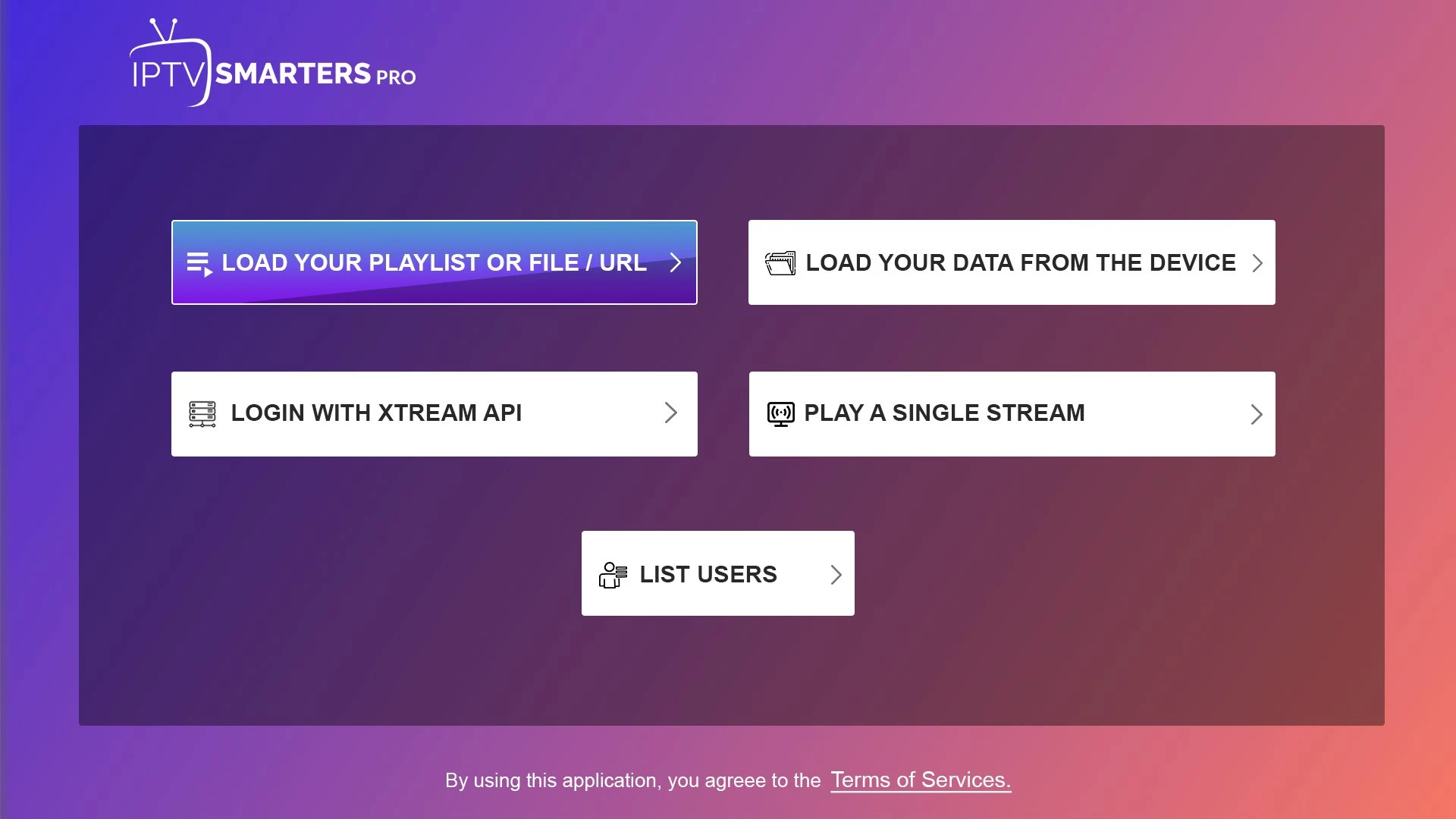
Reference screenshots help explain common player controls. App versions and actual Hot IPTV access screens may differ.
Device by device
Open a compatible player on the Fire TV home screen.
Explore guideCheck the exact model year and the app store on your Samsung TV.
Explore guideOpen the LG Content Store and search for a compatible player.
Explore guideUse Google Play on your TV or a supported Android TV box.
Explore guideChoose a compatible player from the TV's Play Store.
Explore guideCheck the App Store on the Apple TV for a compatible IPTV player.
Explore guideReview the official Roku channel store first.
Explore guideInstall a compatible player from Apple's App Store.
Explore guideChoose a tablet-friendly player and check portrait and landscape layouts.
Explore guideChoose an actively maintained player from Google Play when available.
Explore guideUse a compatible desktop player or a supported browser-based interface.
Explore guideCheck a macOS-compatible player rather than assuming an iPhone app will run.
Explore guidePlayer by player
multi-device login interface
Explore guideTV-focused navigation
Explore guideremote-friendly browsing
Explore guideadvanced sorting and filtering
Explore guideSmart TV playback
Explore guideplaylist-based Smart TV player
Explore guideSmart TV layout
Explore guideAndroid TV interface
Explore guidemobile playlist handling
Explore guideTalk to a real person
Tell us your device, location and the plan you are considering. Ask about current availability before paying.