
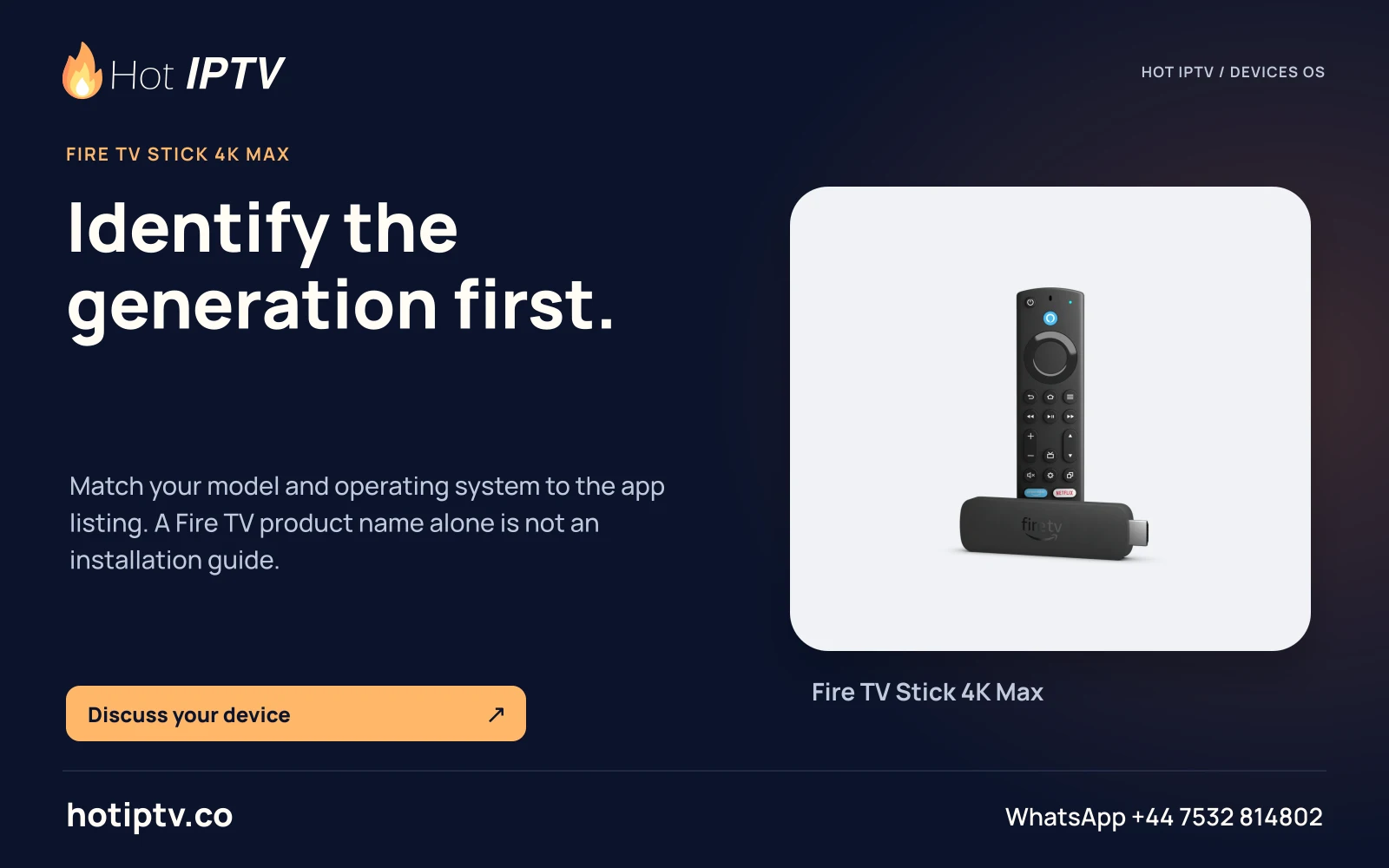
Applies to this setup
Fire OS, Android-derived models only · Confirm current TiviMate requirements for your exact Fire OS model.
Before starting
- Fire OS confirmed using the model guide.
- Current direct link from tivimate.com.
- A provider playlist or supported portal account.
Installation and account steps
- Check the publisher Start at tivimate.com; its documented direct APK alias is tivimate.com/apk.
- Install using your device’s permitted route Use the current publisher instructions and any supported installer; approve only the relevant installation prompt. Google Play is not the Fire OS store.
- Select the input type Add the source as M3U, Xtream Codes or Stalker Portal, matching the provider’s issued details.
- Keep accounts separate TiviMate premium credentials and IPTV service credentials are separate. Ask your service provider which streams/connections/features are included.
Expected result
The TV player can be configured if its current release supports this model. An app-feature purchase does not provide a service playlist.
If the result is different
| Symptom | Next check | What the check distinguishes |
|---|---|---|
| Only a Companion app is installed on a phone | Install the television player on the TV; use any companion only for its stated account/billing role. | A companion utility is not the television playback app. |
| Recording or multiview appears in the player | Check the service’s actual connection entitlement and source capabilities. | A player feature does not create extra subscriptions or guaranteed catch-up. |
Limits of this route
- No Vega OS route verified.
- Not optimized for phone/tablet touch use.
Documentation checked; installation and Hot IPTV playback not tested
After the suitable player is installed
WhatsApp Hot IPTV to request the 24-hour service trial. Give support the model, OS and player and ask for the supported account format. The player installation itself does not create a viewing account or activate a paid software licence.