
Applies to this setup
Fire OS, Vega OS · Fire TV Stick, Fire TV Cube, Fire TV televisions · Read the exact model/year and software information first.
Before starting
- Access to the device settings or its model label.
Installation and account steps
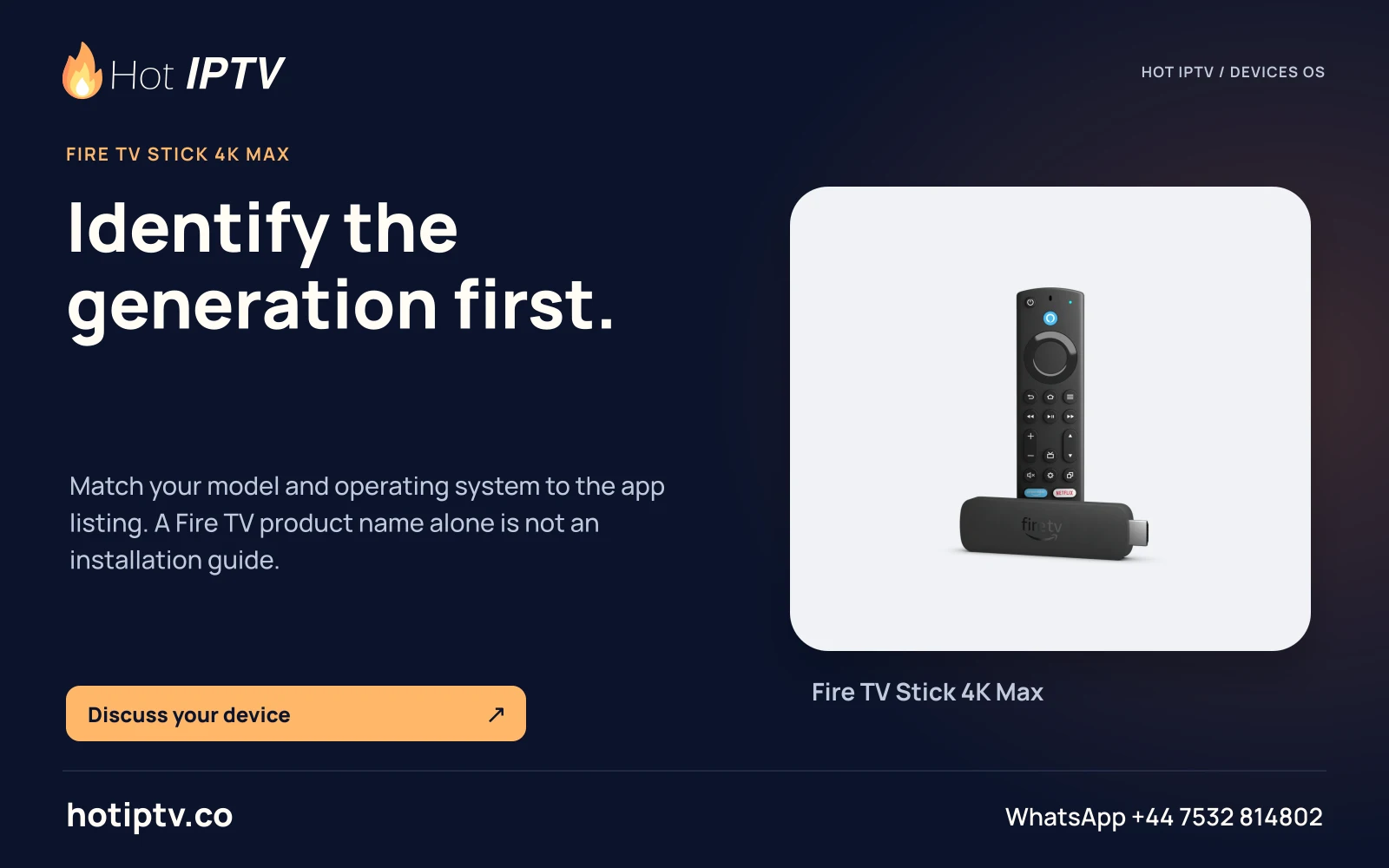
- Record the full model Open Settings and the device/About information available on your Fire TV. Record generation or year as well as the software version.
- Match the official table Compare the complete model to Amazon’s device table. In particular, distinguish HD (2024) from HD (2026) and Stick 4K (2023) from Stick 4K (2026).
- Choose the operating-system branch Use a Fire OS store or publisher Android-APK guide only for documented Fire OS hardware. Use the Vega guide for Vega hardware.
- Ask for an exact player edition Share the full model, OS and player name when requesting setup support. A generic Firestick description is insufficient.
Expected result
You have a model/OS record that selects the correct guide; this step alone does not verify any player installation.
If the result is different
| Symptom | Next check | What the check distinguishes |
|---|---|---|
| An Android APK is rejected before any login screen | Confirm whether the model is Vega OS. | An installer/OS mismatch occurs before service-account authentication. |
| A guide works for a similarly named stick | Compare the generation and year. | A shared retail-family name does not establish the same OS. |
Documentation checked; installation and Hot IPTV playback not tested
After the suitable player is installed
WhatsApp Hot IPTV to request the 24-hour service trial. Give support the model, OS and player and ask for the supported account format. The player installation itself does not create a viewing account or activate a paid software licence.