
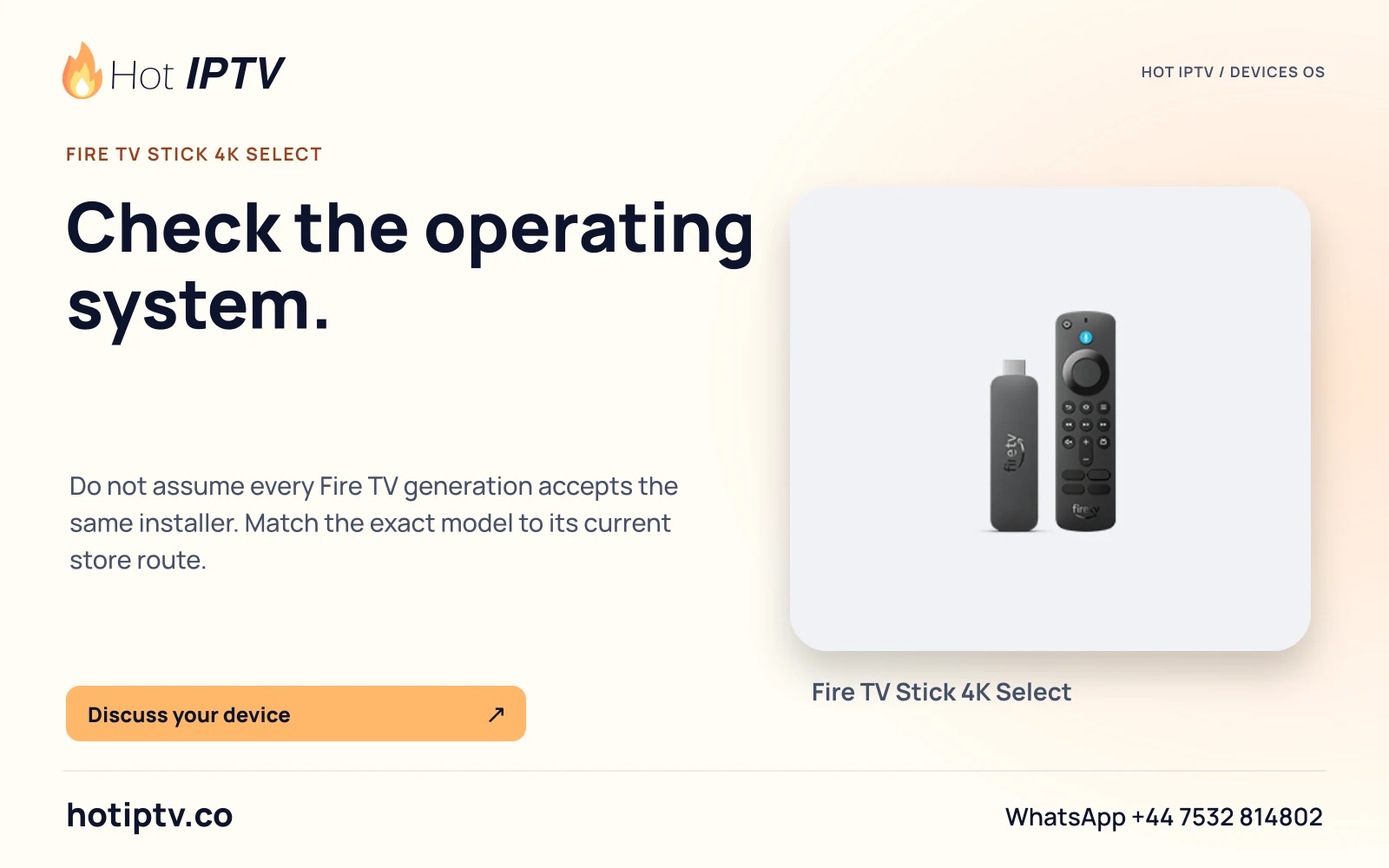
Applies to this setup
Vega OS 2.0 · Fire TV Stick 4K Select (2025) AFTCA002, Fire TV Stick HD (2026) AFTCL001, Fire TV Stick 4K3rd Gen (2026) AFTCR001
Before starting
- Exact model and Vega OS confirmed.
- Amazon account, internet and access to this device’s Appstore catalogue.
Installation and account steps
- Use the native catalogue Search the device through Find or voice search, then open a player’s details.
- Verify this edition Check the named publisher, whether this Vega device is eligible and whether the player accepts your issued service format.
- Install only an available app Use Get or the store purchase action when this model offers it. A Fire OS or Android listing elsewhere is insufficient.
- Request model-specific assistance If no suitable native player appears, give support the complete Vega model and app-search result. Consider another separately verified HDMI player if appropriate.
Expected result
A native app installs only if Amazon offers it for the model and country. No specific HotPlayer/TiviMate/VLC Vega edition was verified in this research.
If the result is different
| Symptom | Next check | What the check distinguishes |
|---|---|---|
| An Android guide mentions Downloader or an APK | Return to the Vega-native store check. | Android APK compatibility cannot be inferred from the Fire TV name. |
| No suitable player appears | Record the model, country and exact searched title for support. | Missing native availability is different from incorrect service credentials. |
Limits of this route
- No working HotPlayer, TiviMate, VLC or Kodi Vega-specific edition confirmed.
- No universal sideload recipe or Android package supplied.
Documentation checked; installation and Hot IPTV playback not tested
After the suitable player is installed
WhatsApp Hot IPTV to request the 24-hour service trial. Give support the model, OS and player and ask for the supported account format. The player installation itself does not create a viewing account or activate a paid software licence.