
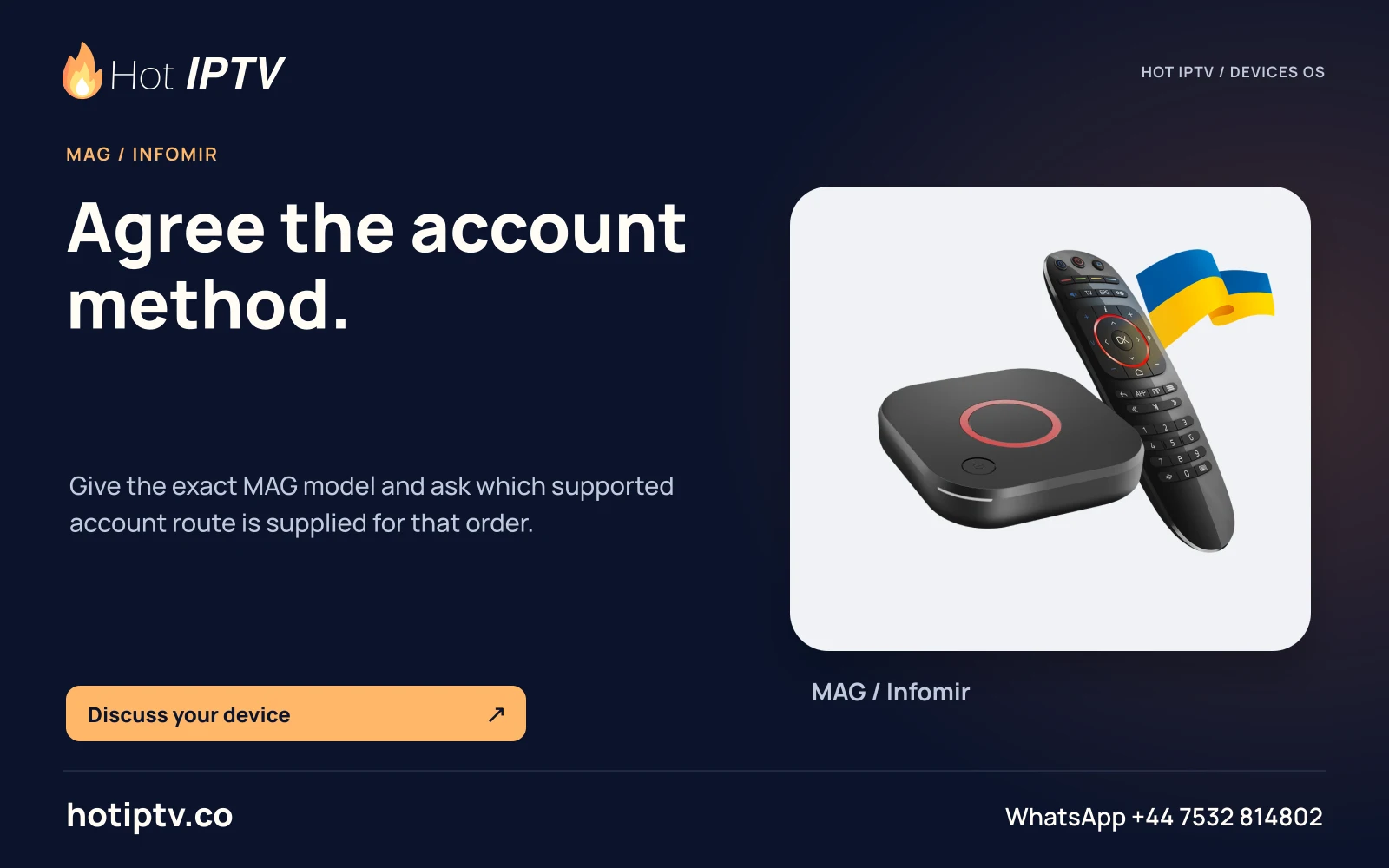
Applies to this setup
Infomir Linux/WebKit embedded portal · MAG544/544w3 and the specific Linux/WebKit models covered by Infomir documentation · Exact firmware and operator portal must be compatible.
Before starting
- Exact MAG model and firmware identified.
- Provider-authorized portal URL and registration, if required.
- Network access and permission to change the box’s portal.
Installation and account steps
- Confirm the model family Compare the label to Infomir’s Linux/Google TV/RDK product information. Do not apply this menu to every MAG-branded device.
- Open portal settings From the embedded portal open System settings > Servers > Portals, if the firmware exposes it.
- Enter the issued portal Use the exact provider-supplied Portal 1/Portal 2 URL and name. Do not construct an endpoint or append a path without provider instructions.
- Load the portal Save the configuration and load/restart the selected portal as the firmware requests. If access is tied to a box identifier, confirm the correct identifier with the provider.
- Record a precise error Distinguish page-loading failure, authentication, missing content and portal-version warnings before changing settings.
Expected result
A compatible authorized portal loads its own service interface. No Hot IPTV Linux-MAG portal or account was tested.
If the result is different
| Symptom | Next check | What the check distinguishes |
|---|---|---|
| Portals setting is missing | Check whether the operator uses customized firmware or DHCP portal provisioning. | A missing local setting is not automatically a faulty box. |
| File not found appears after choosing content | Ask the content provider to check that resource. | Infomir identifies server-side content availability as a distinct issue from installation. |
| MAG540/544 reports firmware/portal-version incompatibility | Check the exact official FAQ and provider platform version before using its model-compatibility option. | This is not a universal instruction to downgrade or flash firmware. |
Limits of this route
- MAG555Google TV follows Google TV app installation.
- MAG RDK and customized operator boxes require their own provider documentation.
Documentation checked; installation and Hot IPTV playback not tested
After the suitable player is installed
WhatsApp Hot IPTV to request the 24-hour service trial. Give support the model, OS and player and ask for the supported account format. The player installation itself does not create a viewing account or activate a paid software licence.