
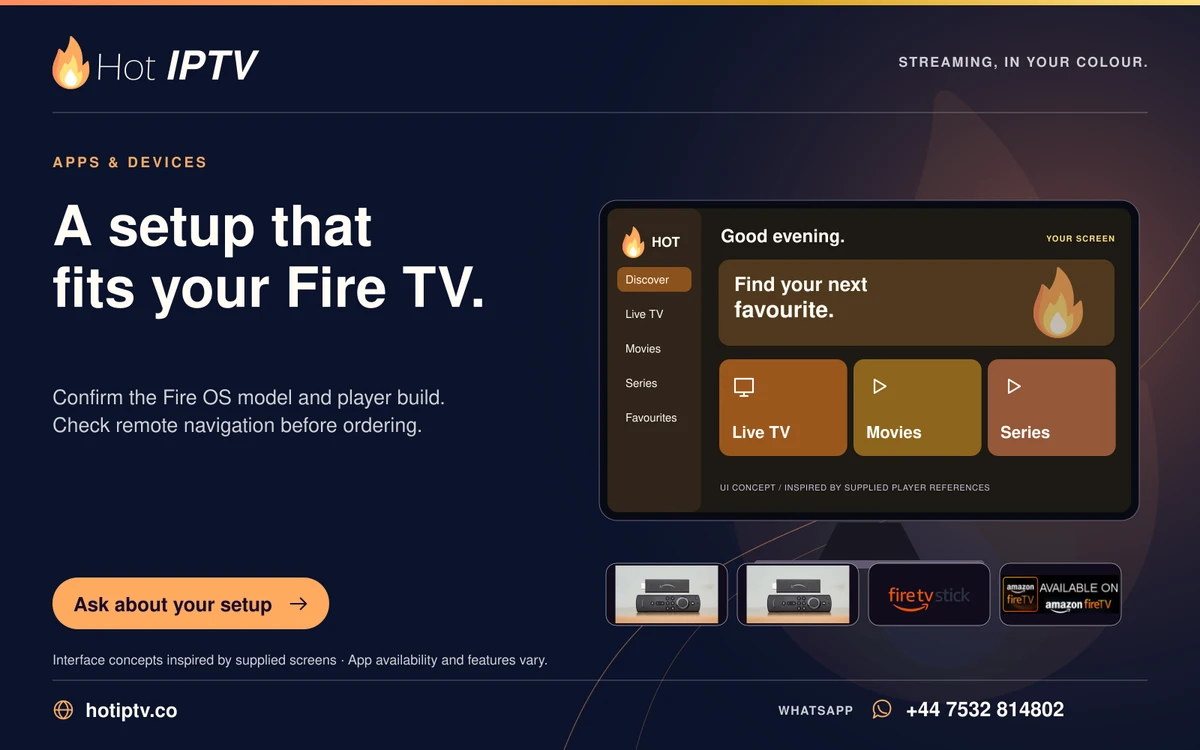
Choose between Fire TV and a television app by testing the exact player, remote navigation and playback features you need. A separate stick can offer a different app store and update route, while the built-in app avoids another HDMI device. Neither option is automatically better for every household.
What matters here
The comparison should use the same account and content where allowed. TV model year, app edition, network connection and audio route can otherwise distort the result. Any independent app licences may need to be checked separately.
Work through these checks
- List the app available on each device and its publisher.
- Test the guide, favourites and subtitle controls with each remote.
- Compare playback over the same home network.
- Check the separate device and player costs before deciding.
Avoid this mistake
Do not compare different streams and conclude that the hardware alone caused the picture-quality difference.
How to judge the result
Choose the setup that remains easy to use from the sofa and meets your documented requirements with fewer unresolved limitations.
Keep reading
Published 29 October 2026 · Hot IPTV editorial team · How we write and update guides