
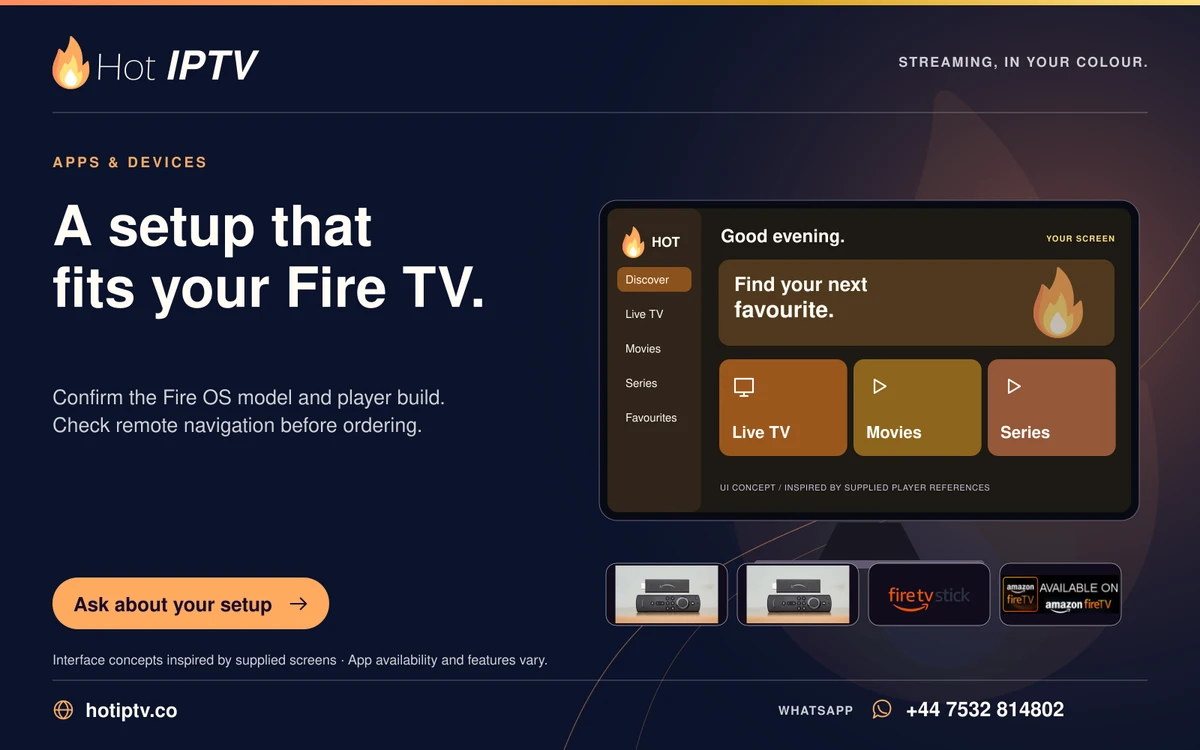
Keep the channels you use most in a short favourites list or a small set of visible groups. Test the route from the player home screen to live playback using only the Fire TV remote. A catalogue is easier to use when the household can recognise the chosen feed.
What matters here
Similarly named regional or quality variants can make a long favourites list confusing. Retain the version you actually tested and label it clearly when the app allows local naming. Avoid hiding groups until you know how to bring them back.
Work through these checks
- Add a few regular channels rather than the entire catalogue.
- Check the order used by the player’s guide and favourites screen.
- Remove confusing duplicates from the shortlist.
- Record the list before clearing app data or switching players.
Avoid this mistake
Do not assume favourite lists automatically synchronise between different players or devices.
How to judge the result
A viewer should be able to reach a regular channel quickly and return to the list without losing navigation focus.
Keep reading
Published 29 October 2026 · Hot IPTV editorial team · How we write and update guides