Players, formats and screens
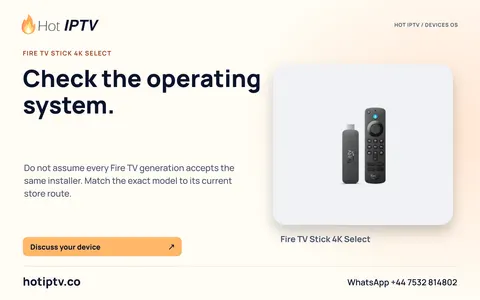
Check the Fire TV operating system before following an APK guide
Match the full Fire TV model, generation and OS to its current Amazon documentation before choosing an installation route.
Read the article
Explore players, formats and screens articles, page 3: Check the Fire TV operating system before following an APK guide, A Smart TV brand is not a complete compatibility check.
Match the full Fire TV model, generation and OS to its current Amazon documentation before choosing an installation route.
Read the article
Build a model, OS, store and player-edition record before deciding whether a television has a native installation route.
Read the article
Choose a viewing route by its sender, receiver, network and control requirements rather than assuming a phone player installs on the TV.
Read the article
Use a recovery checklist and an action ladder before deleting a player’s saved setup or resetting a television.
Read the article
Separate channel list, EPG coverage and media playback, then refresh or report the dataset that actually failed.
Read the article
Use a hostname-resolution hypothesis, record the original resolver arrangement and compare one authorised change deliberately.
Read the articleTell us the device, player and viewing questions that matter. Install a suitable player, then ask for the 24-hour trial.