
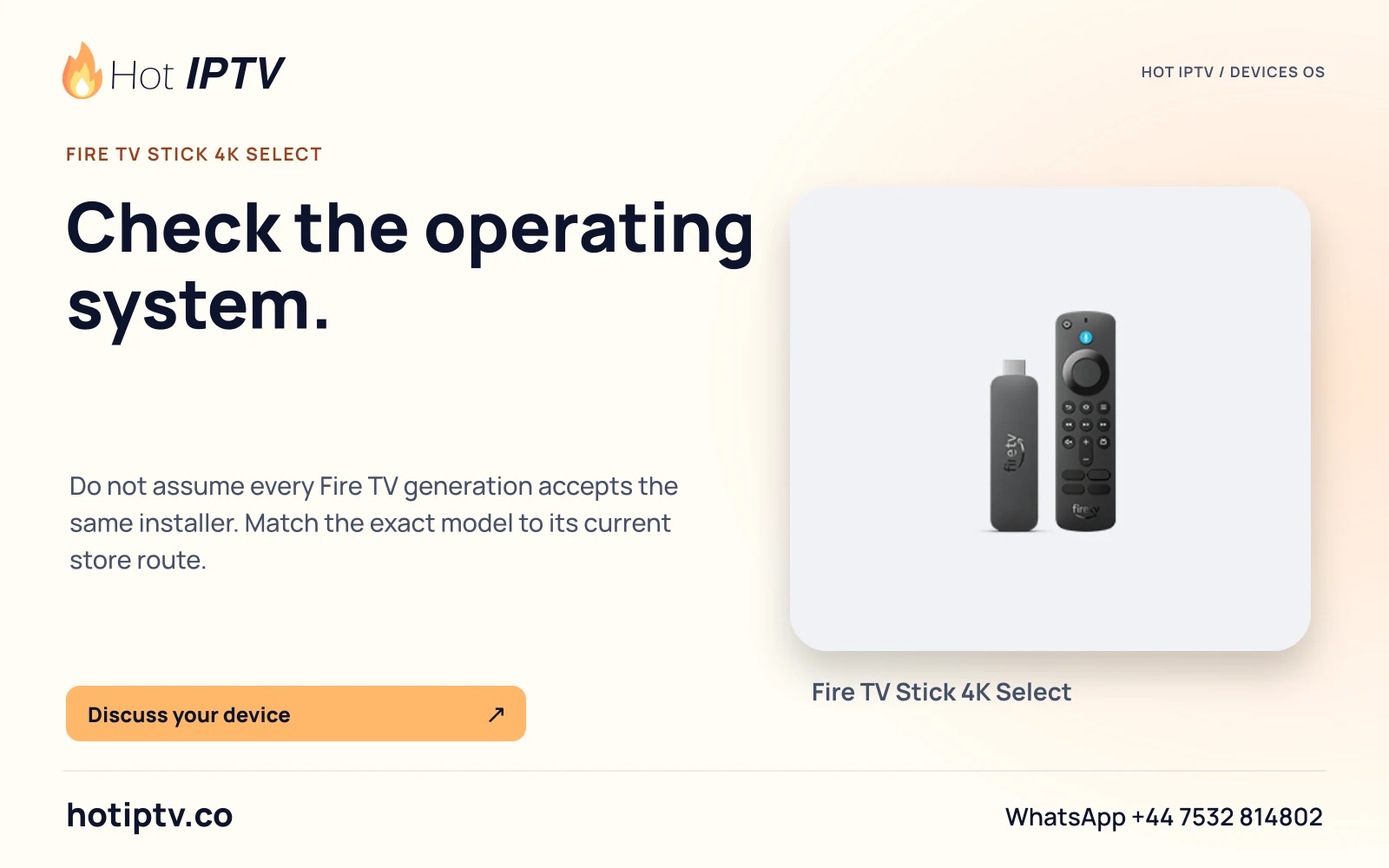
Fire TV is a hardware family spanning different operating systems. Match the exact generation to Amazon’s current table before selecting a player route. Fire OS and Vega OS require separate compatibility evidence; an Android download is not a Vega installer.
Get the complete model identity
Read the model information on the device using Amazon’s current instructions, or use an accurate purchase record if the device cannot open settings. Retain the full product name, generation and year rather than "Firestick" or "4K" alone. Similar retail names can refer to different systems.
Record the actual OS/software version shown. A model table identifies the documented family but does not inspect the individual device. Include the player name and edition you want to install. A screenshot of a flame logo or a generic television picture is not evidence of either hardware generation or player compatibility.
Use the documented generation split
Amazon’s checked 8 November 2026 table lists the following examples. This is a bounded comparison, not a list of every Fire TV television, automotive product or future device.
| Documented model | OS listed by Amazon | Installation implication |
|---|---|---|
| Fire TV Stick 4K,2nd generation,2023 | Fire OS 8 | Check the exact compatible Fire OS player route. |
| Fire TV Stick 4K Max,2nd generation,2023 | Fire OS 8 | Do not infer compatibility solely from the Max label. |
| Fire TV Stick 4K Select,2025 | Vega OS 2.0 | Require a documented Vega/native route. |
| Fire TV Stick HD,2026 | Vega OS 2.0 | Do not apply the older HD model’s Android instructions. |
| Fire TV Stick 4K,3rd generation,2026 | Vega OS 2.0 | Use generation-specific app eligibility. |
Treat Fire OS as its own documented environment
Amazon describes Fire OS as Android-derived and provides model/version-specific guidance. That does not make every Android application compatible with every Fire OS device. The app may depend on unsupported services, require a different architecture or provide only a mobile interface. Start with the actual device store or the publisher’s verified Fire OS route.
If a publisher supplies an Android APK that applies to compatible Fire OS hardware, preserve the publisher identity and stable download route. A Downloader code is only a shortcut when the publisher genuinely supplies it. Do not invent a code, use an unrelated mirror or call a downloaded binary safe merely because it exists.
Stop an APK recipe at the Vega boundary
For a Vega model, check the store on that device and the player publisher’s current Vega support. A page listing Android, Fire TV or "all devices" without an exact edition is insufficient. An APK filename does not establish compatibility with Vega OS. Do not change firmware, enable development workarounds or copy an older model’s recipe to make a missing native listing appear.
When the intended player is unavailable, ask for a supported native alternative and confirm the account method before paying for software. A separately supported external device can be considered if it meets the viewing requirement, but its own operating system and player route must be checked. The purchase should follow evidence, not a guessed workaround.
Separate installation from viewing access
A store listing establishes an installation candidate, not an active Hot IPTV account or programme entitlement. Verify the publisher, software licence and accepted account format. Install through the applicable documented route, then request the Hot IPTV 24-hour trial through WhatsApp. Player software trials and the service trial are separate.
During the trial, use the actual remote, television, audio route and household network. Check the specific programmes and features needed. Do not treat a sample menu, screenshot or manufacturer codec table as a completed service playback test.
Ask the next question with useful identifiers
A good request contains full model, generation/year, OS version, player publisher/edition and the exact unavailable or failing step. If the device is absent from a current table or the listing is region-dependent, say that eligibility remains unverified. Do not silently choose the closest-sounding model.
No Fire TV device, APK or service login was tested for this article. It is documentation-based and should be reviewed when Amazon adds hardware or changes its OS table. Use the specific setup guides after the model branch is established; they preserve the distinction between Fire OS, Vega and account support.
Sources and review
- Fire OS Overview — Amazon
- Device Specifications: Fire TV Streaming Media Player — Amazon