HOT IPTV · PLANS IN USDYour screen. Your player. Your next evening.Install your player. Request a 24-hour trial ↗
Artwork

Apps & setup artwork

Browse apps & setup cards and full-resolution WebP artwork.
Hot IPTV: Choose the player first.
Choose the player first.Start with the exact device and OS, then choose a suitable player from its publisher or official store.
HOT-0392 · master
Open full artwork
Hot IPTV: Hot IPTV and HotPlayer.
Hot IPTV and HotPlayer.Hot IPTV handles the service enquiry. HotPlayer is an independent player from STE DIGI VIBES and includes no channels.
HOT-0393 · master
Open full artwork
Hot IPTV: Two purchases. Two records.
Two purchases. Two records.Keep the player licence receipt separate from the Hot IPTV subscription record. They cover different parts of the setup.
HOT-0394 · master
Open full artwork
Hot IPTV: The sign-in route matters.
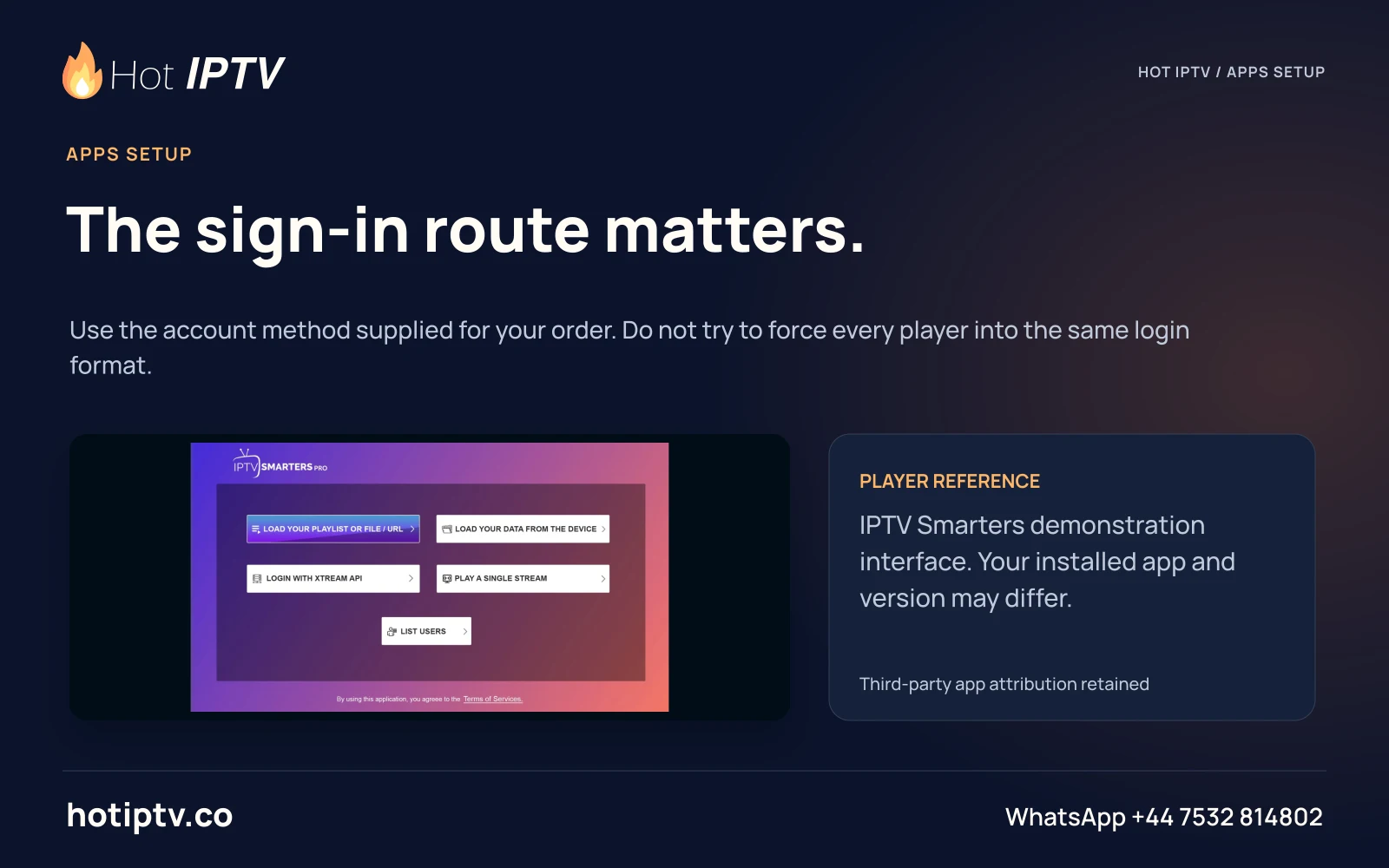
The sign-in route matters.Use the account method supplied for your order. Do not try to force every player into the same login format.
HOT-0395 · master
Open full artwork
Hot IPTV: M3U links stay private.
M3U links stay private.A playlist address can contain account credentials. Enter it only in your intended player and keep it out of public screenshots.
HOT-0396 · master
Open full artwork
Hot IPTV: Xtream-style details.
Xtream-style details.Where supplied, server, username and password are separate fields. Copy them carefully into the matching account route.
HOT-0397 · master
Open full artwork
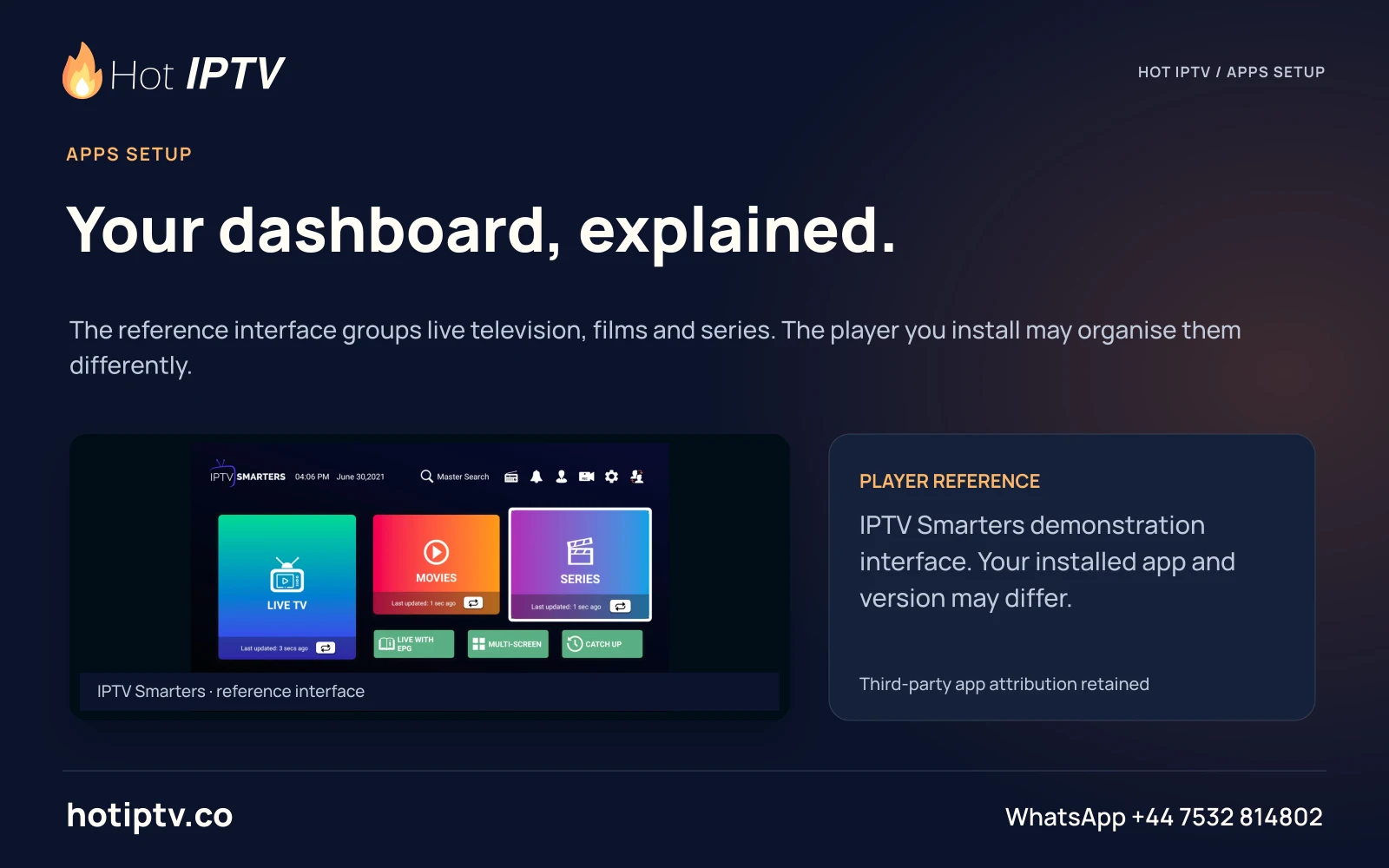
Hot IPTV: Your dashboard, explained.
Your dashboard, explained.The reference interface groups live television, films and series. The player you install may organise them differently.
HOT-0398 · master
Open full artwork
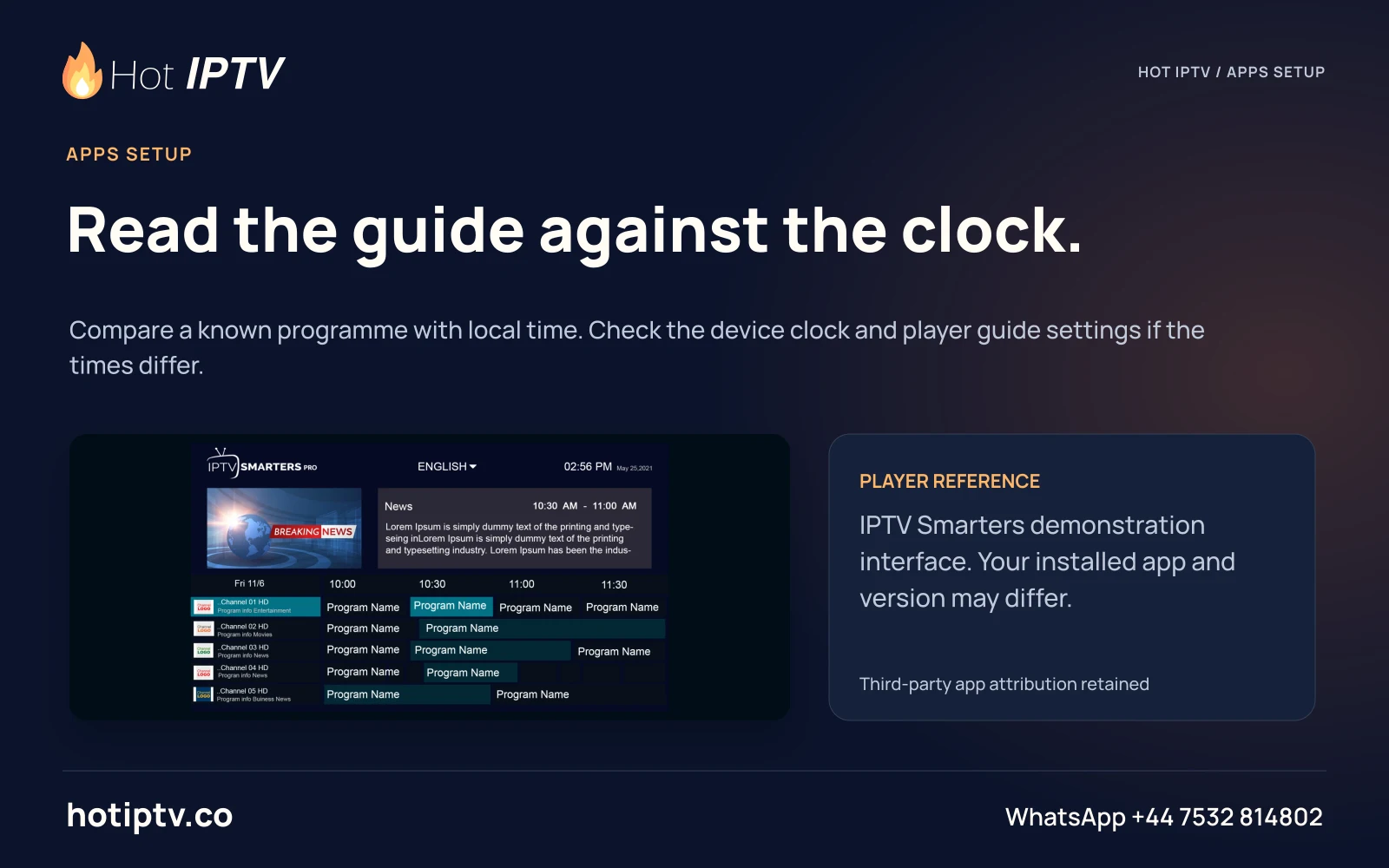
Hot IPTV: Read the guide against the clock.
Read the guide against the clock.Compare a known programme with local time. Check the device clock and player guide settings if the times differ.
HOT-0399 · master
Open full artwork
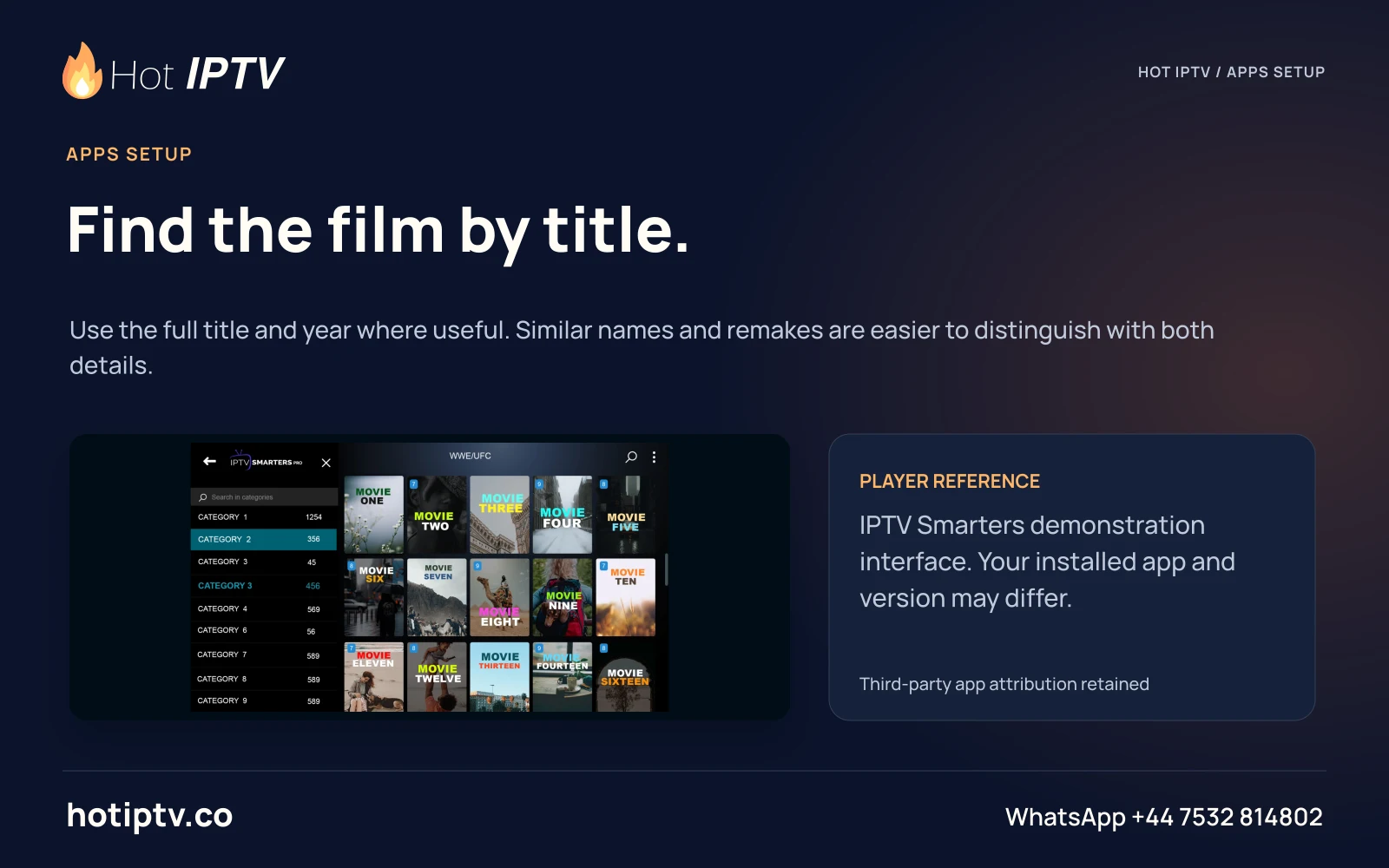
Hot IPTV: Find the film by title.
Find the film by title.Use the full title and year where useful. Similar names and remakes are easier to distinguish with both details.
HOT-0400 · master
Open full artwork
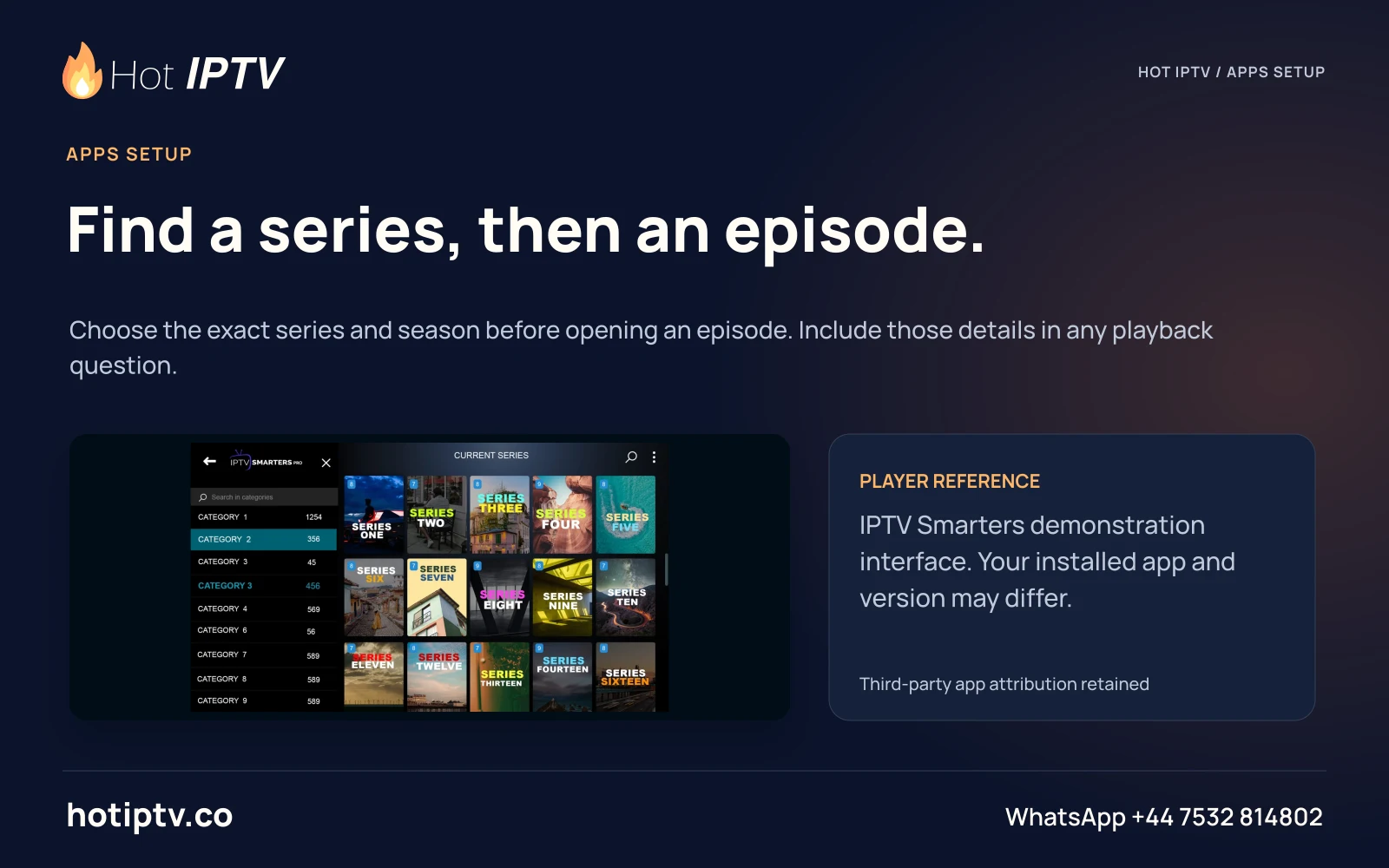
Hot IPTV: Find a series, then an episode.
Find a series, then an episode.Choose the exact series and season before opening an episode. Include those details in any playback question.
HOT-0401 · master
Open full artwork
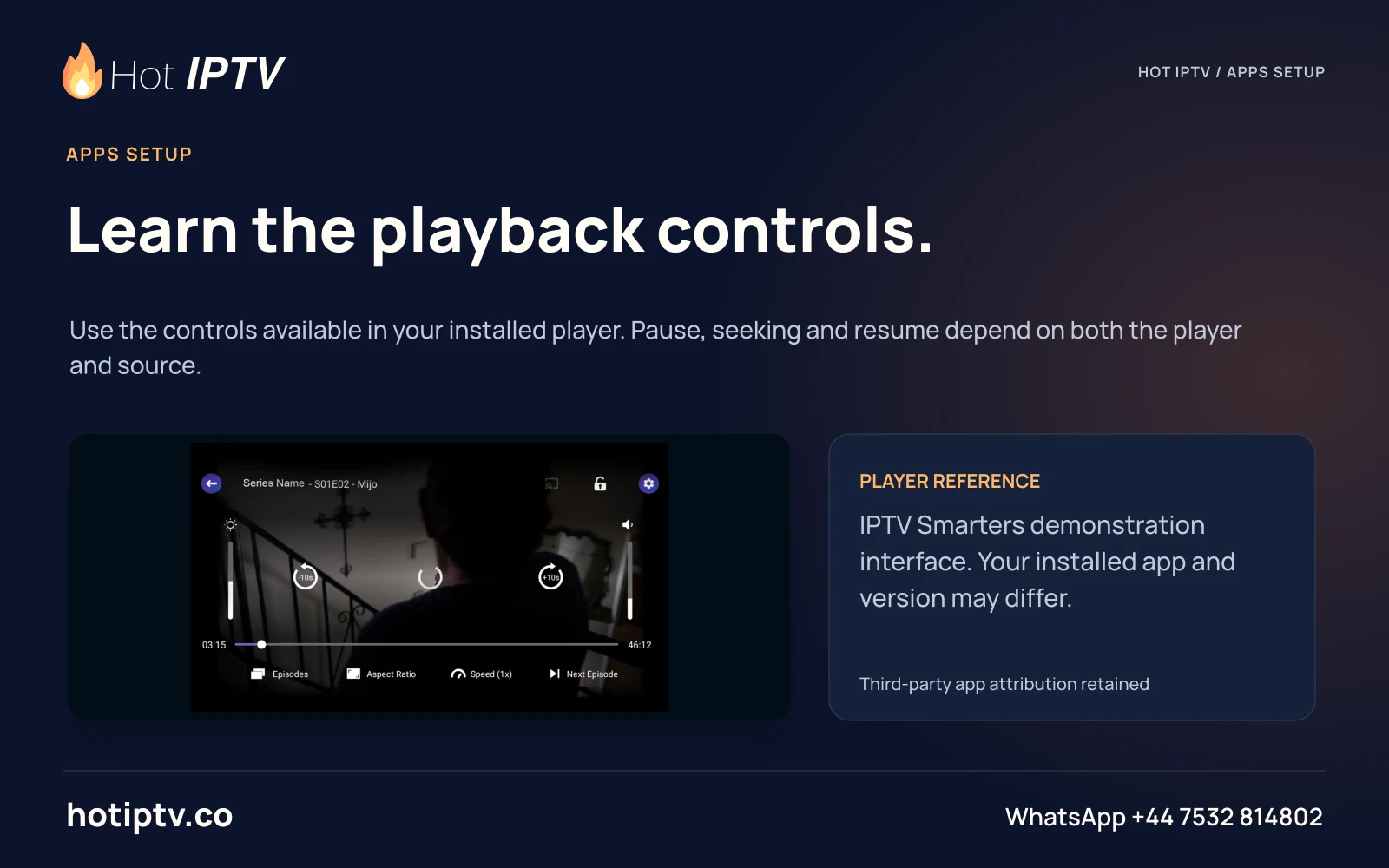
Hot IPTV: Learn the playback controls.
Learn the playback controls.Use the controls available in your installed player. Pause, seeking and resume depend on both the player and source.
HOT-0402 · master
Open full artwork
Hot IPTV: Official store first.
Official store first.Match the app publisher, platform and edition before installing. A similar app name is not proof of the same product.
HOT-0403 · master
Open full artwork
Hot IPTV: An APK has a platform.
An APK has a platform.An Android installer is not a universal package for Tizen, webOS, Roku or tvOS. Choose the route for the actual OS.
HOT-0404 · master
Open full artwork
Hot IPTV: No guessed Downloader code.
No guessed Downloader code.Use a verified publisher or store route. A short numeric code should never replace checking what file it retrieves.
HOT-0405 · master
Open full artwork
Hot IPTV: Record the app version.
Record the app version.Before asking for help, note the installed player and version. A screenshot of an older guide may show different controls.
HOT-0406 · master
Open full artwork
Hot IPTV: Remote navigation comes first.
Remote navigation comes first.On a television, try moving between categories, opening a programme and returning without a touch screen.
HOT-0407 · master
Open full artwork
Hot IPTV: Build a useful favourites list.
Build a useful favourites list.Where supported, save the channels you actually use. A short list can be easier to navigate with a television remote.
HOT-0408 · master
Open full artwork
Hot IPTV: Audio is a separate choice.
Audio is a separate choice.Check the available audio tracks in the installed player. A subtitle selection does not change the spoken soundtrack.
HOT-0409 · master
Open full artwork
Hot IPTV: Subtitles need a real test.
Subtitles need a real test.Try the language and text size you need on the intended screen. Available tracks depend on the programme source.
HOT-0410 · master
Open full artwork
Hot IPTV: Use a household PIN thoughtfully.
Use a household PIN thoughtfully.If the player provides parental controls, choose a private PIN and check which menus or categories it protects.
HOT-0411 · master
Open full artwork
Hot IPTV: Fit the picture to the screen.
Fit the picture to the screen.Use the player and TV aspect-ratio controls to avoid stretching. Letterboxing can be part of the original film format.
HOT-0412 · master
Open full artwork
Hot IPTV: A guide is not a replay.
A guide is not a replay.EPG data describes schedules. Catch-up playback is a separate source and account feature to check.
HOT-0413 · master
Open full artwork
Hot IPTV: Update with a clear record.
Update with a clear record.Note the current player version and issue before updating from the publisher route. Keep your private account details safe.
HOT-0414 · master
Open full artwork
Hot IPTV: One player, one useful error.
One player, one useful error.Send the exact error text and the action that produced it. A precise sequence helps support locate the problem.
HOT-0415 · master
Open full artwork
Start with a useful conversation

Your screen.
Your next great evening.

Tell us the device, player and viewing questions that matter. Install a suitable player, then ask for the 24-hour trial.

↑