HOT IPTV · PLANS IN USDYour screen. Your player. Your next evening.Install your player. Request a 24-hour trial ↗
Artwork

Devices & OS artwork

Browse devices & os cards and full-resolution WebP artwork.
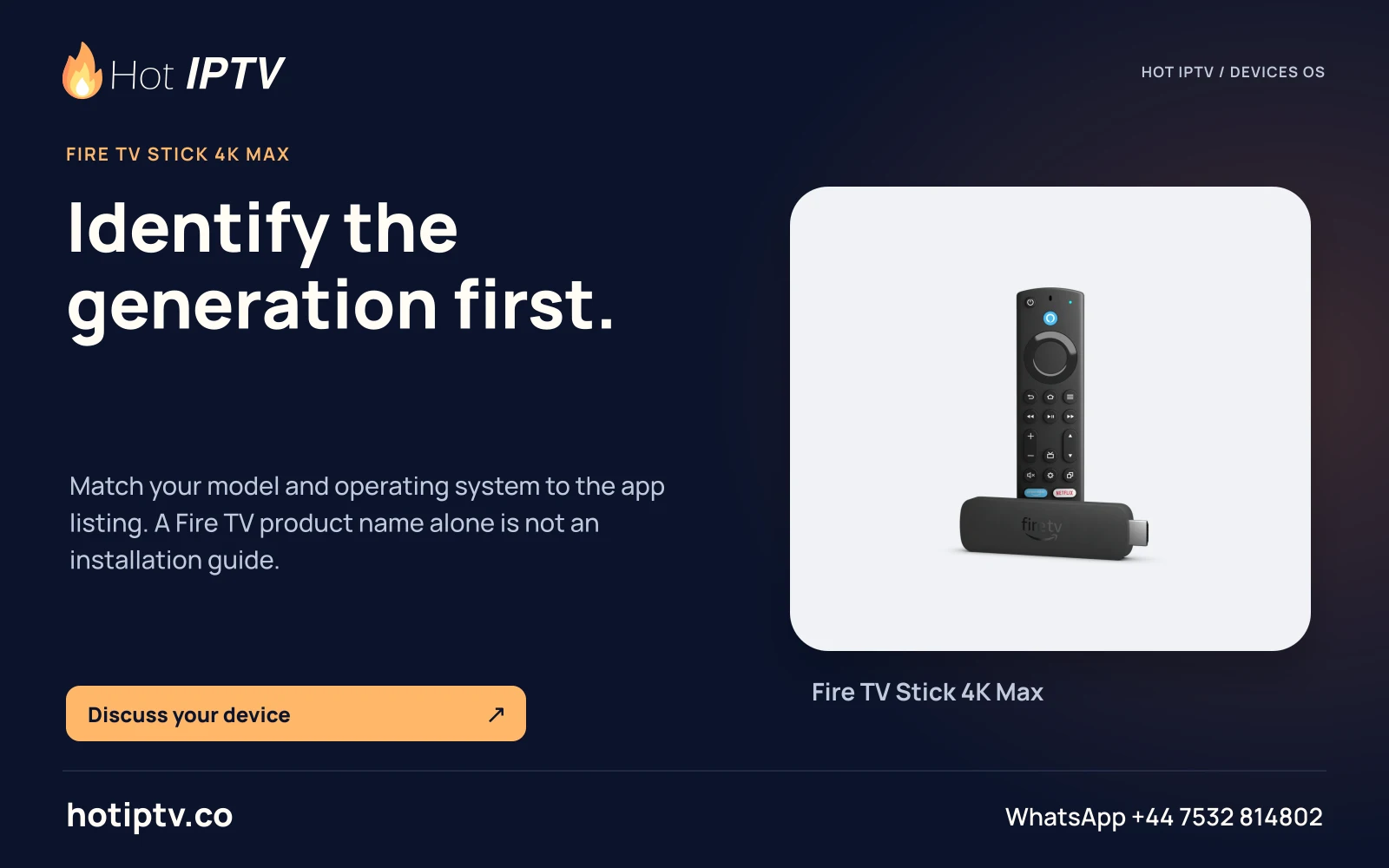
Hot IPTV: Identify the generation first. — Fire TV Stick 4K Max
Identify the generation first.Match your model and operating system to the app listing. A Fire TV product name alone is not an installation guide.
HOT-0356 · master
Open full artwork
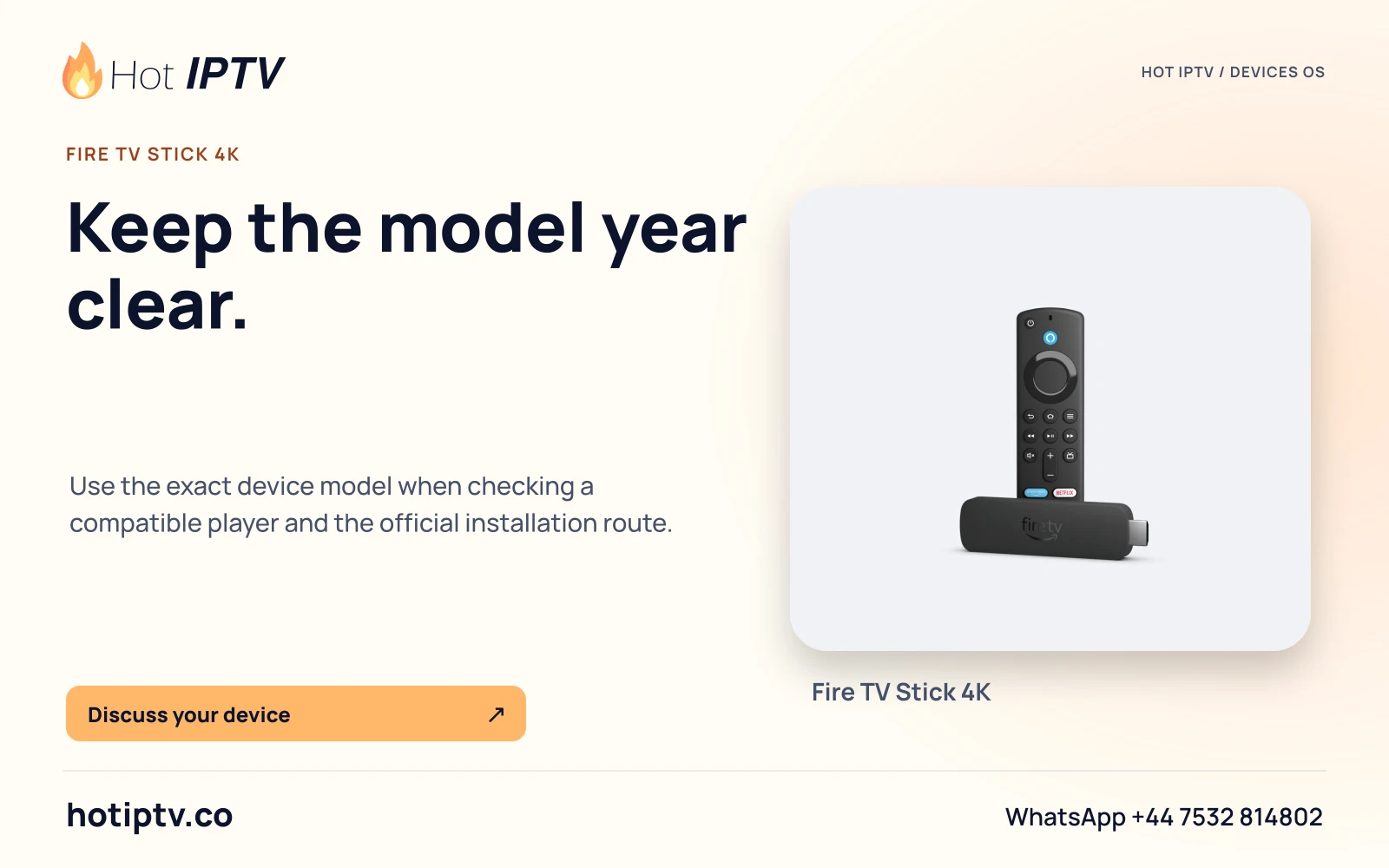
Hot IPTV: Keep the model year clear. — Fire TV Stick 4K
Keep the model year clear.Use the exact device model when checking a compatible player and the official installation route.
HOT-0357 · master
Open full artwork
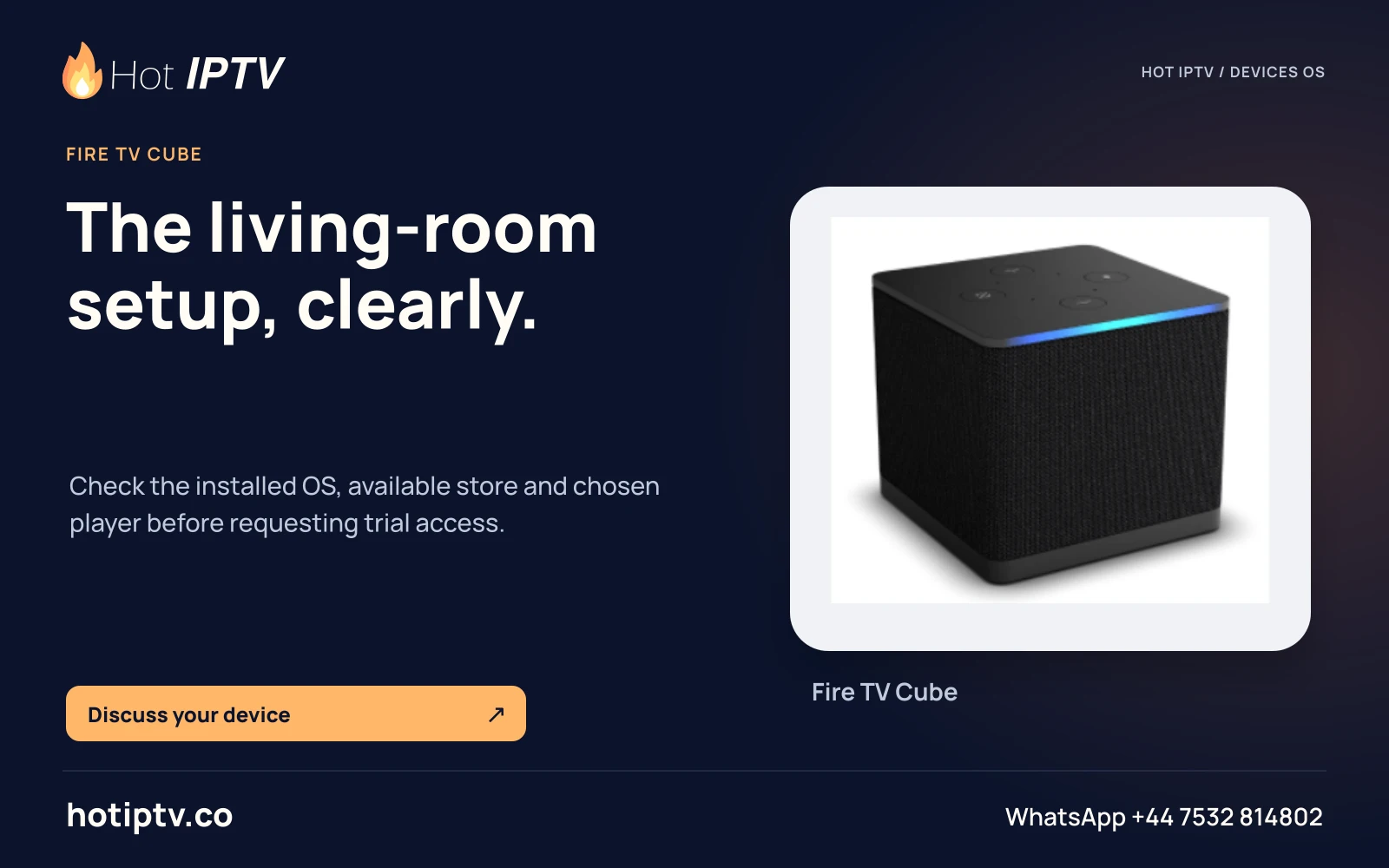
Hot IPTV: The living-room setup, clearly. — Fire TV Cube
The living-room setup, clearly.Check the installed OS, available store and chosen player before requesting trial access.
HOT-0358 · master
Open full artwork
Hot IPTV: A useful first-screen check. — Fire TV Stick Lite
A useful first-screen check.Confirm the device generation and supported player version. Test navigation with the remote you actually use.
HOT-0359 · master
Open full artwork
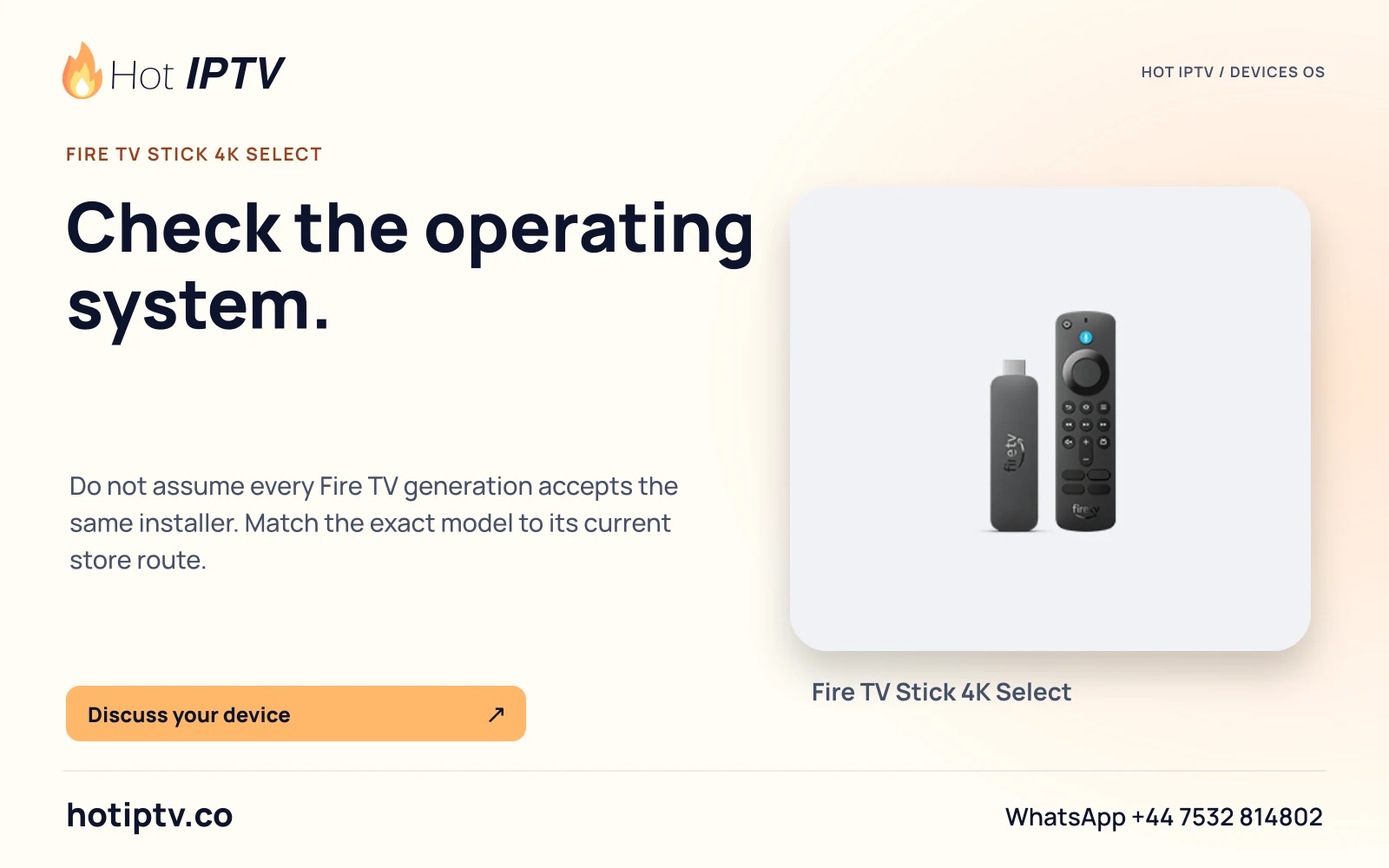
Hot IPTV: Check the operating system. — Fire TV Stick 4K Select
Check the operating system.Do not assume every Fire TV generation accepts the same installer. Match the exact model to its current store route.
HOT-0360 · master
Open full artwork
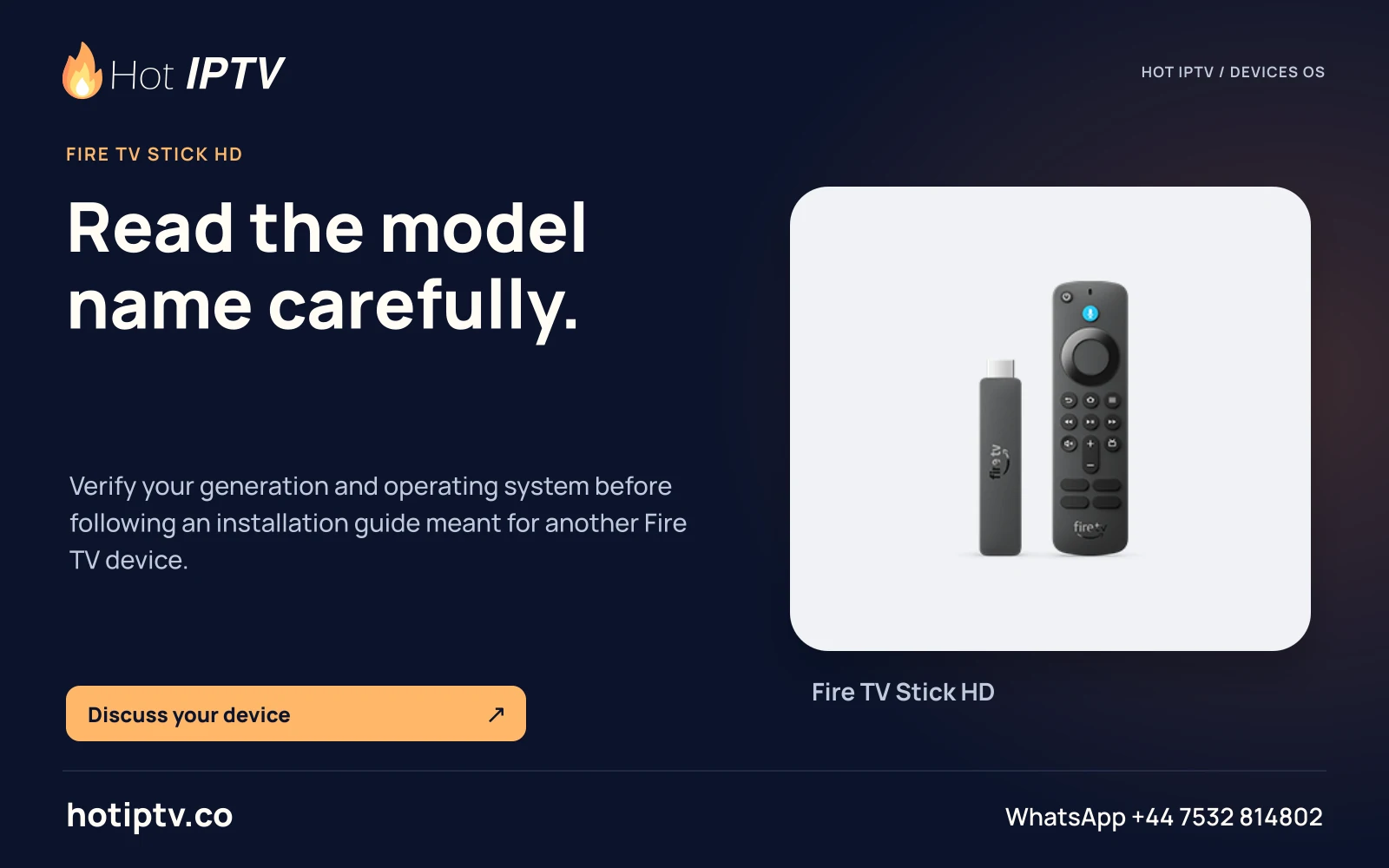
Hot IPTV: Read the model name carefully. — Fire TV Stick HD
Read the model name carefully.Verify your generation and operating system before following an installation guide meant for another Fire TV device.
HOT-0361 · master
Open full artwork
Hot IPTV: Start with the installed OS. — Android phones
Start with the installed OS.Choose the player edition for the phone, then use the publisher or official store for installation.
HOT-0362 · master
Open full artwork
Hot IPTV: A remote-first player. — Android TV
A remote-first player.A phone app and a television app can have different controls. Choose the edition made for your screen.
HOT-0363 · master
Open full artwork
Hot IPTV: Interface and player are separate. — Google TV
Interface and player are separate.Identify the device running Google TV and choose a player available for that device and region.
HOT-0364 · master
Open full artwork
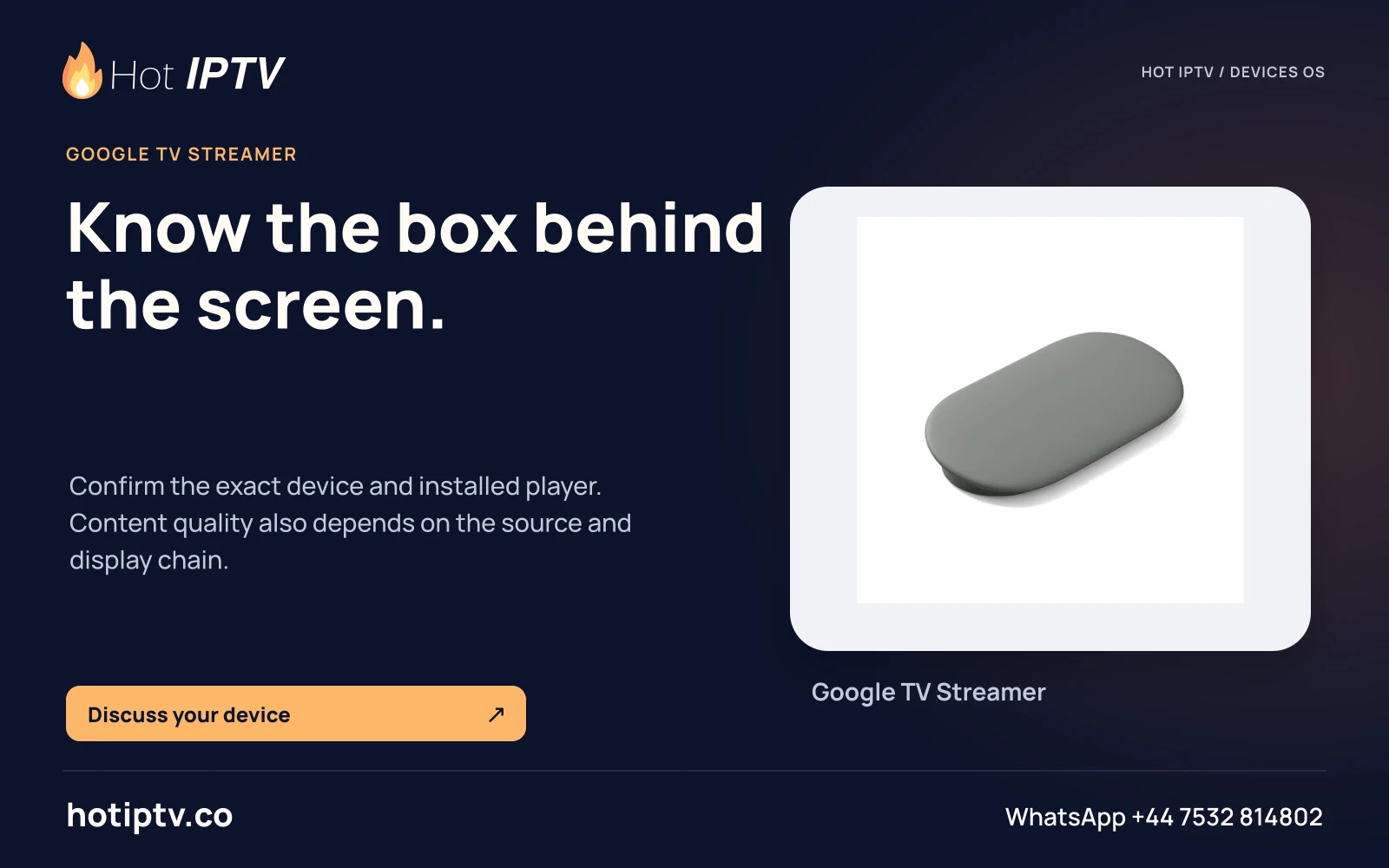
Hot IPTV: Know the box behind the screen. — Google TV Streamer
Know the box behind the screen.Confirm the exact device and installed player. Content quality also depends on the source and display chain.
HOT-0365 · master
Open full artwork
Hot IPTV: A desktop viewing route. — Windows
A desktop viewing route.Use a current player from its publisher. Keep network-stream details private when asking for setup help.
HOT-0366 · master
Open full artwork
Hot IPTV: Match the Mac player. — macOS
Match the Mac player.Choose software for your macOS version. App installation and a Hot IPTV service account are separate steps.
HOT-0367 · master
Open full artwork
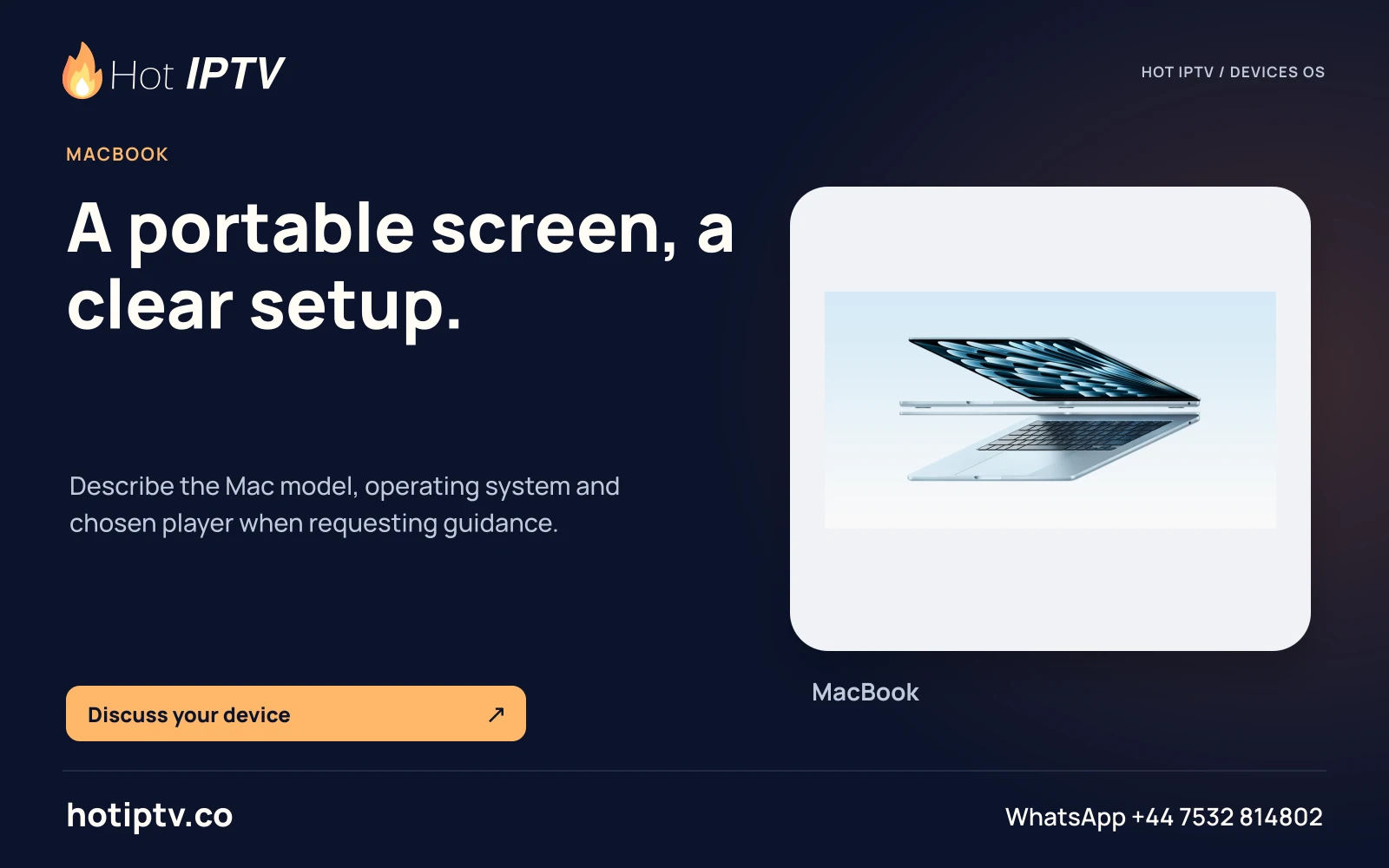
Hot IPTV: A portable screen, a clear setup. — MacBook
A portable screen, a clear setup.Describe the Mac model, operating system and chosen player when requesting guidance.
HOT-0368 · master
Open full artwork
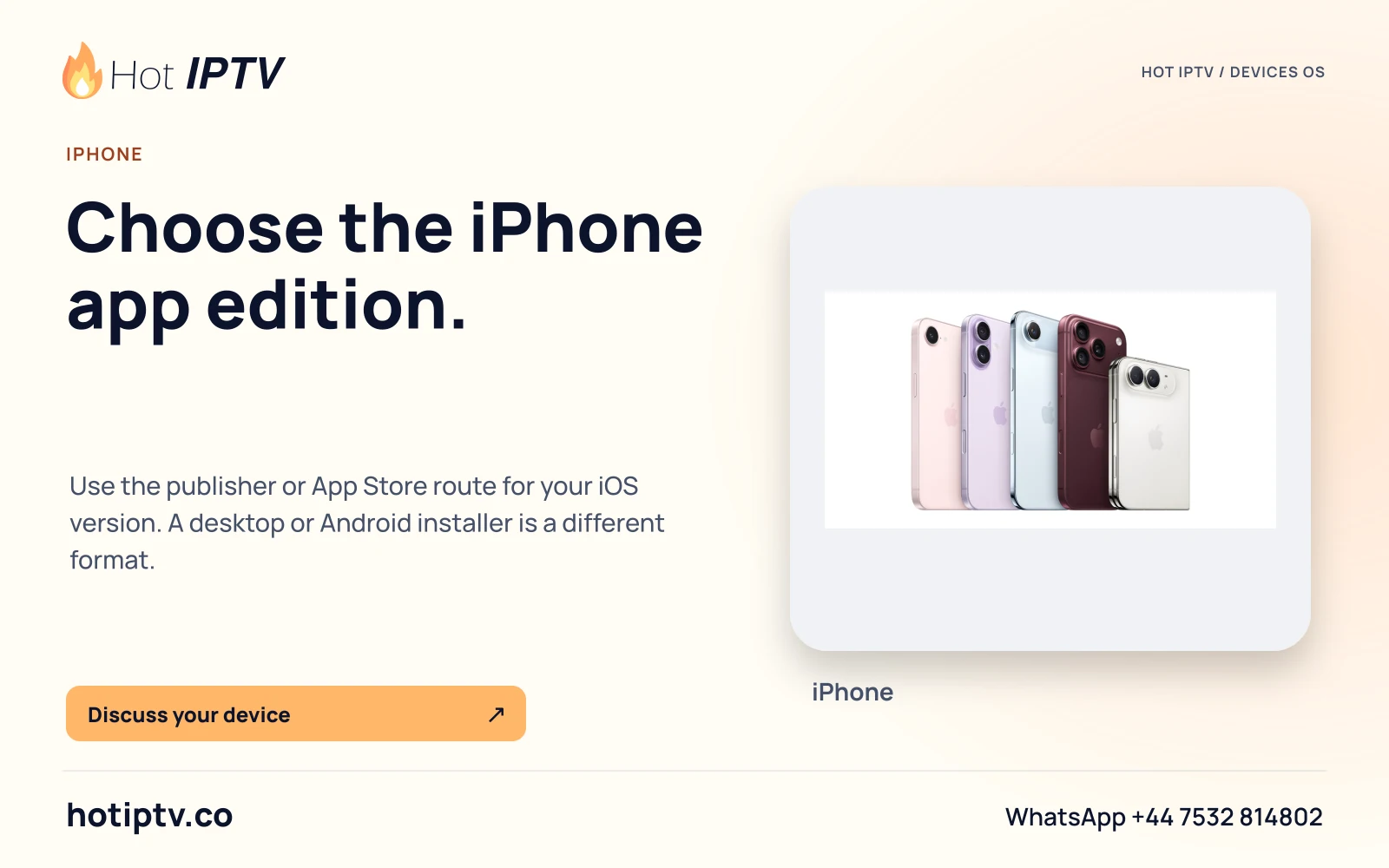
Hot IPTV: Choose the iPhone app edition. — iPhone
Choose the iPhone app edition.Use the publisher or App Store route for your iOS version. A desktop or Android installer is a different format.
HOT-0369 · master
Open full artwork
Hot IPTV: Give the tablet its own setup. — iPad
Give the tablet its own setup.Match the app to iPadOS and your viewing orientation. Test audio and subtitles on the screen you plan to use.
HOT-0370 · master
Open full artwork
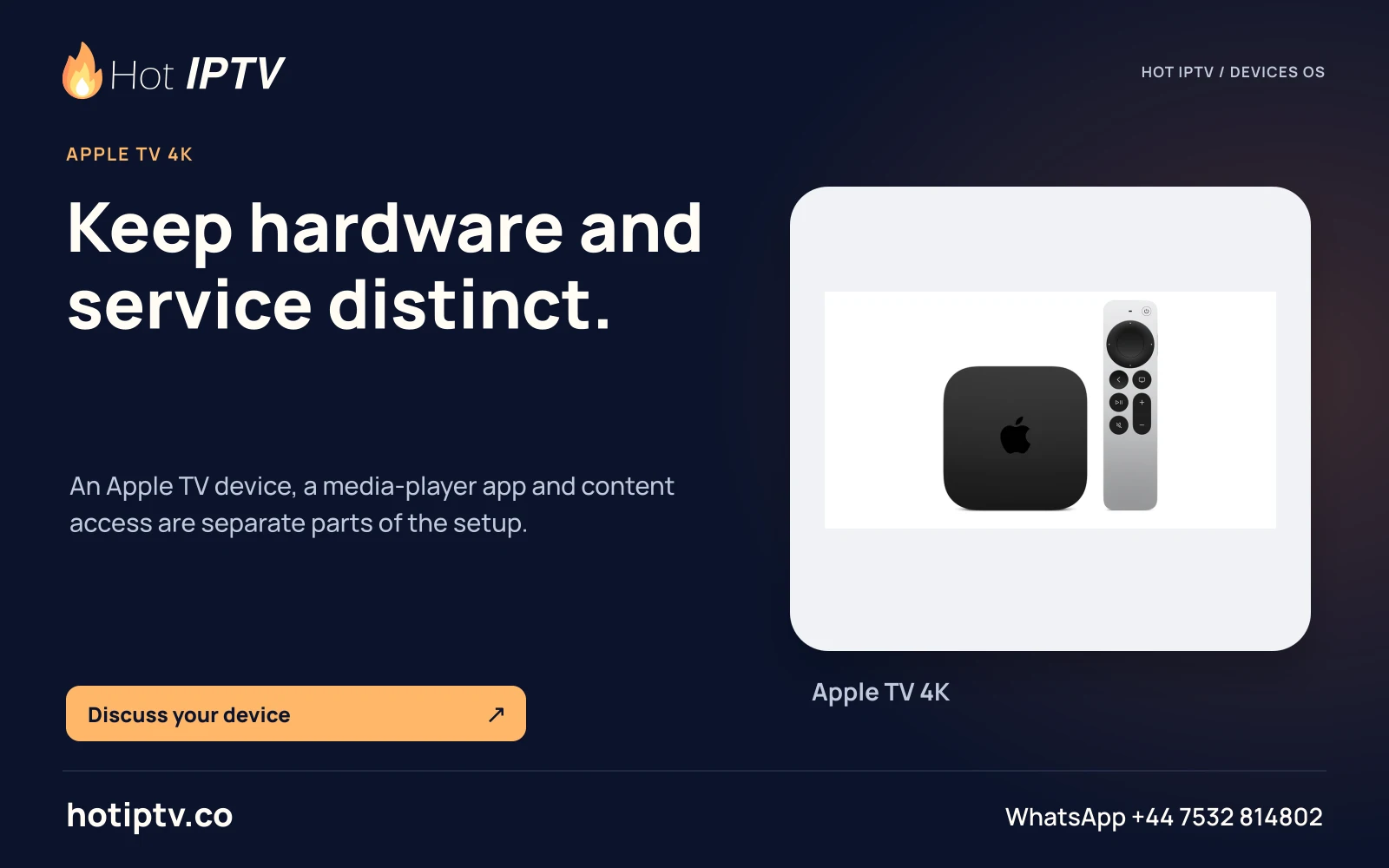
Hot IPTV: Keep hardware and service distinct. — Apple TV 4K
Keep hardware and service distinct.An Apple TV device, a media-player app and content access are separate parts of the setup.
HOT-0371 · master
Open full artwork
Hot IPTV: Install for the television OS. — tvOS
Install for the television OS.Check the current tvOS player listing. An iPhone app does not automatically provide an Apple TV edition.
HOT-0372 · master
Open full artwork
Hot IPTV: Use the television store. — Samsung Tizen
Use the television store.Check your model year, store region and native player listing. An Android APK is not a Tizen installer.
HOT-0373 · master
Open full artwork
Hot IPTV: A webOS-specific route. — LG webOS
A webOS-specific route.Identify the LG model and app-store region. Choose a player edition made for webOS.
HOT-0374 · master
Open full artwork
Hot IPTV: Know the OS on your television. — Hisense VIDAA
Know the OS on your television.A Hisense brand name can cover different platforms. Check the actual model and VIDAA store before choosing an app.
HOT-0375 · master
Open full artwork
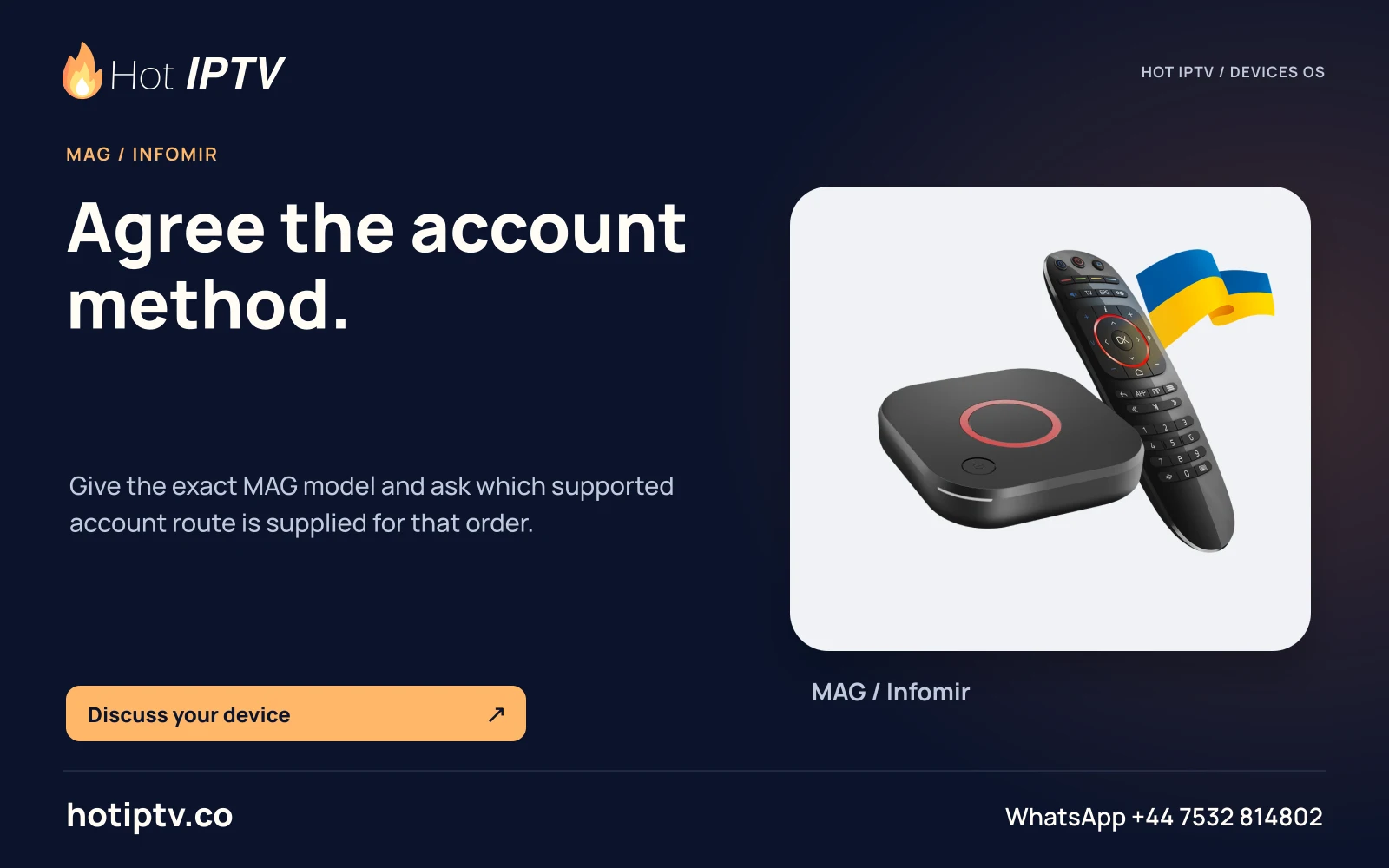
Hot IPTV: Agree the account method. — MAG / Infomir
Agree the account method.Give the exact MAG model and ask which supported account route is supplied for that order.
HOT-0376 · master
Open full artwork
Hot IPTV: Match the box and player. — Formuler
Match the box and player.Name the exact model and installed software. Ask about the account method before entering subscription details.
HOT-0377 · master
Open full artwork
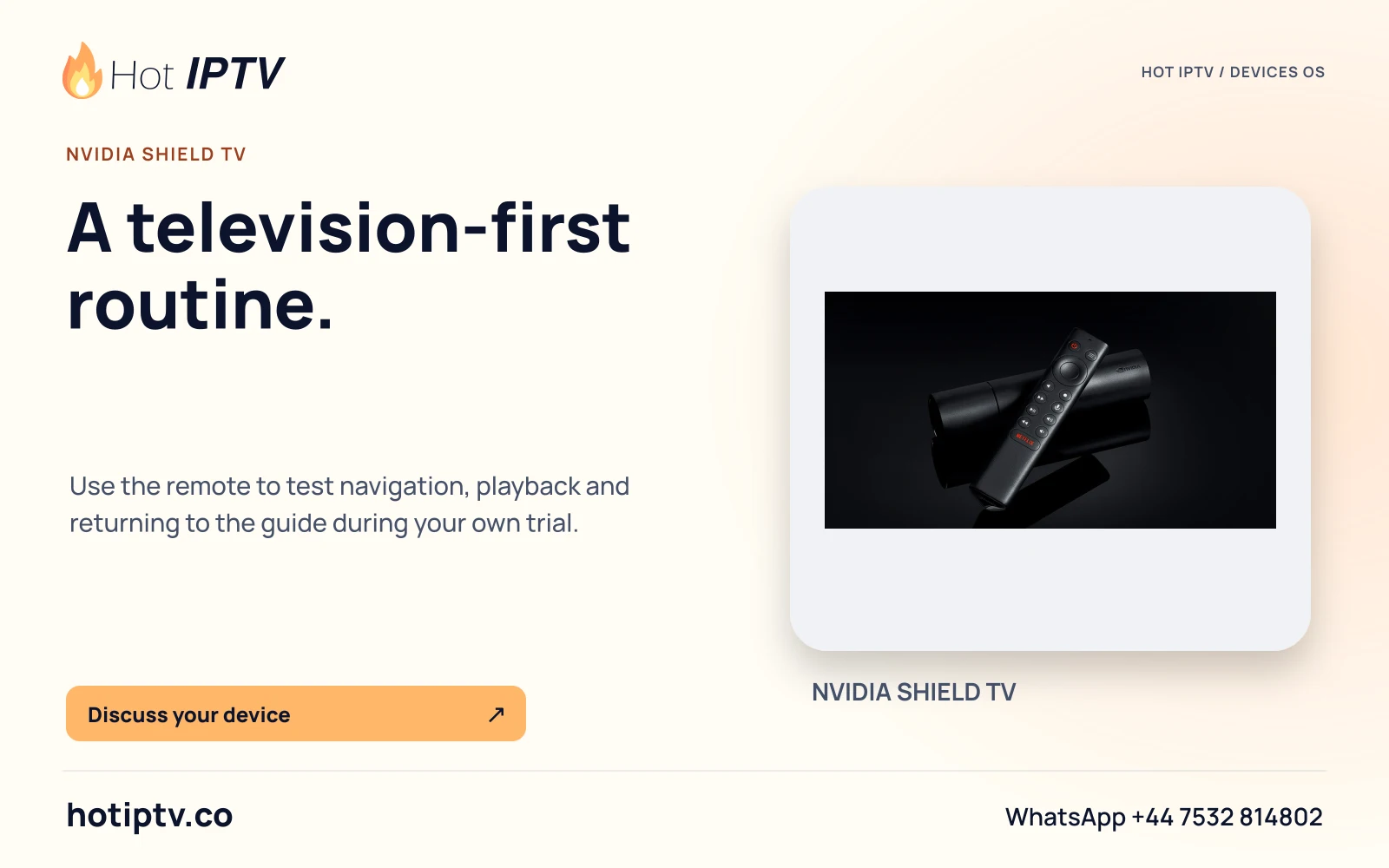
Hot IPTV: A television-first routine. — NVIDIA SHIELD TV
A television-first routine.Use the remote to test navigation, playback and returning to the guide during your own trial.
HOT-0378 · master
Open full artwork
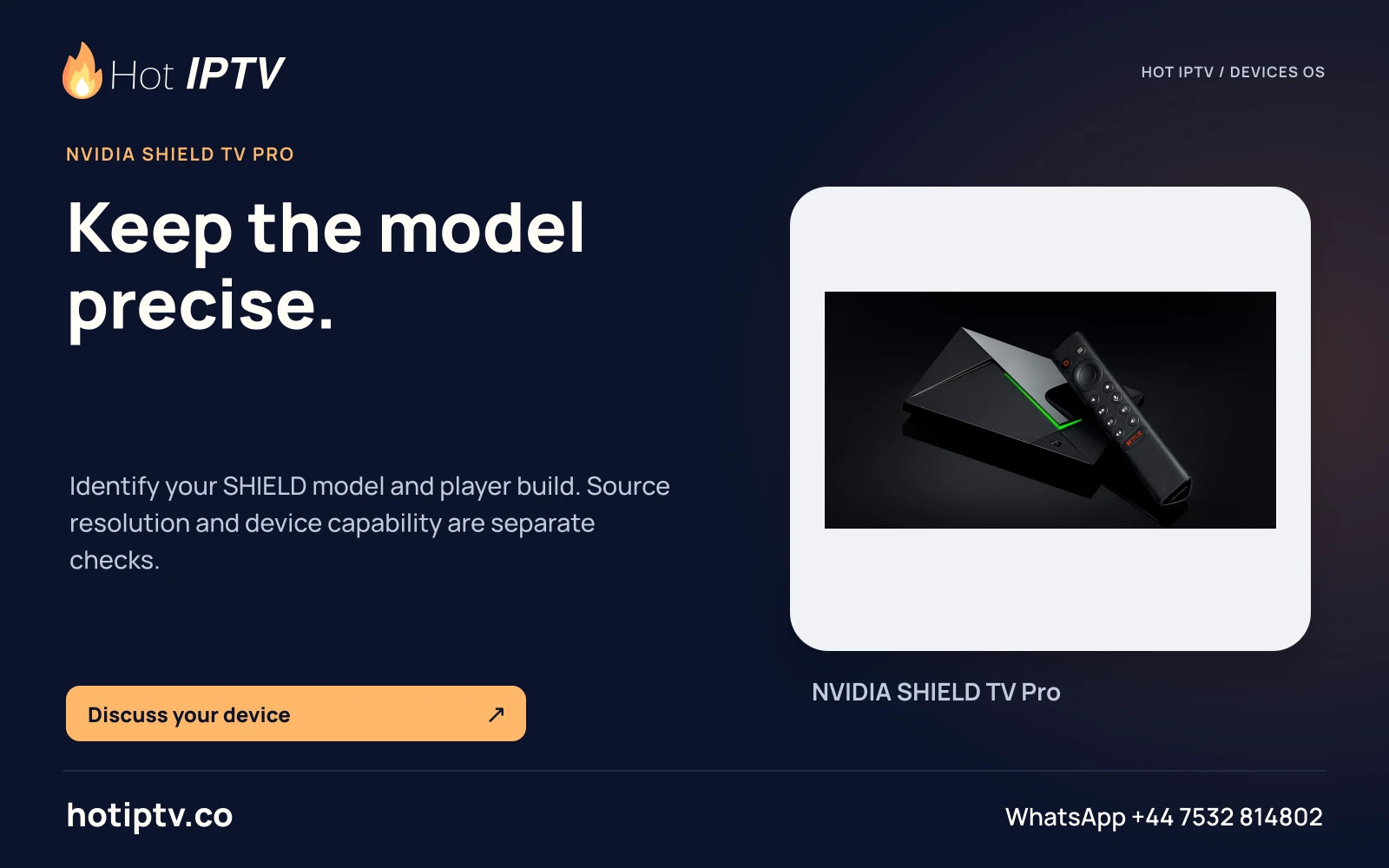
Hot IPTV: Keep the model precise. — NVIDIA SHIELD TV Pro
Keep the model precise.Identify your SHIELD model and player build. Source resolution and device capability are separate checks.
HOT-0379 · master
Open full artwork
Start with a useful conversation

Your screen.
Your next great evening.

Tell us the device, player and viewing questions that matter. Install a suitable player, then ask for the 24-hour trial.

↑