HOT IPTV · PLANS IN USDYour screen. Your player. Your next evening.Install your player. Request a 24-hour trial ↗
Artwork

Devices & OS artwork · Page 2

Browse devices & os cards and full-resolution WebP artwork.
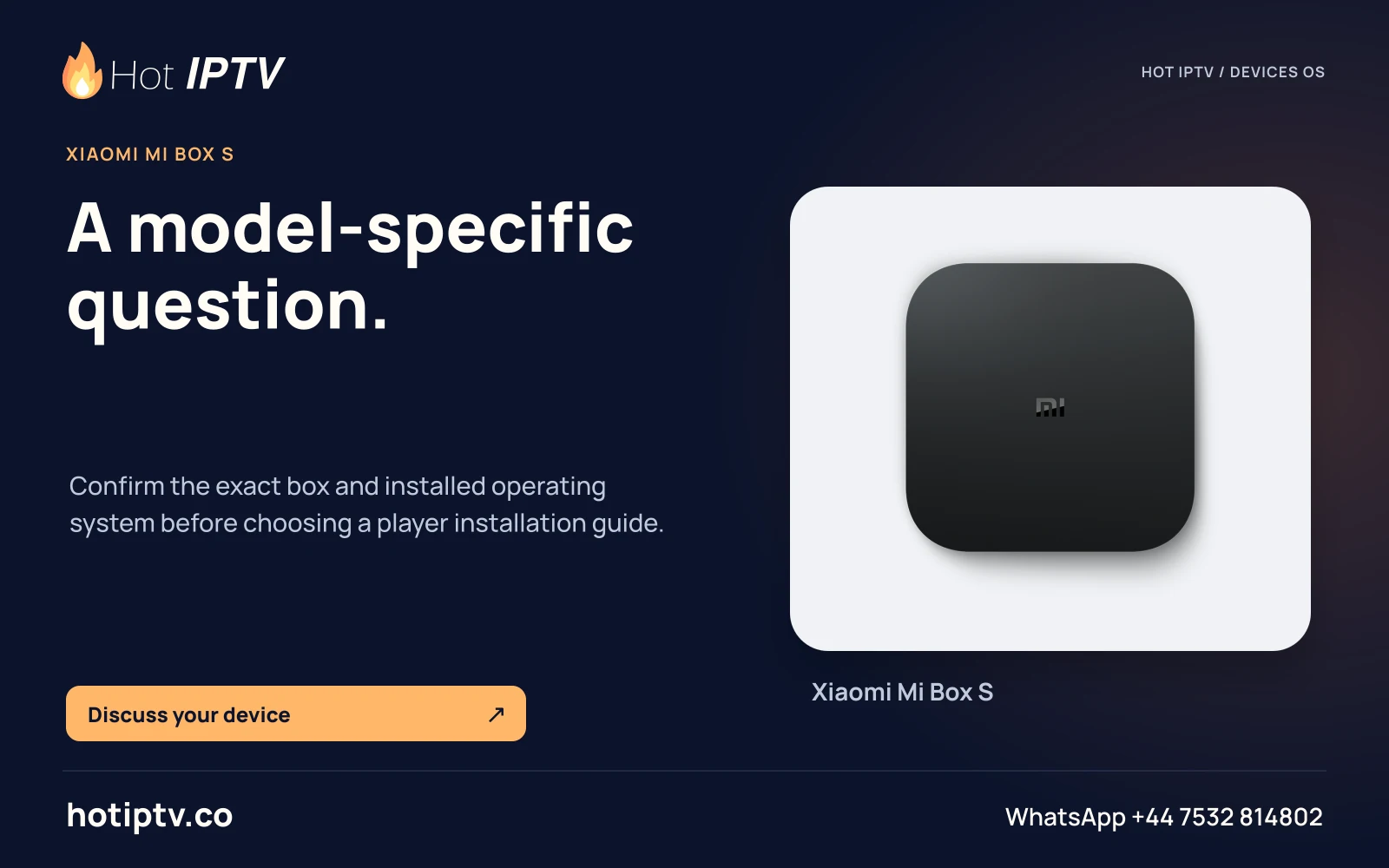
Hot IPTV: A model-specific question. — Xiaomi Mi Box S
A model-specific question.Confirm the exact box and installed operating system before choosing a player installation guide.
HOT-0380 · master
Open full artwork
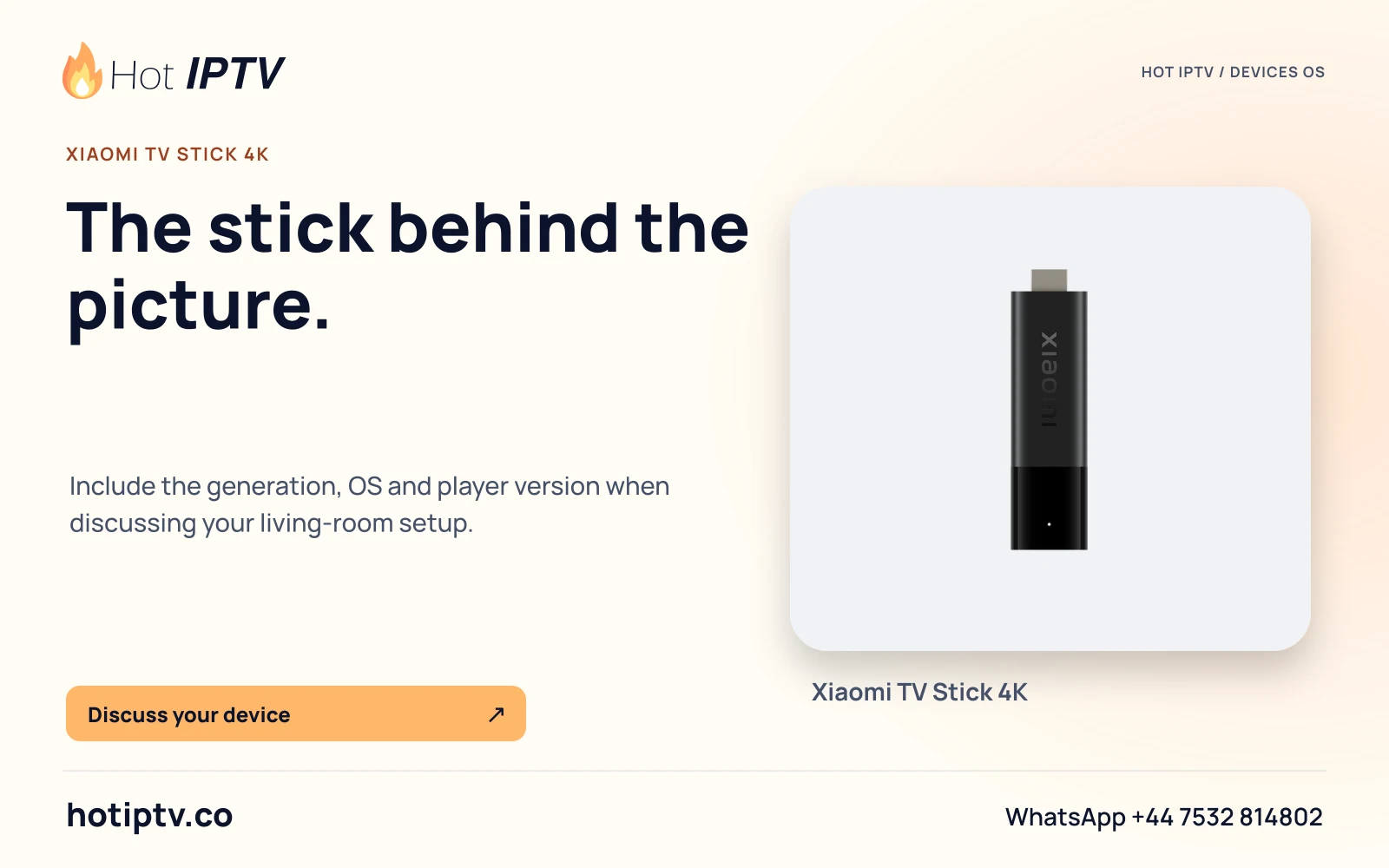
Hot IPTV: The stick behind the picture. — Xiaomi TV Stick 4K
The stick behind the picture.Include the generation, OS and player version when discussing your living-room setup.
HOT-0381 · master
Open full artwork
Hot IPTV: Casting has two ends. — Google Cast
Casting has two ends.Sender app, receiving device and network all affect the route. Ask whether the chosen app supports your actual setup.
HOT-0382 · master
Open full artwork
Hot IPTV: Check sender and audio receiver. — Apple AirPlay audio
Check sender and audio receiver.Identify the sending device and audio receiver. Audio streaming is a separate route from video mirroring or a native TV app.
HOT-0383 · master
Open full artwork
Hot IPTV: A stream is an account detail. — VLC media player
A stream is an account detail.Use the VideoLAN publisher route and the player edition for your OS. Keep private network addresses out of screenshots.
HOT-0384 · master
Open full artwork
Hot IPTV: Player software, clearly identified. — Kodi
Player software, clearly identified.Use the official publisher for the app. Add-on availability and account access require their own checks.
HOT-0385 · master
Open full artwork
Hot IPTV: Identify the installed generation. — MYTVOnline
Identify the installed generation.Record the Formuler device and MYTVOnline version. Controls and account routes depend on the actual setup.
HOT-0386 · master
Open full artwork
Hot IPTV: Middleware has its own role. — Ministra
Middleware has its own role.A platform or portal name is not the same as a customer viewing term. Confirm the account route with support.
HOT-0387 · master
Open full artwork
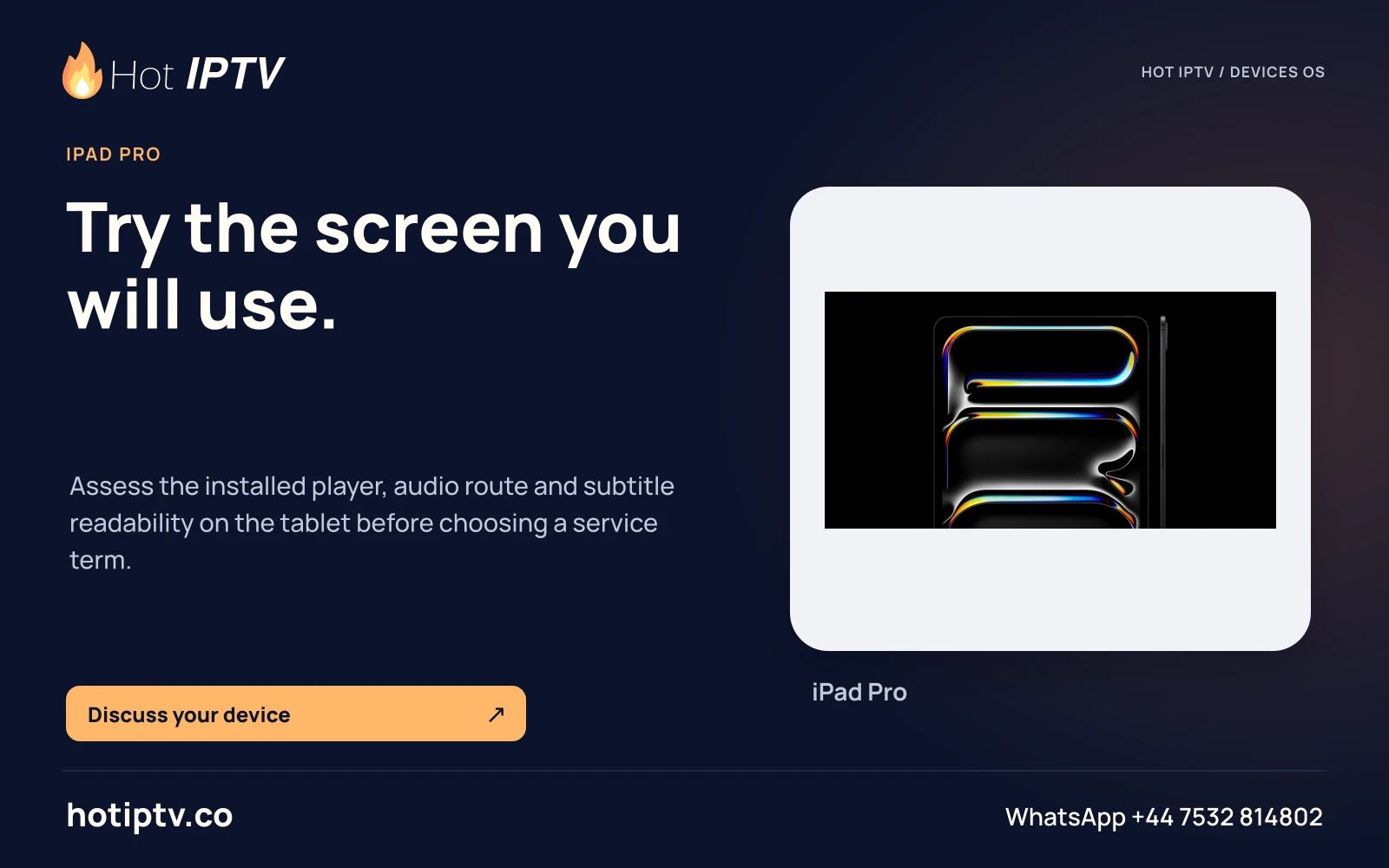
Hot IPTV: Try the screen you will use. — iPad Pro
Try the screen you will use.Assess the installed player, audio route and subtitle readability on the tablet before choosing a service term.
HOT-0388 · master
Open full artwork
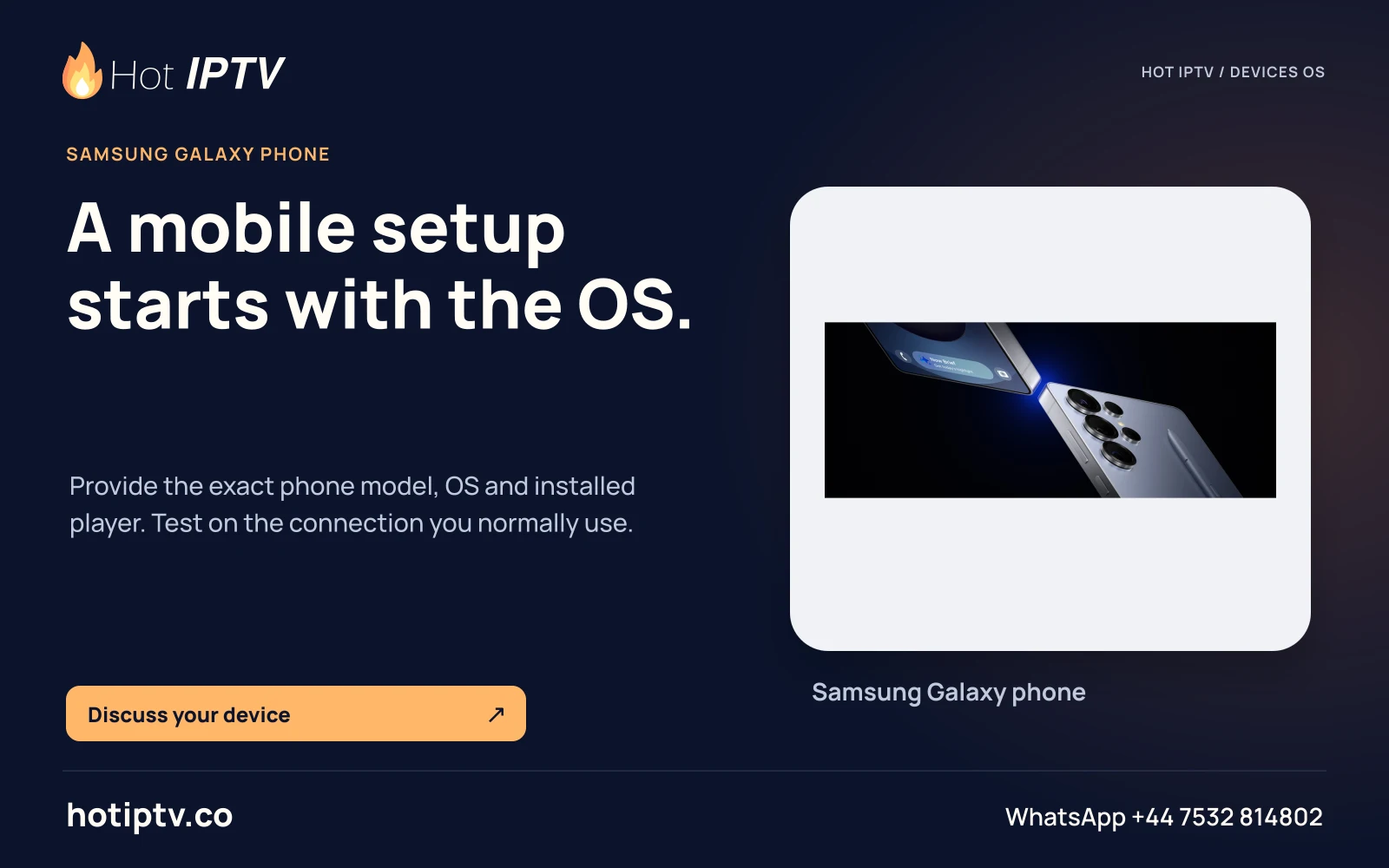
Hot IPTV: A mobile setup starts with the OS. — Samsung Galaxy phone
A mobile setup starts with the OS.Provide the exact phone model, OS and installed player. Test on the connection you normally use.
HOT-0389 · master
Open full artwork
Hot IPTV: A family name is not a model. — Fire TV families
A family name is not a model.Find the exact generation and OS. Older Fire TV instructions may not apply to a newer product.
HOT-0390 · master
Open full artwork
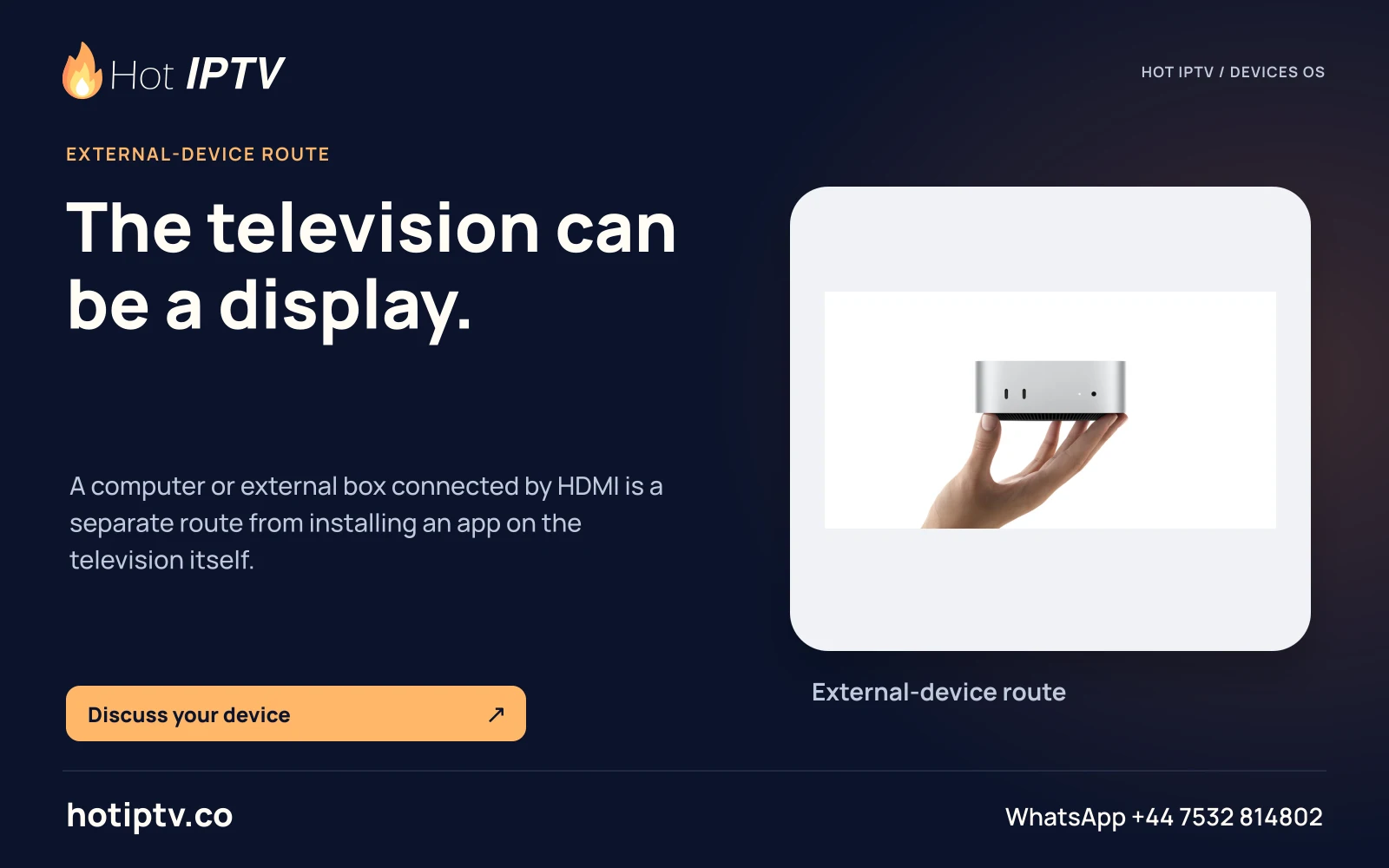
Hot IPTV: The television can be a display. — External-device route
The television can be a display.This composition uses Mac mini hardware artwork; it does not establish an unspecified external-device player route.
HOT-0391 · master
Open full artwork
Start with a useful conversation

Your screen.
Your next great evening.

Tell us the device, player and viewing questions that matter. Install a suitable player, then ask for the 24-hour trial.

↑