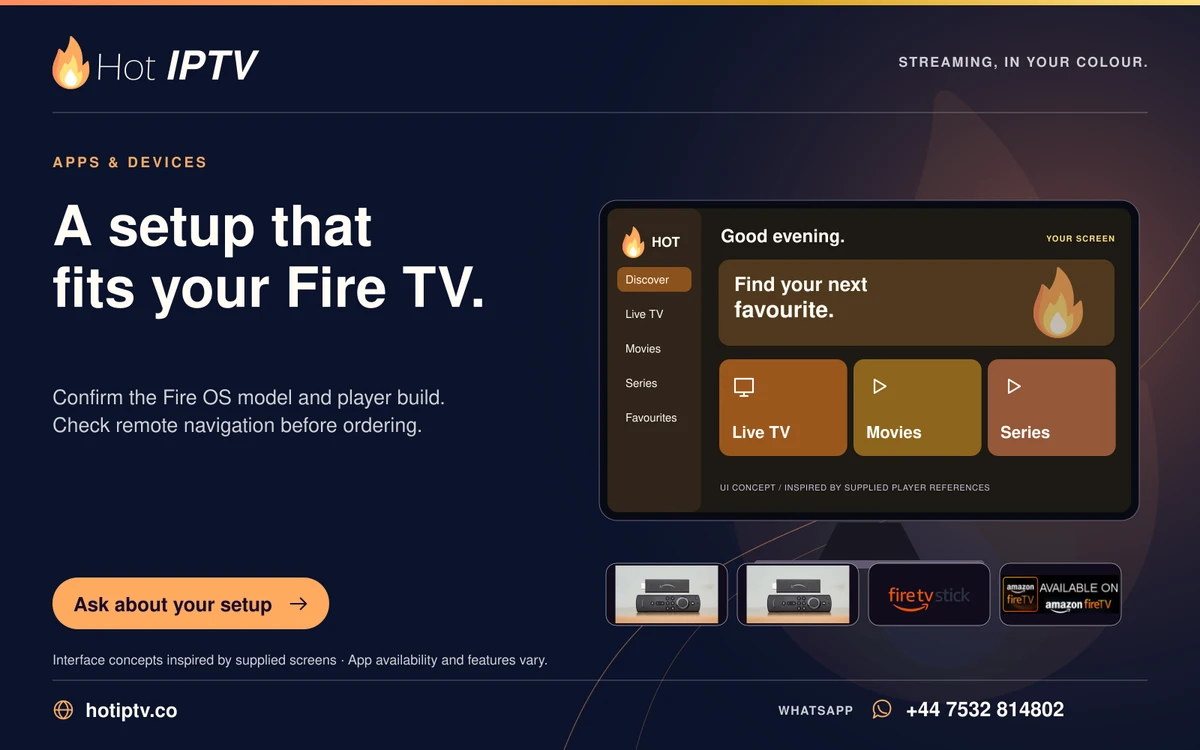
Player missing from the Fire TV Appstore
Search for the exact player and publisher on the Fire TV itself. If its listing is absent, confirm the device model and store region before buying a licence or.
Read more →
READ. SET UP. ENJOY.
Practical help with players, home networks, picture and sound, account care and reseller operations.
SIX GUIDES PER PAGE
Search for the exact player and publisher on the Fire TV itself. If its listing is absent, confirm the device model and store region before buying a licence or.
Read more →Start with a normal Fire TV restart, then reopen the same player. If only that app continues to close, clear its cache and check its update route before deleting.
Read more →
Use Clear Cache for a first app-storage test when the player still knows its account. Clear Data is a broader reset and may require the playlist or login to be.
Read more →
Compare the Fire TV's connection with a device in the same room and repeat a programme that buffers reliably. A stick behind a television may experience.
Read more →
Test the television speakers before changing the subscription. If they work while the soundbar remains silent, the failure lies further along the audio route..
Read more →Review both the player's image-fit setting and the television's picture size. A zoom mode can remove subtitles or menus even when the stream itself is complete..
Read more →LET’S GET YOU STARTED
Install a suitable player, then WhatsApp us for your 24-hour trial.